5
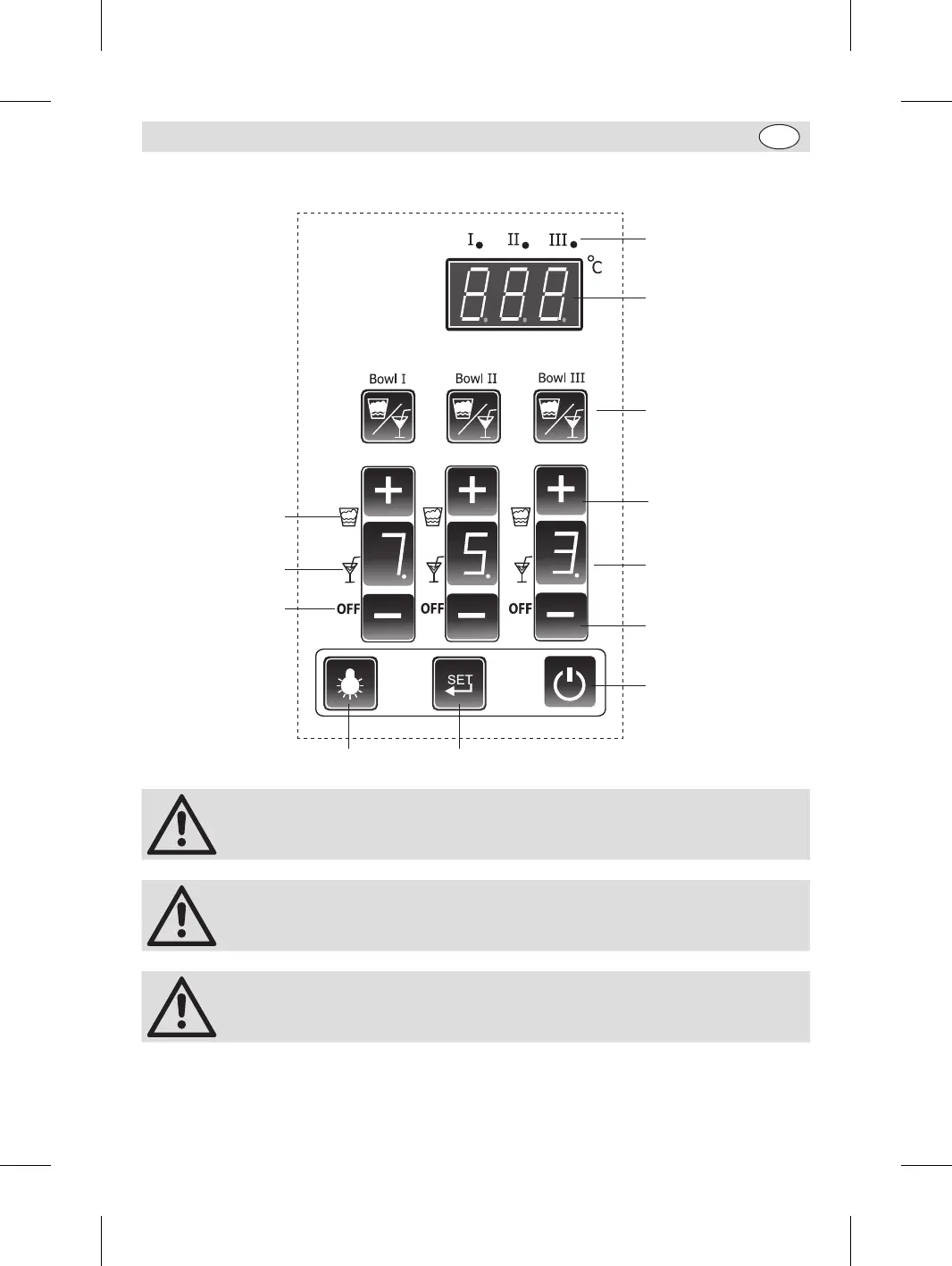
Control panel (Model featured: DB843)
Bowl indicator light
Bowl Temperature
display
Mode selection button
Increase button
Decrease button
Slush hardness/
Juice temperature
display
On/off switch
SET button
Light button
OFF mode icon
Juice mode icon
Slush mode icon
Note: The SET button is designed for adjusting parameters by professional
technicians only, which is password protected. Ordinary uses/operators should
not access it for any purpose.
Note: Before the first time use, ensure to let specialized technician check the
appliance functions properly.
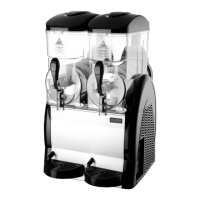
Appliances have varied quantity of bowls (Model DB332 has 2 and Model DB843
has 3), so Bowl I means the one on the left hand side of the unit when looking
from the front. Bowl II means the middle one...
DB331_DB332_DB843_UK_A5_v1_20200110.indb 5 2020/1/10 16:39


 To Next Page