EasyManua.ls Logo

Polar Refrigeration CP728 - User Manual

Polar Refrigeration CP728
8 pages
Print Icon
To Next Page IconTo Next Page
Loading...
1
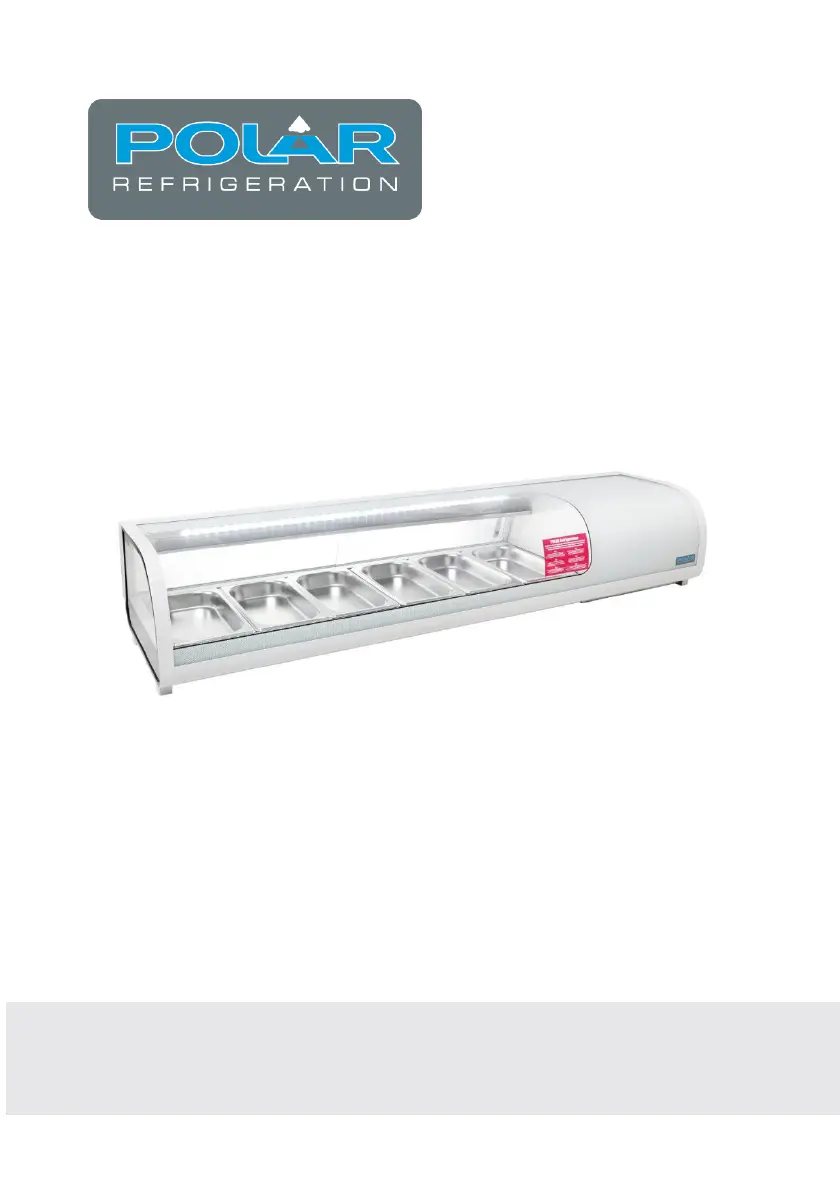
Tapas Showcase
Instruction manual
Model: CP728

Questions and Answers

  • E
    Earl BennettAug 5, 2025
    What to do if my Polar Refrigeration Display Case is not working?
    • P
      pwagnerAug 5, 2025
      If your Polar Refrigeration Display Case isn't working, first ensure it's properly plugged in and switched on. Check the power supply. Replace the fuse if it has blown. If the plug and lead are damaged or there's an internal wiring fault, it's best to call a POLAR agent or a qualified technician.
  • A
    Alvin MendozaAug 13, 2025
    Why is my Polar Refrigeration Display Case not cooling properly?
    • B
      Barry DixonAug 13, 2025
      If your Polar Refrigeration Display Case has poor refrigeration performance, try these steps: * Ventilate the room or area around the showcase to lower high ambient temperature. * Increase airflow around the showcase to improve poor ventilation. * Clean the condenser. * Remove some food if too much food is preventing cold air from circulating. * Replace the door seals if they are worn or not in place.
  • E
    Elizabeth ConnerAug 20, 2025
    What does error code EE4 mean on a Polar Refrigeration Display Case?
    • C
      Craig BrownAug 20, 2025
      If your Polar Refrigeration Display Case is showing error code EE4, the issue could be restricted airflow or a blocked condenser. Try to increase airflow. If the problem persists, it is recommended to call a POLAR agent or qualified technician, because the condenser may be blocked.
  • J
    Jason HillAug 27, 2025
    How to fix a noisy Polar Refrigeration Display Case?
    • L
      Laura MontgomeryAug 27, 2025
      If your Polar Refrigeration Display Case is noisy when turned on, adjust its position to ensure it is level. Also, make sure the showcase is not too close to a wall or other object; if it is, move it.

Summary

Safety Tips

Product Description

Pack Contents

Lists items included in the product package.

Installation

Instructions for placing the unit on a stable surface and ventilation.

Operation

Guidelines for daily use and initial startup.

Control Panel

Turn On

Steps to power on the appliance.

Set the Operating Temperature

How to adjust and set the desired temperature.

Light Control

Instructions for operating the internal lighting.

Cleaning, Care & Maintenance

Trouble Shooting

Technical Specifications

Electrical Wiring

Disposal

Compliance

Declaration of Conformity

Polar Refrigeration CP728 Specifications

General IconGeneral
BrandPolar Refrigeration
ModelCP728
CategoryDisplay Case
LanguageEnglish