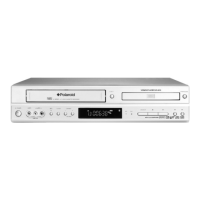
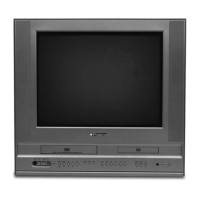
DVC-2000
5
9 10 11
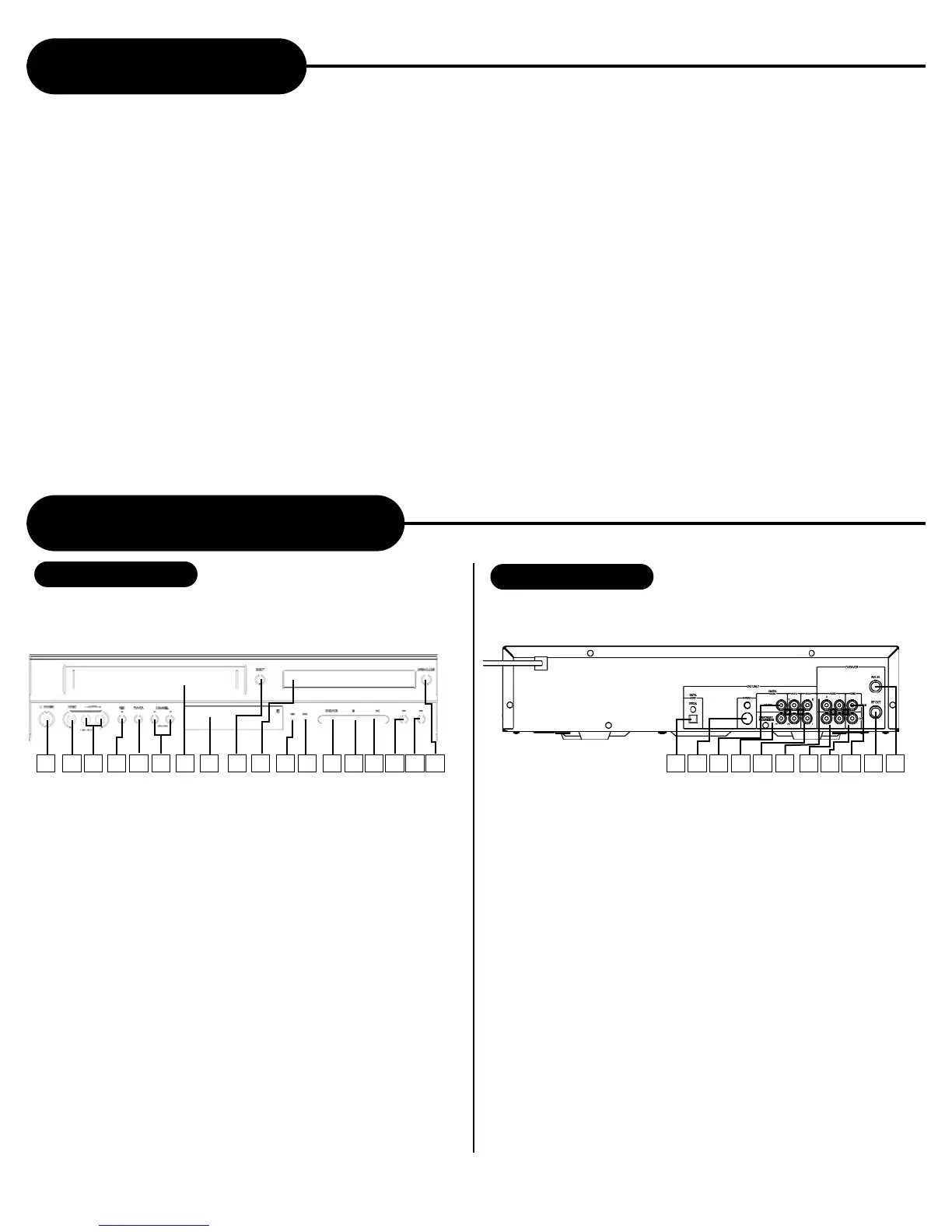
Identification of Controls
FRONT PANEL
1 POWER
2 VIDEO INPUT JACK
3 AUDIO INPUT JACK
4 RECORD
5 TV/VCR
6 CHANNEL UP/DOWN BUTTON
7 VCR DECK
8 OPERATION DISPLAY WINDOW
9 EJECT
10 DVD TRAY
11 VCR INDICATOR
12 DVD INDICATOR
13 DVD/VCR
14 STOP
15 PLAY/PAUSE
16 SKIP REVERSE
17 SKIP FOIRWARD
18 OPEN/CLOSE
Table of Contents
Safety Precautions....................................................1
Important Safety Instructions.....................................2
Introduction...............................................................4
Notes On Discs..........................................................4
Identification of Controls............................................5
Remote Control.........................................................6
Connecting with TV....................................................8
Connecting Optional Equipment................................8
Connecting TV With S-VIDEO /Component Jack,
AMP With Digital Audio Out Jack...............................9
Progressive Scan......................................................9
VCR Playback.........................................................10
Recording................................................................10
Search Function......................................................11
VCR Setting.............................................................12
AFF Function...........................................................14
Playing Back a Disc.................................................14
Locating a Specific Title,
Chapter or Track......................................................16
Using the On-screen Display...................................17
Playing Repeatedly..................................................18
Playing in Random Order........................................18
Zooming a Picture On DVD....................................18
Selecting The Camera Angle/
Language/Audio Settings........................................19
Selecting Subtitles ..................................................19
Playing in a Favorite order.......................................20
MP3 Operation........................................................20
WMA Operation.......................................................21
Playing Back Your Kodak Picture CD......................21
Playing Your JPEG Files..........................................22
Memo On Output Sounds........................................22
Setting the Parental Lock........................................23
Customizing the Function Settings..........................24
Troubleshooting Guide............................................25
Specifications..........................................................26
REAR PANEL
1 DIGITAL AUDIO-OPTICAL OUTPUT
2 S-VIDEO OUTPUT
3 DIGITAL AUDIO-COAXIAL OUTPUT
4 COMPONENT/PROGRESSIVE VIDEO
OUTPUT Y Pb Pr
5 ANALOG AUDIO OUTPUT L R
6 ANALOG AUDIO INPUT L R
7 ANALOG AUDIO OUTPUT L R
8 COMPOSITE VIDEO OUTPUT
9 COMPOSITE VIDEO INPUT
10 RF OUTPUT
11 ANTENNA INPUT
1 2 3 4 5 6 7 8 9 11 12 13
14
15
16
17
18 1 2 3 4 5 6 7 8
10


 To Next Page