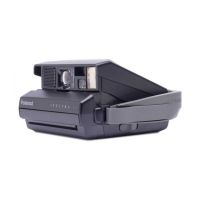
Polaroid One 600 | Ultra Instructions
Page of46
Other
Features
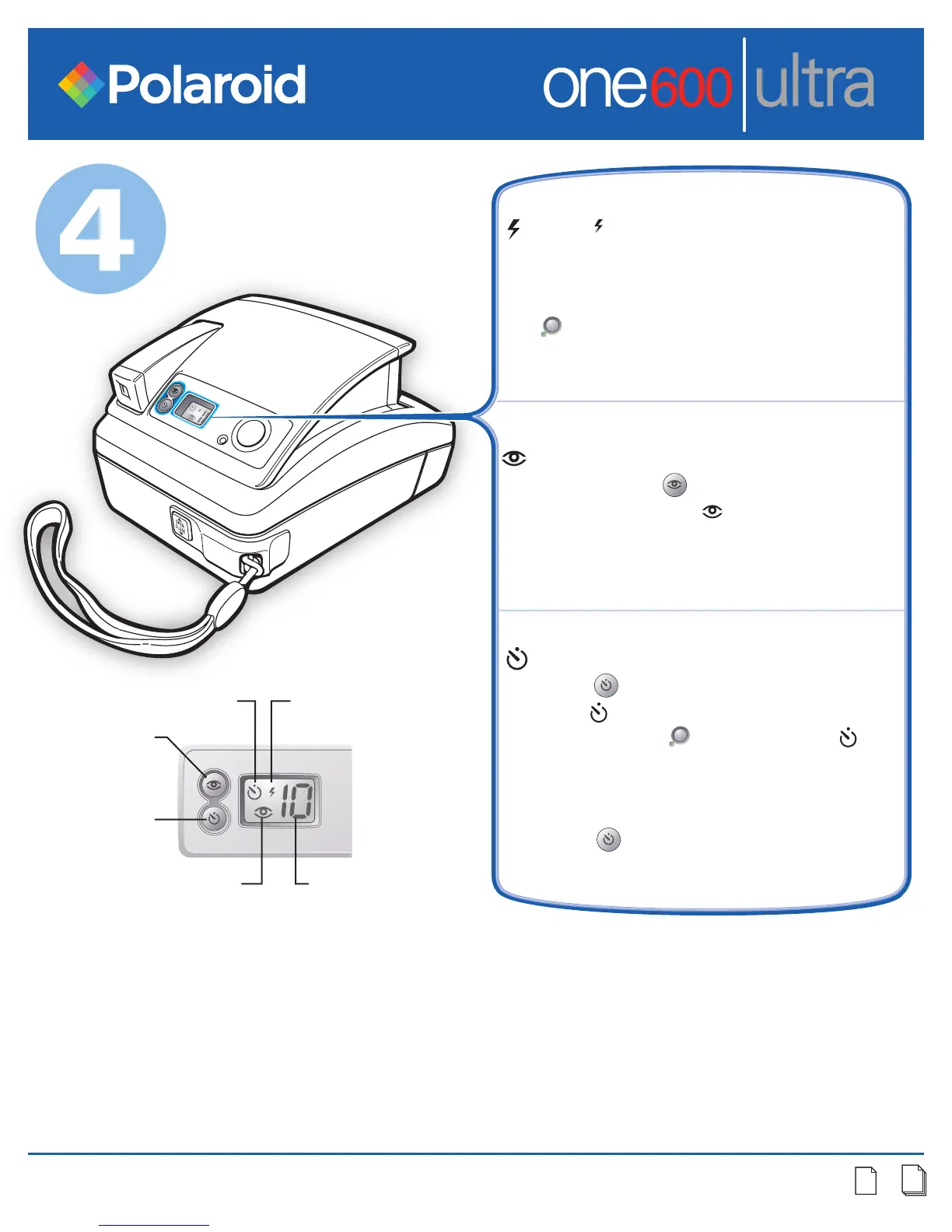
Flash ( ) always fires for best pictures.
Steady green light indicates flash is
ready. If green light goes off and camera
shuts off, lightly touch shutter button
( ) or close and reopen camera to turn
flash on.
Minimize the “red-eye” effect in your
photos. Press ( ) button briefly until
red-eye reduction ( ) icon appears.
Hold camera steady, flash is delayed for
one second. Use indoors in very low light.
Self-timer. Place camera on flat surface.
Press ( ) button briefly to select self-
timer ( ). With self-timer selected, press
shutter button ( ). The self-timer ( )
and red light (next to the lens) will blink.
The camera waits for 12 seconds and
then takes picture. To cancel self-timer,
press ( ) button again.
Red-eye
Reduction
button
Red-eye
Reduction icon
Self-timer
button
Self-timer icon
Flash icon
Film counter
(counts down)



 To Next Page
 Loading...