ENGLISH
9
Chapter 1 Introducing the LCD TV
Do not use caustic cleaners (porcelain, stainless steel, toilet, or oven cleaner
etc.) on the remote, as it may su er damage.
Use a supplied antenna cable to connect the VHF/UHF signal to the LCD TV’s ANT. terminal
(refer to page 15-18).
Connect the AC power cord at the back of the TV and connect the power cord to wall outlet.
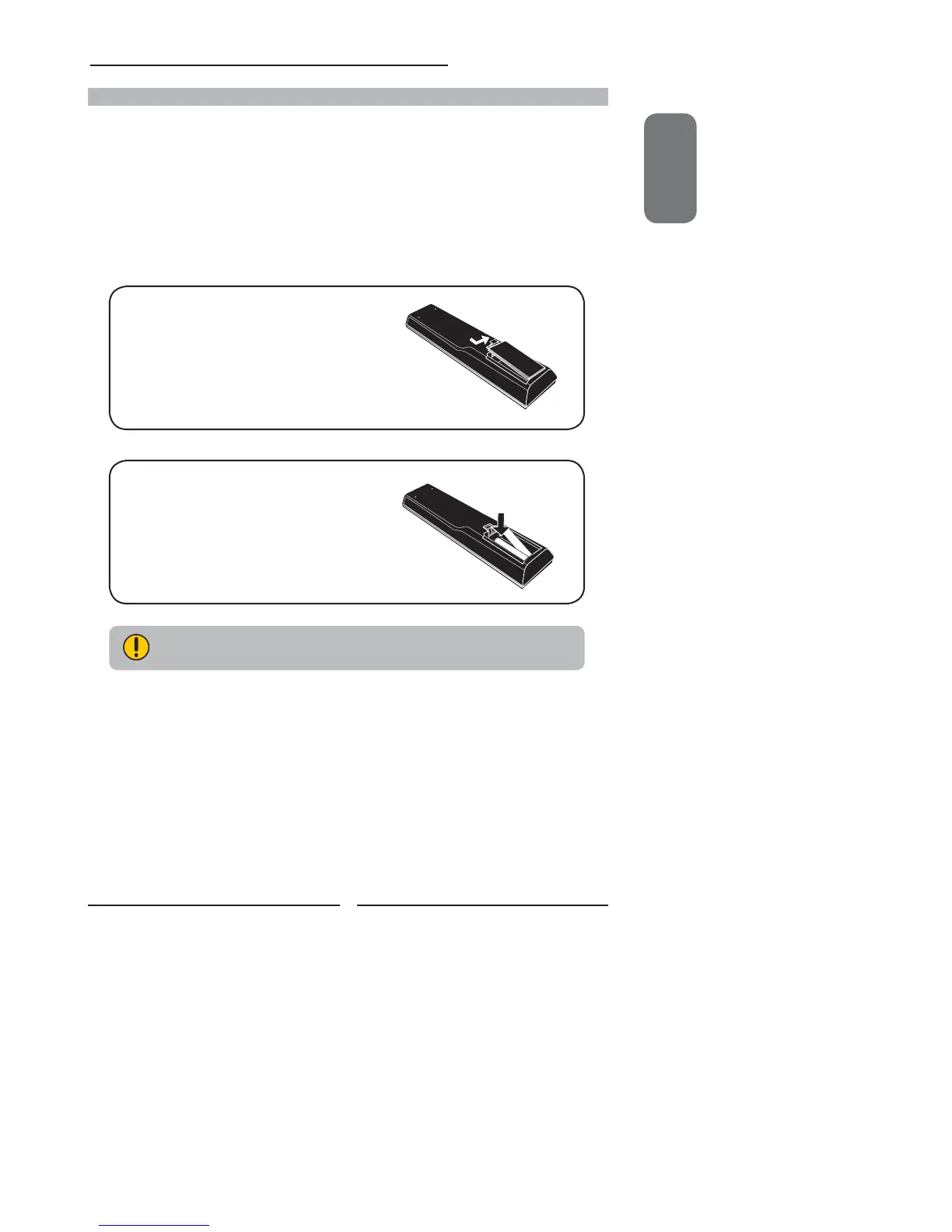
Insert the 2 batteries supplied in remote control.
Connect other an external AV device (refer to page 19-25).
Step1 Slide the back cover up to open the
battery compartment of the remote
control.
Step2 Insert two AAA size batteries.
Make sure to match the (+) and
( - ) ends of the batteries with
the (+) and ( - ) ends indicated
in the battery compartment.
Slide the cover back into place.
How to setup the TV



 To Next Page
 Loading...