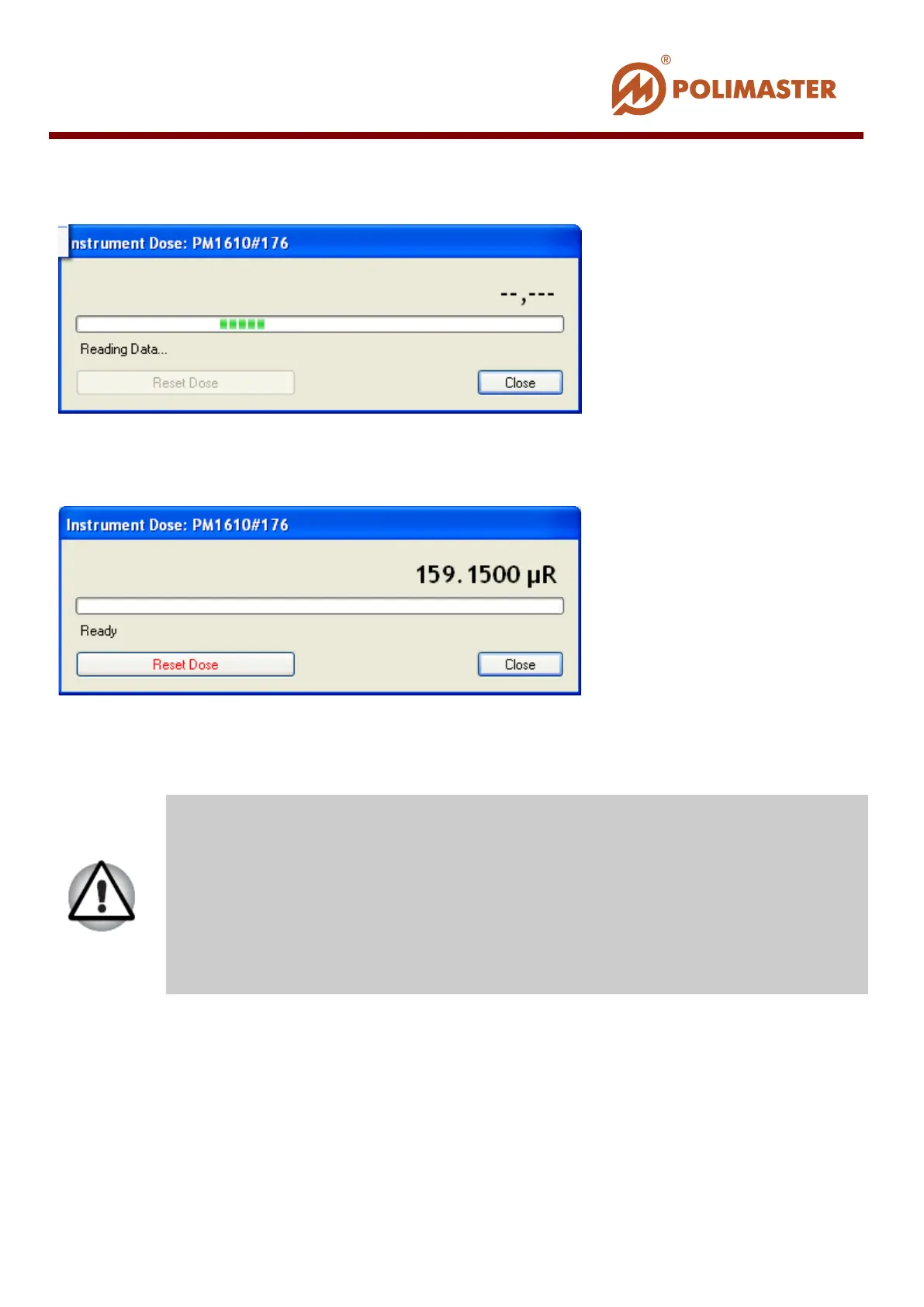
Software will take some time to read DE value from instrument non-volatile memory. The
process will be indicated by a progress bar.
Successful reading displays the following window with instrument serial number and
instrument DE.
Press Reset Dose button in the opened window to reset current accumulated DE in the
instrument.
Dose resetting
is allowed for MAIN ADMINISTRATOR only. This
function is password protected
. By default MAIN ADMINISTRATOR
login and password are:
Login – «admin»,
Password– «admin».
Login and password are case-sensitive.
____________________________________________________________________________________
© 2016 Software Guide www.polimaster.com
122



 To Next Page