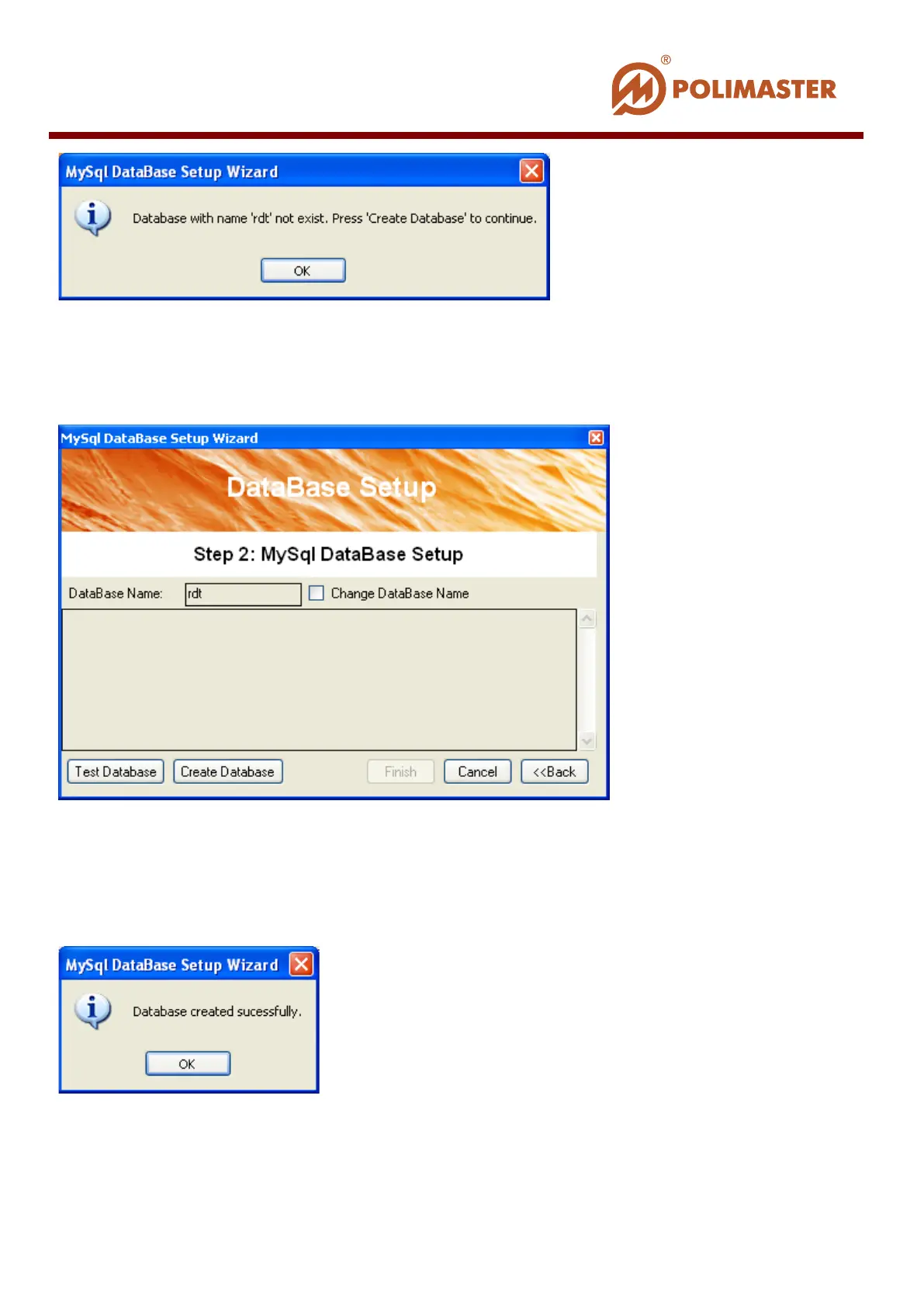
Press ОК to create this database.
Step 2 MySQL Database Setup
DataBase Name window is populated with default database name. If you want to change it,
flag Change DataBase Name check-box and type new name.
Press Create Database button.
Upon successful creation the corresponding window is displayed.
Press ОК to confirm.
As a result the following window is displayed.
____________________________________________________________________________________
© 2016 Software Guide www.polimaster.com
46



 To Next Page