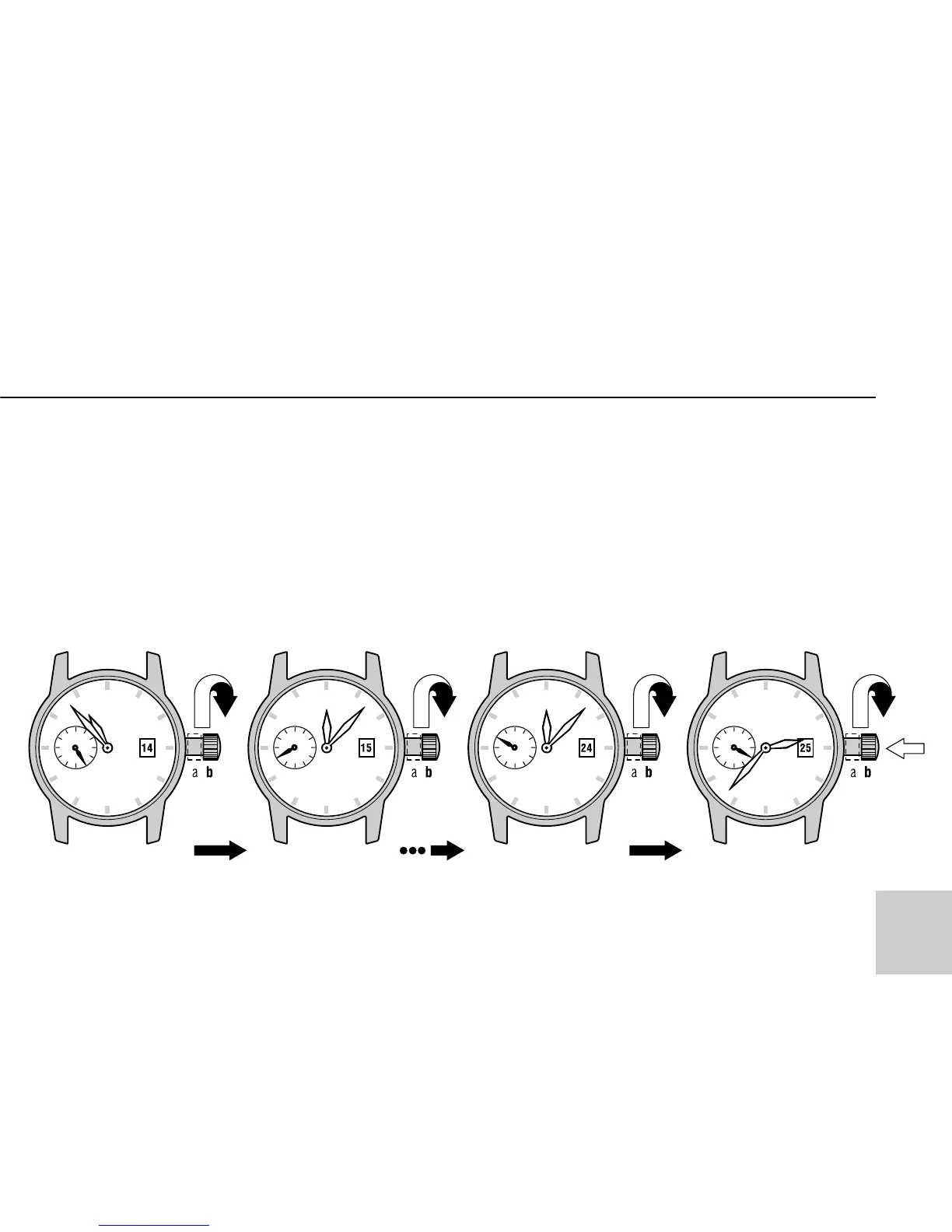
2. Turn hands clockwise and counter-
clockwise alternatively in the range
12h–11h-12h by the crown until the
previous day’s date appears.
3. Turning the crown clockwise, turn
hands until the desired date appears.
Continuing turning the crown set the
hands to the desired time.
TIME/CALENDAR SETTING
11



 To Next Page