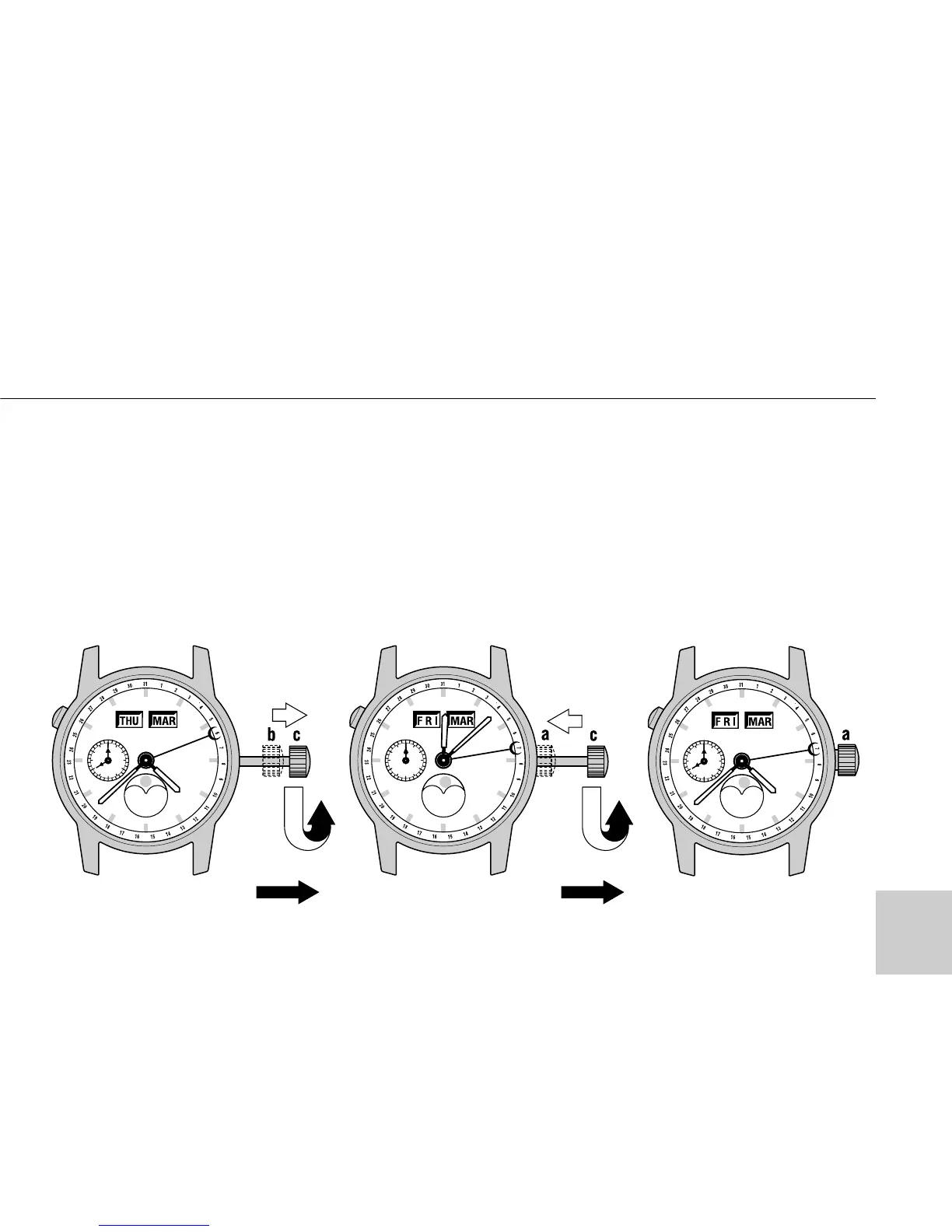
Note: Check the newspapers or other
source for the previous day phase of
the moon.
3. Turn the crown in Pos. “b” coun-
terclockwise until the current month
appears in window and the calendar
hand aligns the previous day’s date.
TIME/CALENDAR SETTING
15



 To Next Page