5
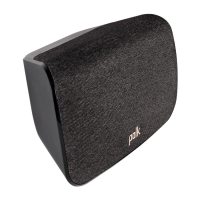
Connect your surround speakers
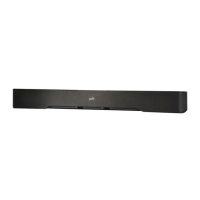
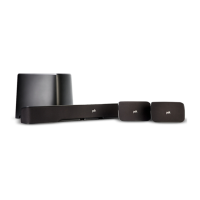
Enter pairing mode on the sound bar.
1. Press and hold the CONNECT button on the back of the sound bar for about 4 seconds.
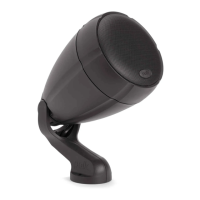
Connect the surround speakers
2. Press and hold the CONNECT button on the back of the surround speaker for about 4 seconds.
3. Release the button when the light on the back of the surround speaker is solid green.
4. Repeat steps 2 and 3 for the other surround speaker.
5. Press and release the CONNECT button on the back of the sound bar to complete pairing.
SURR
CONNECT
SUB
CONNECT
EN




 To Next Page
