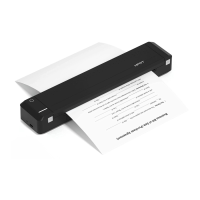
Reset
-13-
-15-
(From Computer)
1. Connect the printer to the computer:
Connect the printer to the computer via
driver on the computer.
-10-
NOTE:
The MT800 should only be charged through a
computer USB port using the provided USB
cable.
2) Choose the setup language “English” and
click “OK”.
2. Install Driver:
1) Double click the driver program.
-12-
4) Click “Finish”.
3. Loading paper: Put the paper into the paper
and the printer is ready.
Paper Inlet
printer cover is closed, or it may damage the
printer cover upward.
2. Remove the paper.
Removing Paper
NOTE:
General Q&A
responding to touch?
Remove t
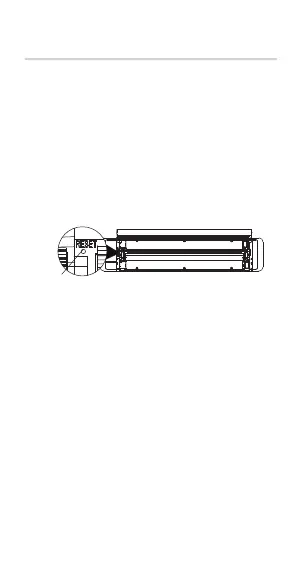
Use a toothpick or pin to push down the [Reset]
the printer.
-11-
Note:
to the computer, the driver will be installed
3) Choose the matched type and port, and
click “Next”.
-14-
-16- -17- -18-
2. Does the printer require thermal paper?
serves the same purpose.
3. Does the printer require an ink cartridge?
No, but it requires ribbon.
4. Are there any supplies for the printer?
A ribbon is included, but paper is not.
5. How to purchase the ribbon?
person to purchase.
6. How many copies can one ribbon print?
reduce this page count. Note: Double-sided


 To Next Page
 Loading...