7
SETTING UP THE MICROPHONE
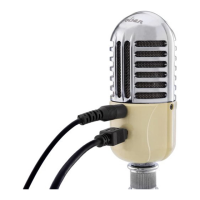
1. Screw the mic stand into the RC-77-U microphone, unfold the legs, and place the
microphone on your desktop.
2. Loosen the locking collar to set the microphone to the desired height and securely tighten
it so it remains in place.
3. Use the included USB cable to connect the microphone’s Mini-B USB port to a powered
USB port on your computer.
Note: When the microphone is receiving power, the LED on the front of the microphone will
glow a constant blue.


 To Next Page