Reminders
Stay Active Nudges
Alerts can be set using the Smart Buddy Mobile App.
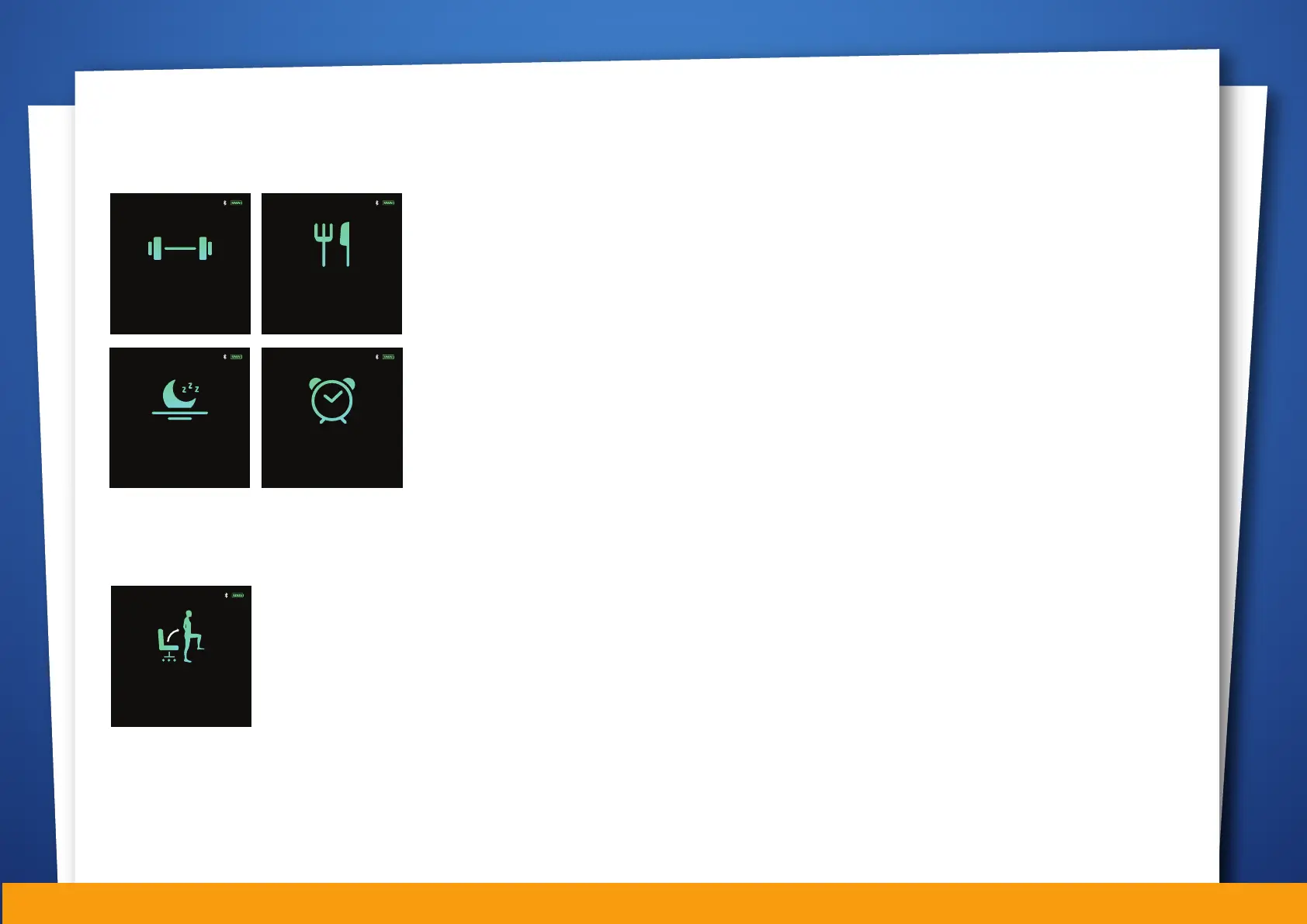
The alert categories include
• Exercise
• Eat
• Sleep
• General Alarm
The screens shown will appear on the watch for 30
seconds when a set alarm triggers. Press the function
button to acknowledge, or if your child fails to dismiss
the alert, a reminder will be sent to him/ her again.
Stand reminder can be configured on the Smart Buddy Mobile App.
When the watch detects that your child has been sitting for the period of
time that you set, it will remind him/ her to move around. This nudges
your child to stay active.
Mobile App Accessible Functions
08:52PM
Reminder
SINGLE PRESS TO EXIT
It’s time to exercise!
08:52PM
Reminder
SINGLE PRESS TO EXIT
It’s time to sleep!
Reminder
SINGLE PRESS TO EXIT
Please remember to eat!
08:52PM
08:52PM
Reminder
SINGLE PRESS TO EXIT
Watch alarm
08:52PM
Reminder
Please stand up and exercise!
Mobile App Accessible Functions
08


 To Next Page