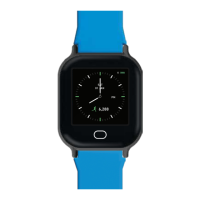
Screen (Tap) >> Tap & Hold >>
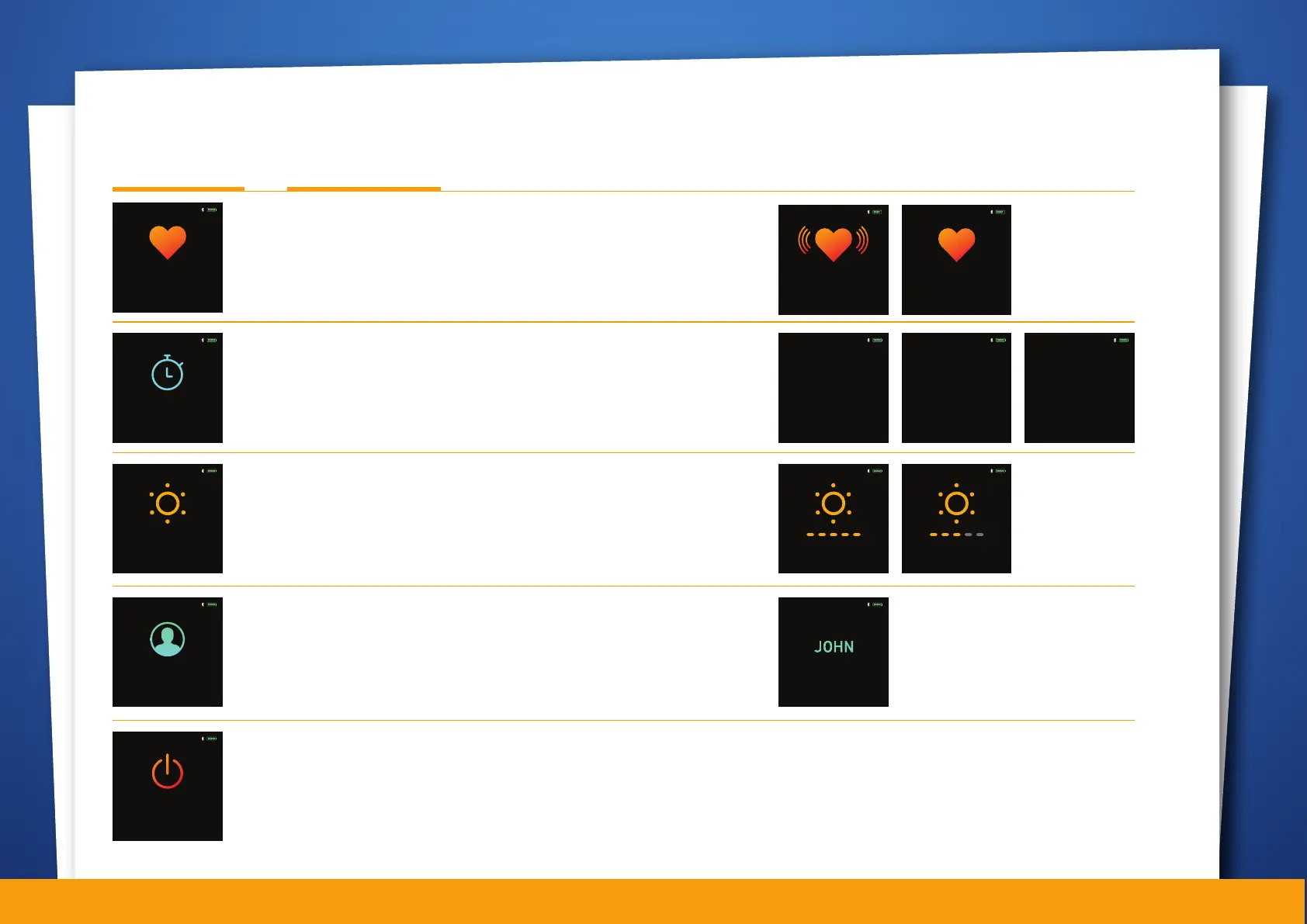
Heart Rate (Long press to start Heart Rate measurement)
Keep your hands steady while the watch measures the heart
rate. Long press to return to previous screen.
Stopwatch (Long press to start Stopwatch)
Single press to start the stopwatch, single press to
stop/pause. You may resume by a single press. To exit, long
press the function button.
Brightness control (Long press to access function)
The watch offers five levels of brightness, single tap to adjust.
Long press to apply the level and return to previous page.
Note: Higher brightness levels reduce battery life.
MEASURING...
PLEASE KEEP STILL
Ensure watch is tightly
strapped on.
08:52PM
123.0 BPM
LONG PRESS TO EXIT
08:52PM
123.0 BPM
LONG PRESS TO START
08:52PM
Stopwatch
LONG PRESS TO SELECT
08:52PM
Stopwatch
02:37:58
PRESS TO RESUME
LONG PRESS TO RESTART
08:52PM
02:37:58
PRESS TO STOP
Stopwatch
08:52PM
00:00:00
Stopwatch
LONG PRESS TO EXIT
PRESS TO START
08:52PM
Brightness
LONG PRESS TO SELECT
08:52PM
Watch Accessible Functions
Profile
LONG PRESS TO SELECT
08:52PM
LONG PRESS TO POWER OFF
08:52PM
Profile / Watch Information (Long press to view details)
This screen shows essential information such as the watch
owner's name, watch ID (or BLE ID), and firmware version of
the watch. Long press to return to previous screen.
Power off
Long press the function button to switch off the watch.
SINGLE PRESS TO ADJUST
LONG PRESS TO EXIT
08:52PM
SINGLE PRESS TO ADJUST
LONG PRESS TO EXIT
08:52PM
07
BLE ID 100800
FW Version 0.01
08:52PM
LONG PRESS TO EXIT


 To Next Page
 Loading...