Watch Accessible Functions
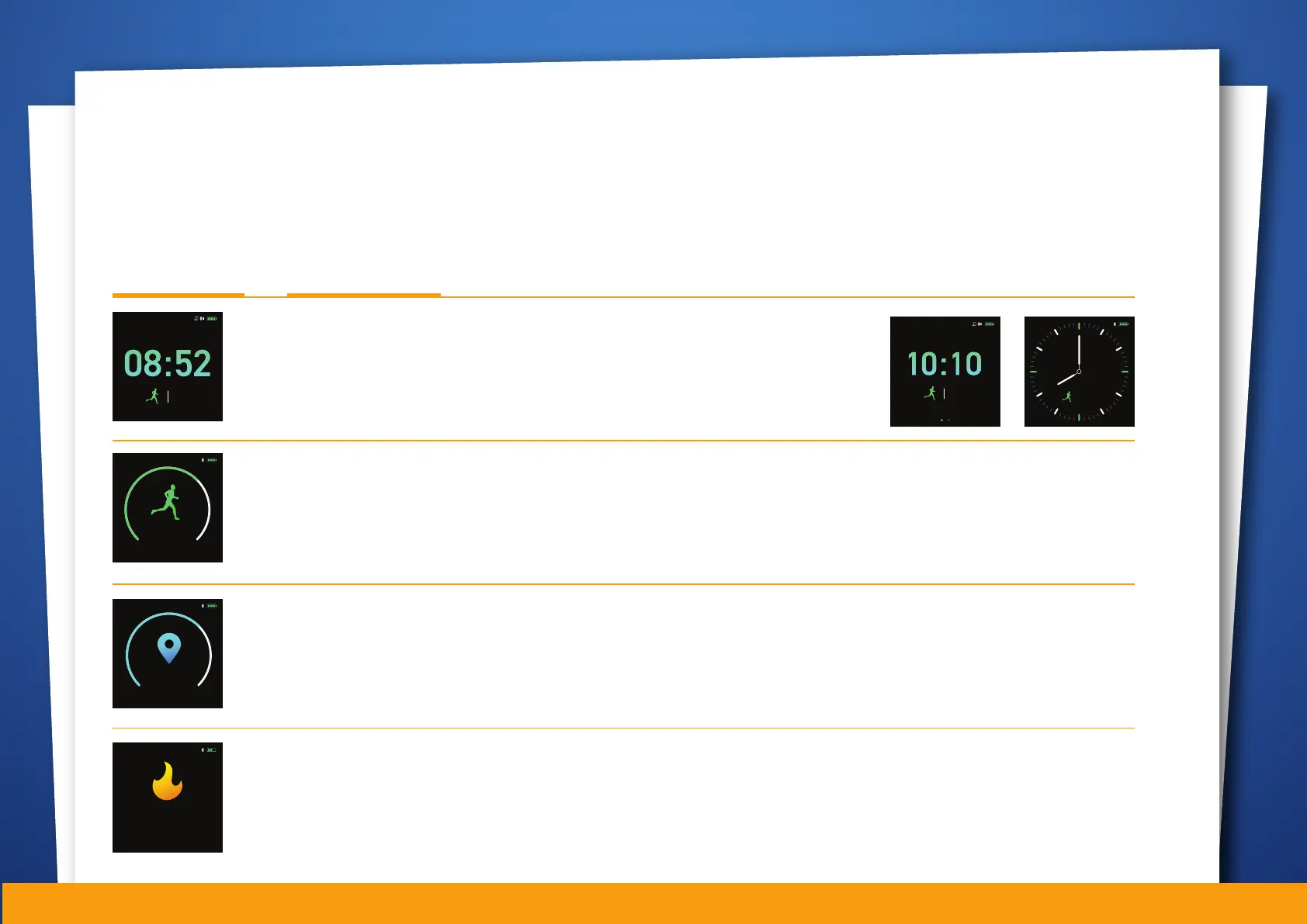
Once the watch has been turned on, the main screen will show the time, date and steps. To view other
screens, simply tap once on the touch button below the watch screen. To access the available options for
the particular screen, tap and hold for two seconds.
Screen (Tap) >> Tap & Hold >>
Date, Time / Steps (Home Screen)
Short press to cycle through the new screen design available.
Long press to apply the new design.
Steps with progress chart
No added screens / sub-function
Distance with progress chart
No added screens / sub-function
PM
01 JAN SAT
6,288
6,288
STEPS
10K
08:52PM
5.0
KM
8.0
08:52PM
01 JAN
PM
SAT
6,288
01 JAN SAT
PM
6,288
Calories expended for the day
No added screens / sub-function
288.0
KCAL
08:52PM
06


 To Next Page