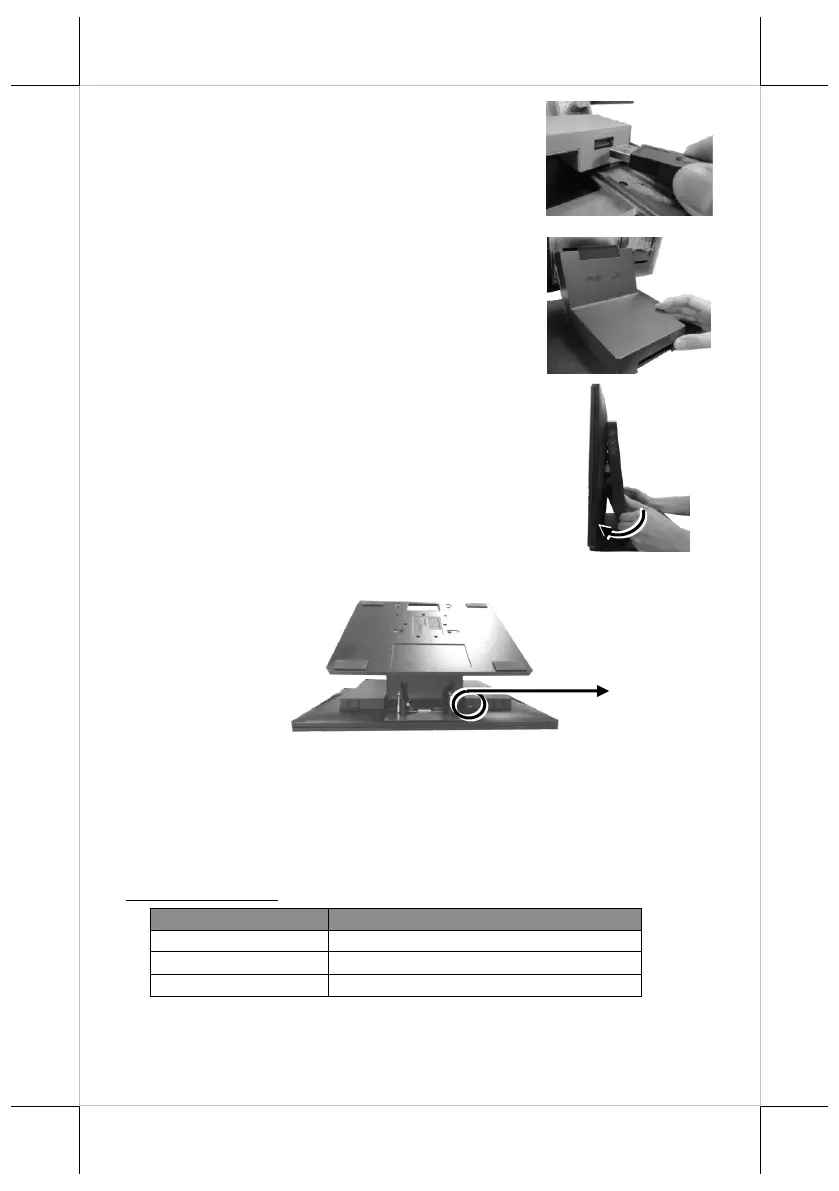
6. To Install USB cable for USB hub, Plug
Type-A connector of USB cable to USB
Port of USB hub and the other end of USB
cable to USB3.0 port of the POS terminal.
7. Neatly arrange your cable and then slide
back the stand cover.
8.1 Place back the system back cover. Make
sure it is well locked into place with a
click sound.
8.2 For the fire-resistant system back cover, please insert another screw
into the screw hole indicated in the figure, and secure it.
Status LED Indicator
LED status indicator, which is located at the bottom edge of the LCD panel, is
mainly responsible for notifying users of the current system status by emitting
various LED signals. In the chart provided below, it describes all the possible
LED status as a quick reference.
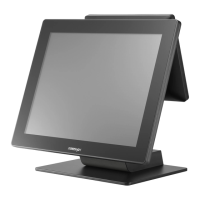
15” RT-2015/2115
Screw for Fire-Resistant
System Back Cover


 To Next Page
 Loading...