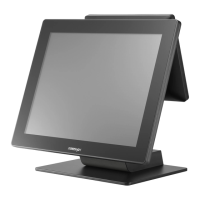
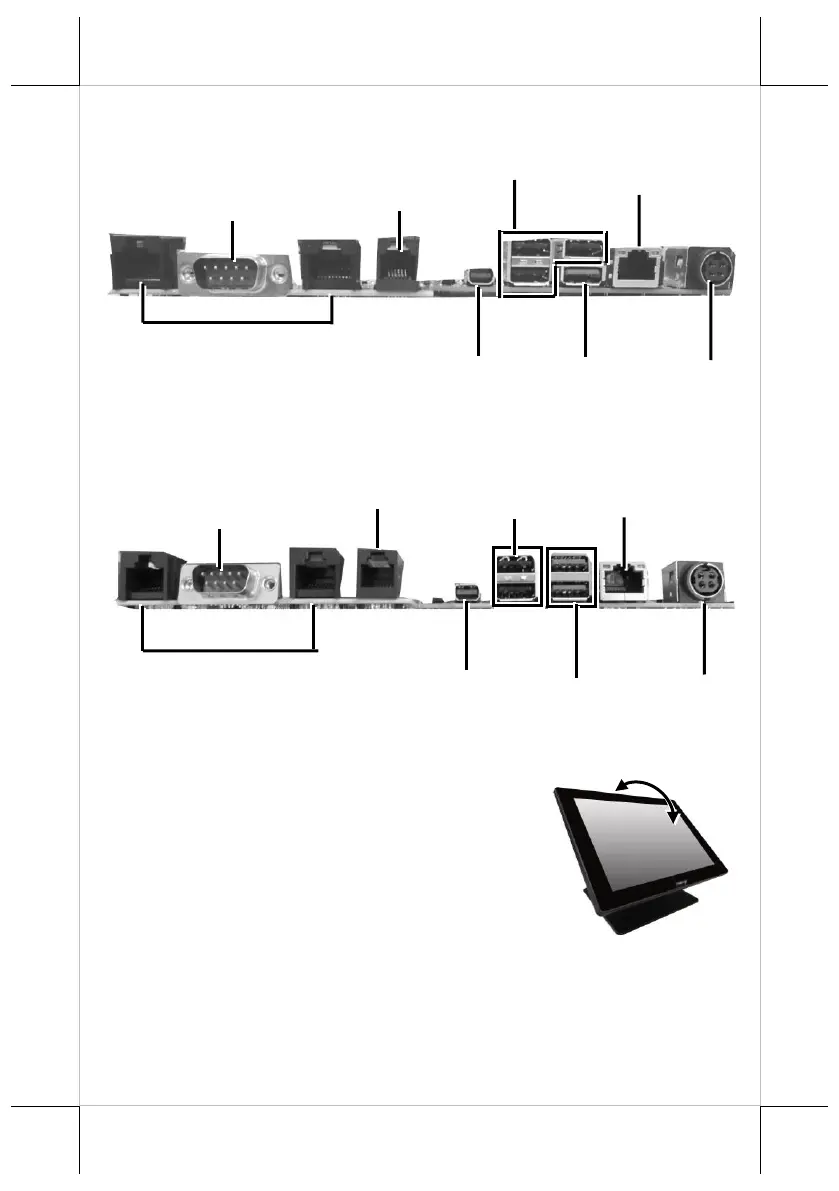
View of I/O Interface of RT-2015/2016
View of I/O Interface of RT-2115/2116
Positioning your POS for a Perfect Viewing Angle
Steady the base with one hand, and then tilt the screen
in the direction shown by the arrow in the figure.
Please do NOT press on the LCD panel while
setting up the tilt angle.
Installing Power Adapter and Cables
The following provides instructions required to install your cables.


 To Next Page
 Loading...