23
REMOTE FUNCTIONS
Remote Functions, continued...
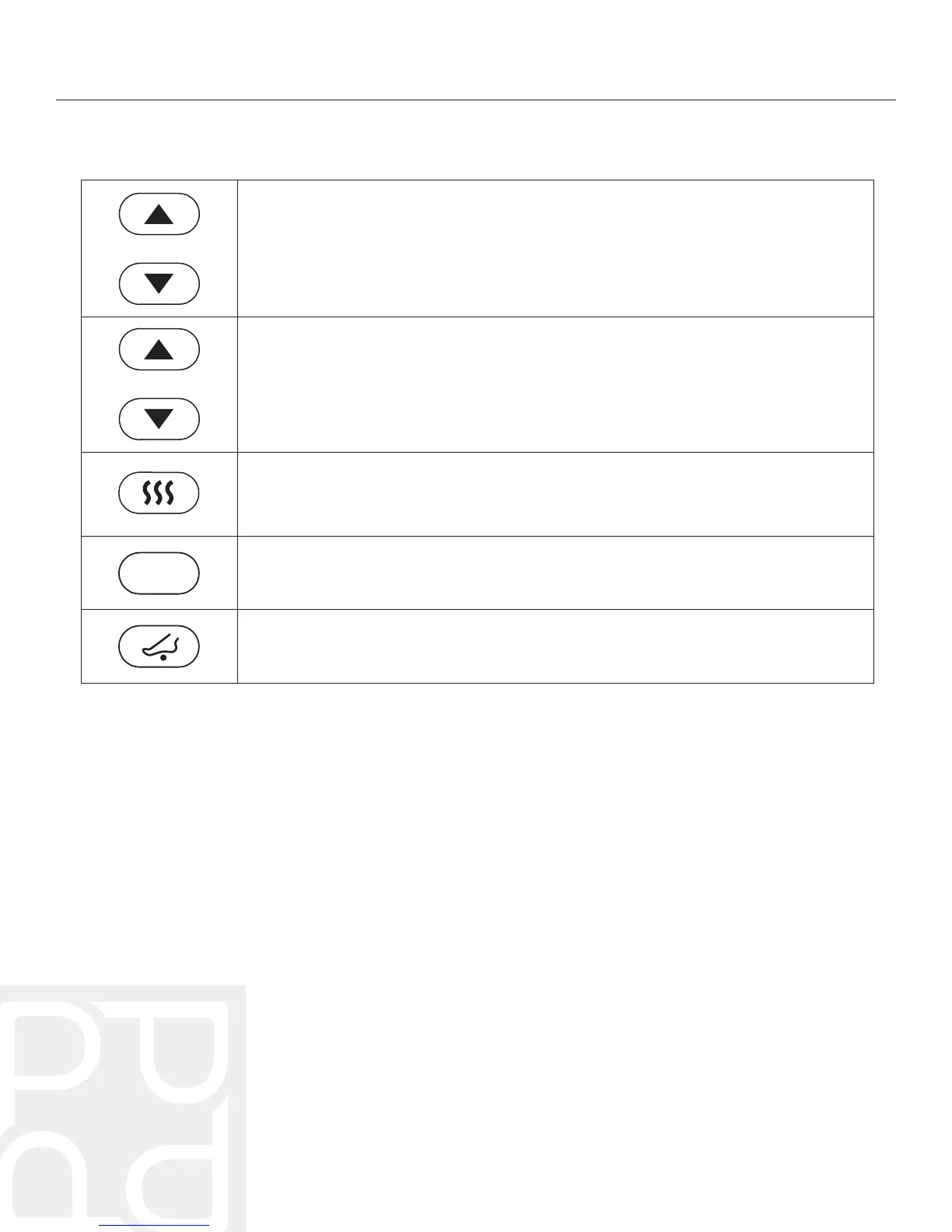
• Press these buttons to adjust the angle of the foot rest.
• To automatically raise or lower the foot rest, press and hold the corresponding
foot button for approximately 2 seconds.
• Press again to stop the chair while automatically adjusting.
• Press this button to turn the heat on and off in the lower back, calves, and feet.
• When the heat is on, the heat button will illuminate red.
• NOTE: The heat will automatically shut off after 20 minutes.
• Press this button to change the intensity of the roller massage which can be
adjusted in five varying intensities.
• Press this button to manually turn on and off the foot rollers.
• When the foot roller is active, the foot roller button will illuminate blue.
• Press these buttons to adjust the roller’s position during a manual massage
or to perfect the shoulder scan position.
LEG REST
ROLLERS
3D



 To Next Page