1. Charging the device
Before using the unit for the rst time, it should be
fully charged. To do this you can charge the terminal
directly via the USB cable supplied. Use the the
USB-C port on the left side of the unit (5).
2. Switching the device on / off
Press and hold the Power on/off button (2) for
2 seconds. To switch the unit off again, press the
same button until you see a button until you see
a selection menu with four options (Flight mode,
Silent mode, Restart, Power off) and select the
option „Power off“.
3. Set up Wi-Fi
®
/ WLAN
Once your device is fully charged and switched on,
you must rst set up your Wi-Fi
®
connection before
you can you can enter the activation code (step 4).
– Select the menu icon in the upper left-hand
corner
– Select „Device settings“ and enter your
merchant password if necessary
– Select „Conguration WiFi“
– Select your Wi-Fi
®
/ WLAN network, enter the
password of your of your network and conrm
– Once you are connected to your WLAN, return to
the start screen and return to the home screen
and continue with the activation of your account
(step 4).
4. Activate account
Activate your account in just a few
steps and link the PAX A50s to the
Checkout back ofce.
If you have any questions our support team will be
happy to help you.
Perfect!
You have completed the initial setup of your PAX
A50s and can now start using your terminal to
accept modern payment methods.
The initial setup and installation of your new PAX A50s is very simple.
In just a few steps, your device is ready to handle your payment transactions. If you have any questions during
setup, our support team will be happy to help.
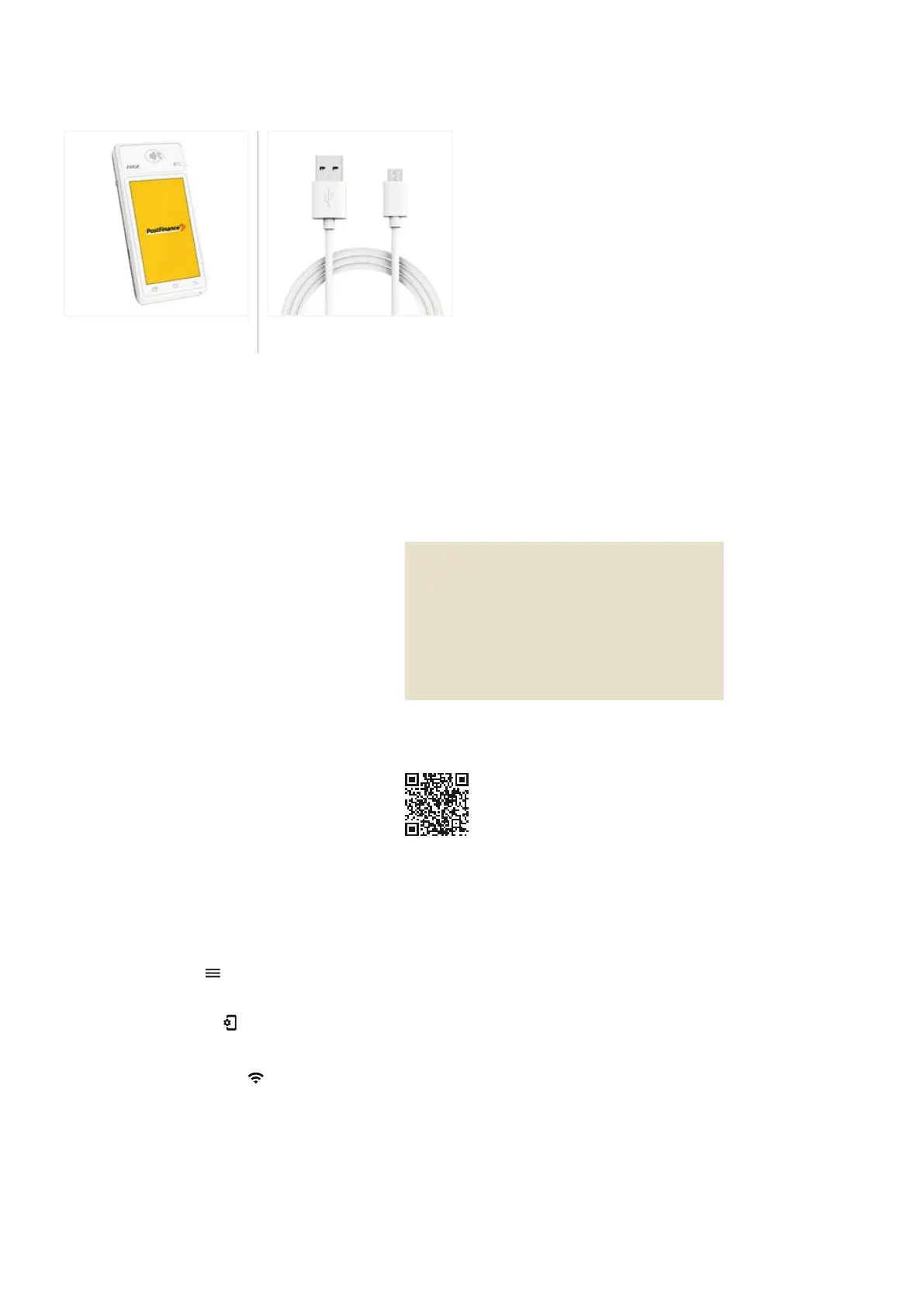
Delivery contents
Setup
Device
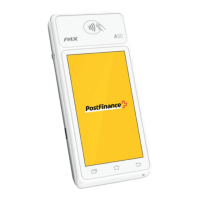
PAX A50s
USB A adapter
Charging cable USB A to USB C
4G data connection
All PAX A50s are equipped with a SIM card,
already installed in advance and thus ready for
use immediately when switching on. Therefore,
you can also use the mobile data connection for
activation.


 To Next Page
 Loading...