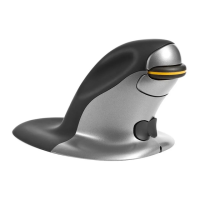
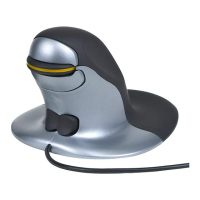
Wired Penguin
• Make sure that the USB cable is firmly plugged into a USB port on your computer.
Wireless Penguin
• Make sure that the ON/OFF switch is on the ‘ON’ position.
• Check that the Penguin has enough charge.
• Make sure the USB Micro Receiver is firmly plugged into the USB port of your computer.
• Try unplugging the USB Micro Receiver, then plugging it back in again firmly.
• Try holding the Penguin close to the Penguin USB Micro Receiver for approx. 30 seconds
while intermittently clicking the Left or Right click buttons.
A
C
B
No.0915129 and Worldwide.
Design Registration Number: EC 001211536.
H
G
Penguin-Mouse-User-Guide_525x80mm_JUL-2012_v14.indd 1 09/07/2012 09:49:56


 To Previous Page