EasyManua.ls Logo

Poulan Pro HDF800 - User Manual

Poulan Pro HDF800
36 pages
Print Icon
To Next Page IconTo Next Page
Loading...
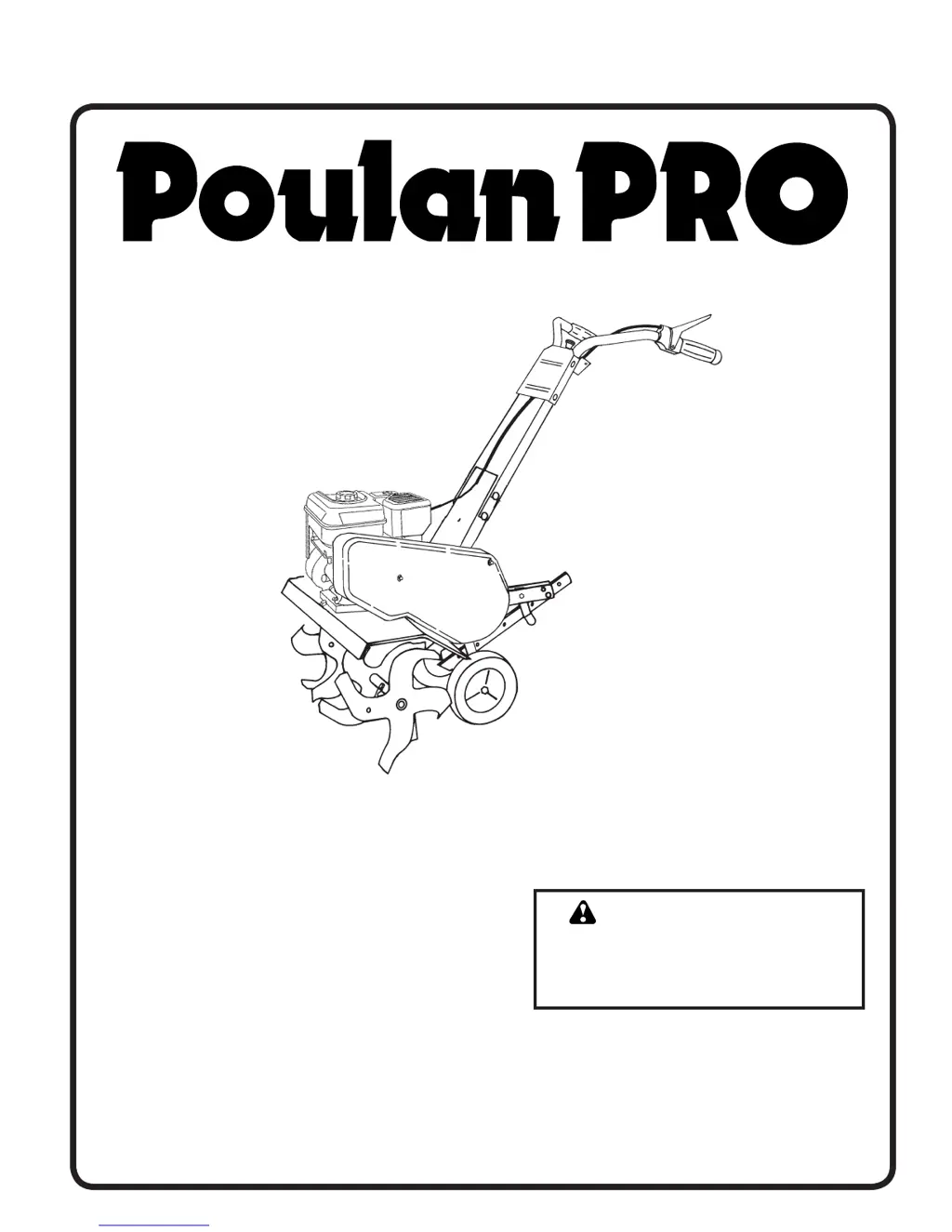
OPERATOR'S MANUAL
MODEL:
HDF800
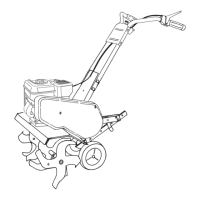
FRONT TINE TILLER
ALWAYS WEAR EYE PROTECTION DURING OPERATION
Visit our website: www.poulan-pro.com
WARNING:
Read this Man u al and follow all
Warnings and Safety Instructions.
Fail ure to do so can re sult in seri-
ous in ju ry.
IMPORTANT MANUAL Do Not Throw Away
417134 11.12.07 CL
Printed in U.S.A.

Questions and Answers

  • J
    James ReynoldsAug 16, 2025
    Why my Poulan Pro Tiller will not start?
    • G
      ghillAug 17, 2025
      If your Poulan Pro Tiller won't start, several factors could be at play. First, ensure the fuel tank is filled. If that's not the issue, refer to the “TO START ENGINE” section in the Operation section to ensure the engine is properly choked. If the engine is flooded, wait a few minutes before trying again. Other potential causes include a dirty air cleaner (clean or replace the cartridge), water in the fuel (empty and refill with fresh gasoline), a clogged fuel tank (remove and clean it), a loose spark plug wire (ensure it's properly seated), a bad spark plug or improper gap (replace or adjust), or a carburetor that needs adjustment.
  • J
    jamesleonardAug 19, 2025
    Why Poulan Pro Tiller won't start?
    • C
      Christine SchroederSep 12, 2025
      Your Poulan Pro Tiller might not start due to several reasons. It could be out of fuel, so refill the fuel tank. The engine may not be choked properly; refer to the 'TO START ENGINE' section in the Operation section. The engine could also be flooded; wait a few minutes before trying again. Other potential causes include a dirty air cleaner (clean or replace it), water in the fuel (empty and refill with fresh gasoline), a clogged fuel tank (remove and clean it), a loose spark plug wire (ensure it's properly seated), a bad spark plug or improper gap (replace or adjust it), or a carburetor that's out of adjustment (make necessary adjustments).
  • D
    Daniel NicholsAug 25, 2025
    How to fix Poulan Pro HDF800 that is hard to start?
    • A
      Andrew KrauseAug 26, 2025
      If your Poulan Pro Tiller is hard to start, make sure the throttle control is in the “FAST” position. Other possible causes include a dirty air cleaner (clean or replace the cartridge), a bad spark plug or improper gap (replace or adjust), stale or dirty fuel (empty the fuel tank and refill with fresh gasoline), a loose spark plug wire (make sure it's properly seated), or a carburetor that needs adjustment.
  • K
    Kyle LambAug 30, 2025
    Why Poulan Pro HDF800 Tiller engine overheats?
    • D
      David ChoiAug 30, 2025
      If your Poulan Pro Tiller engine overheats, check the oil level and change the oil if it's low or dirty. Also, clean the engine air screen and any dirt on the cylinder fins, air screen, and muffler area. If the muffler is partially plugged, remove and clean it. Finally, the carburetor adjustment may be improper; adjust it to a richer position.
  • M
    Marcus RodriguezSep 1, 2025
    What to do if Poulan Pro HDF800 engine runs but tiller won’t move?
    • L
      lambertlaurieSep 2, 2025
      If the engine of your Poulan Pro Tiller runs but the tiller won’t move, first, ensure that the tine control is engaged. If it is engaged, inspect and adjust the V-belt. Also, inspect the V-belt to ensure it is on the pulley(s).
  • C
    christopher16Sep 5, 2025
    Why Poulan Pro HDF800 Tiller has excessive bounce or difficult handling?
    • P
      Patricia BowersSep 5, 2025
      If your Poulan Pro Tiller experiences excessive bounce or difficult handling, it might be due to the ground being too dry and hard. In this case, moisten the ground or wait for more favorable soil conditions. Also, check if the wheels and depth stake are incorrectly adjusted and adjust them accordingly.
  • M
    Michael RomeroSep 7, 2025
    Why Poulan Pro HDF800 engine runs but labors when tilling?
    • G
      gfloresSep 7, 2025
      If the engine of your Poulan Pro Tiller runs but labors when tilling, it could be due to tilling too deep, so set the depth stake for shallower tilling. Also, check the throttle control setting and make sure it's properly adjusted. The carburetor may also be out of adjustment, so make the necessary adjustments.
  • T
    Teresa MartinezSep 12, 2025
    Why does soil ball up or clump when using Poulan Pro HDF800?
    • N
      Nichole KrauseSep 12, 2025
      If the soil balls up or clumps when using your Poulan Pro Tiller, it's likely because the ground is too wet. Wait for more favorable soil conditions before tilling.
  • R
    Robert NavarroSep 13, 2025
    Why Poulan Pro HDF800 Tiller soil balls up or clumps?
    • F
      Fred LopezSep 13, 2025
      If the soil balls up or clumps when using your Poulan Pro Tiller, it's likely because the ground is too wet. Wait for more favorable soil conditions.
  • M
    Matthew HensleyNov 21, 2025
    Why Poulan Pro HDF800 has loss of power?
    • W
      williamsonjasonNov 21, 2025
      If your Poulan Pro Tiller is experiencing a loss of power, consider these potential causes: The engine may be overloaded, so set the depth stake and wheels for shallower tilling. A dirty air cleaner can also cause this, so clean or replace the air cleaner cartridge. Check the oil level and change the oil if it's low or dirty. Inspect the spark plug; clean, regap, or replace it if faulty. Other possible issues include oil or water in the fuel (empty and clean the fuel tank and carburetor, then refill with fresh gasoline), stale or dirty fuel (empty and refill with fresh gasoline), a clogged fuel tank (remove and clean it), a loose spark plug wire (connect and tighten it), a dirty engine air screen (clean it), a dirty or clogged muffler (clean or replace it), or a carburetor that needs adjus...

Summary

Safety Rules

Training

Read the Owner's Manual carefully and be familiar with controls.

Preparation

Thoroughly inspect the area where the equipment is to be used and remove foreign objects.

Operation

Do not put hands or feet near or under rotating parts. Exercise extreme caution.

Maintenance and Storage

Keep machine, attachments, and accessories in safe working condition.

Product Specifications

Customer Responsibilities

Assembly

Tools Required for Assembly

List of tools needed for assembly, including socket wrench set, screwdriver, and wrenches.

Operators Position

Clarification of 'right' or 'left' hand references when in operating position.

Contents of Hardware Pack

Lists the hardware components included for assembly, such as bolts, washers, and nuts.

Unpack Carton & Install Handle

Instructions for unpacking the tiller and attaching the handle assembly securely.

Install Depth Stake Assembly

Steps to install the depth stake support between engine bracket halves.

Tine Operation

Guidance to check tine operation before first use.

Operation

Know Your Tiller

Familiarize yourself with the tiller's controls and adjustments by comparing illustrations.

How to Use Your Tiller

Learn how to operate all controls before adding fuel and oil or starting the engine.

Stopping

Procedures for stopping the tines and the engine safely.

Tilling

Regulate speed and depth of tilling using the depth stake and wheel height.

Depth Stake

Adjust the depth stake by moving it to a desired position.

Before Starting Engine

Important precautions before checking or adding oil or fuel.

Fill Engine with Oil

Procedure for filling the engine with the correct type and amount of oil.

Add Gasoline

Instructions for adding fresh, clean, regular unleaded gasoline to the fuel tank.

To Start Engine

Step-by-step guide for starting the engine, including choke and throttle settings.

Breaking in Your Tiller

Procedure to break in belts, pulleys, and tine control before initial tilling.

Tilling Hints

Tips for effective tilling, including throttle use and soil conditions.

Cultivating

Instructions for using the tiller to destroy weeds between rows.

Maintenance

Maintenance Schedule

A schedule of regular service tasks for the tiller.

General Recommendations

Advice on maintaining the tiller to ensure warranty coverage and performance.

Lubrication

Guidance on keeping the unit well lubricated according to the lubrication chart.

Spark Plug

Guidance on replacing spark plugs at the beginning of the season or after 50 hours.

Cleaning

How to clean the tiller, engine, wheels, and finishes.

Engine

Engine

Details on engine lubrication and oil viscosity grades.

Air Cleaner

Procedure for servicing the air cleaner cartridge.

Cooling System

Instructions for keeping the engine clean for proper performance.

Service and Adjustments

To Adjust Handle Height

Steps to adjust the handle height for operator comfort.

Tilling Configurations

Set up tiller for normal, mid-width, or narrow tilling paths.

Narrow Tilling;Cultivating - 12-3;4 Path

Instructions for setting up the tiller for narrow tilling or cultivating.

Tine Operation Check

Procedure to check the proper operation of the tines before use.

To Remove Belt Guard

Steps to remove the belt guard for maintenance.

To Replace V-Belts

Instructions for replacing worn or damaged V-belts.

Belt Removal

Detailed steps for removing the forward and reverse V-belts.

Belt Replacement

Instructions for correctly installing new V-belts.

To Adjust Carburetor

Guidance on adjusting the engine carburetor for performance issues.

Storage

Tiller Preparation

Steps for preparing the tiller and its components for storage.

Fuel System Storage

Crucial steps to prevent fuel system gum deposits during storage.

Troubleshooting Points

Limited Warranty

Parts and Service

Poulan Pro HDF800 Specifications

General IconGeneral
BrandPoulan Pro
ModelHDF800
CategoryTiller
LanguageEnglish

Related product manuals