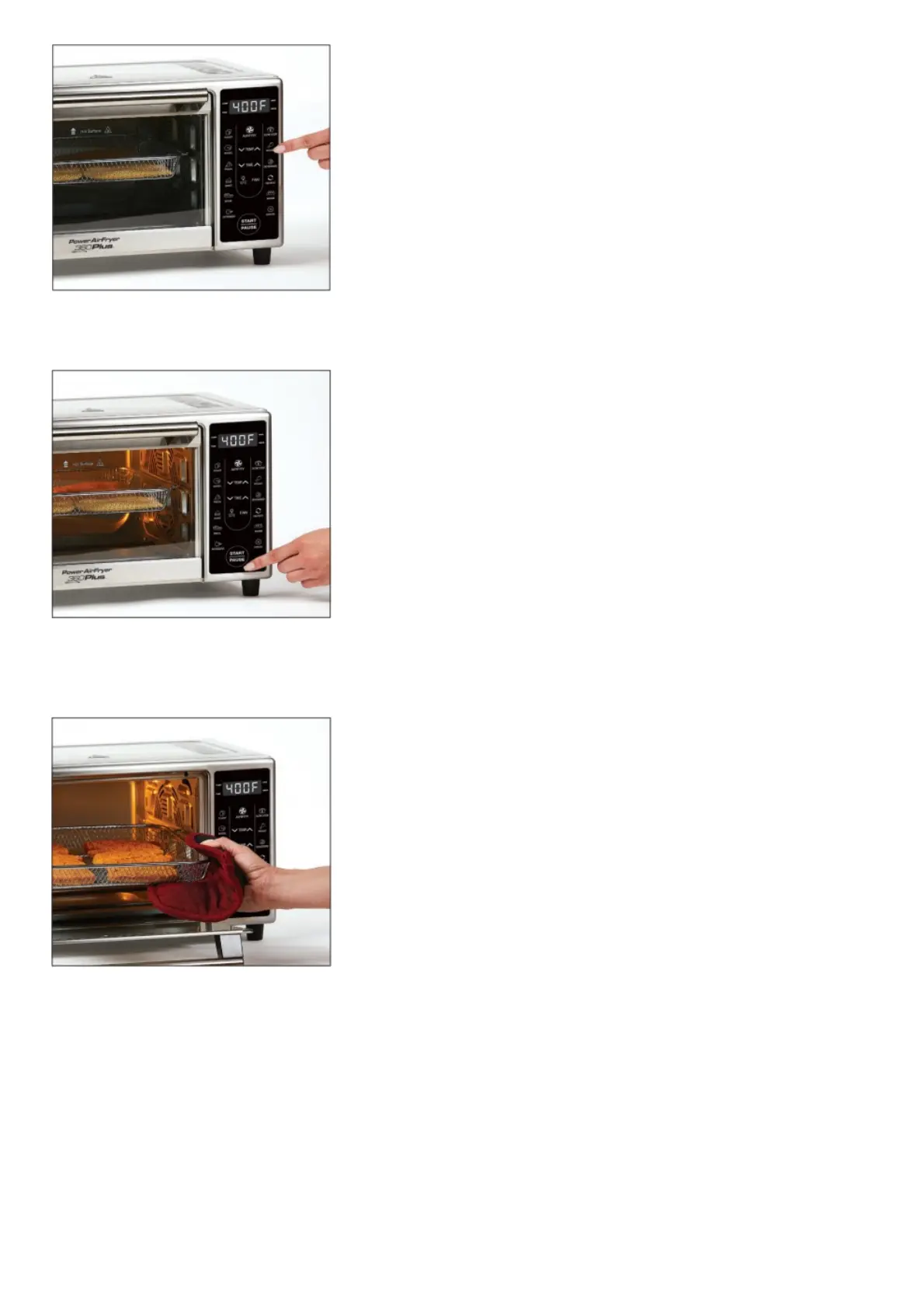
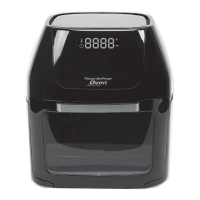
Press the Airfry Button on the Control Panel to select the Airfry cooking preset.
STEP 3
Press the Start/Pause Button to begin the cooking process. You can press this button to pause during any cooking
cycle.
STEP 4
When the cooking cycle is complete, use oven mitts or potholders to remove the Crisper Tray from the Unit by sliding
the Tray out of the Unit.
Quick Start Guide
ROTISSERIE
See owner’s manual for complete instructions and important safety information before using this product.
IMPORTANT: Unpack all parts from the box and remove any clear or blue protective film on the components.
Wash with warm, soapy water before first use (only select accessories are dishwasher safe).
STEP 1



 To Next Page