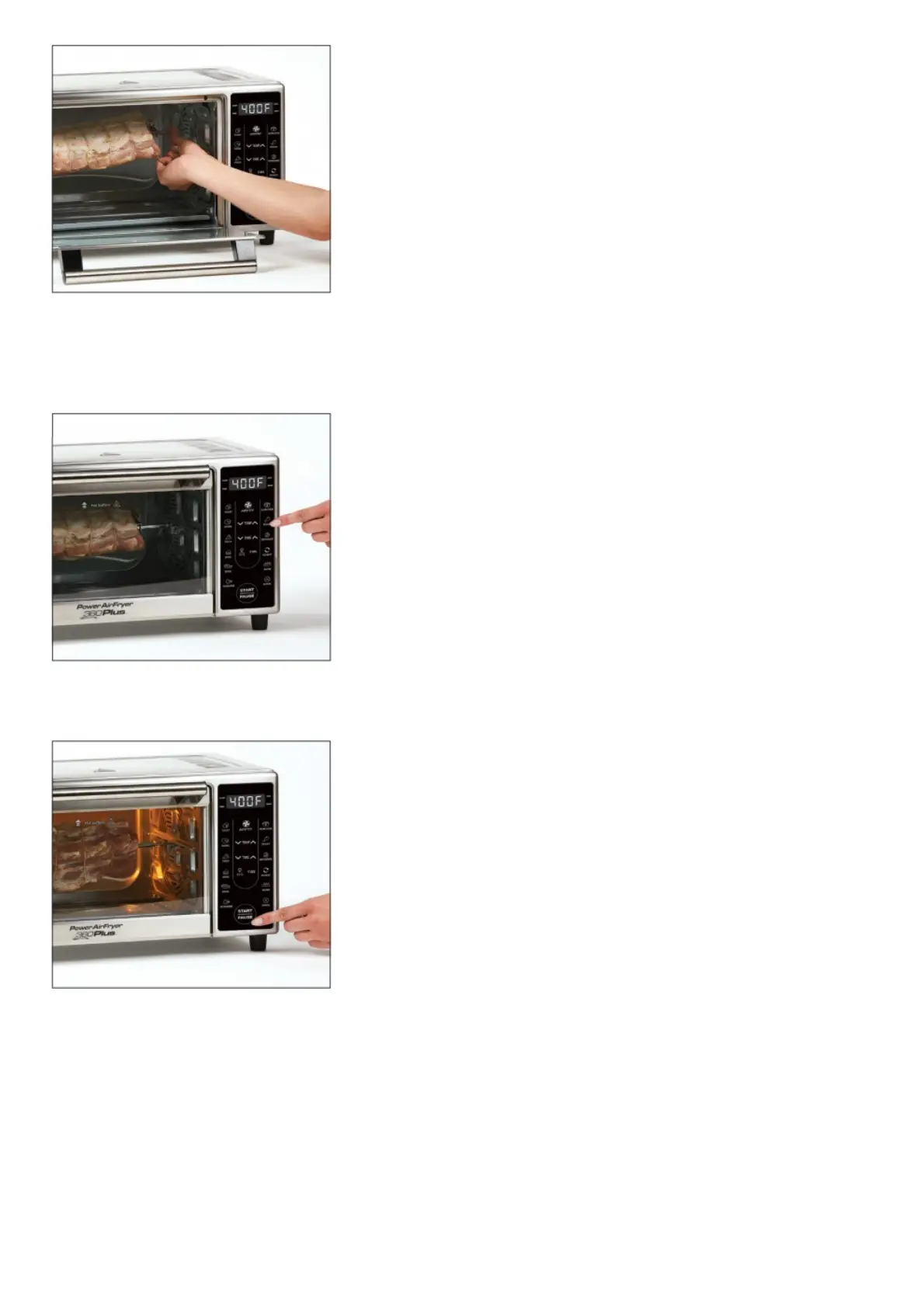
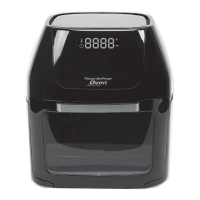
Hold the assembled Rotisserie Spit at a slight angle with the right side higher than the left side and insert the left side
of the Spit into the Rotisserie connection inside the Unit. With the left side securely in place, drop the right side of the
Spit into the Rotisserie connection on the right side of the Unit.
STEP 2
Press the Rotisserie Button on the Control Panel to select the Rotisserie cooking preset.
STEP 3
Press the Start/Pause Button to begin the cooking process. You can press this button to pause during any cooking
cycle.
STEP 4



 To Next Page