20
Ⅰ
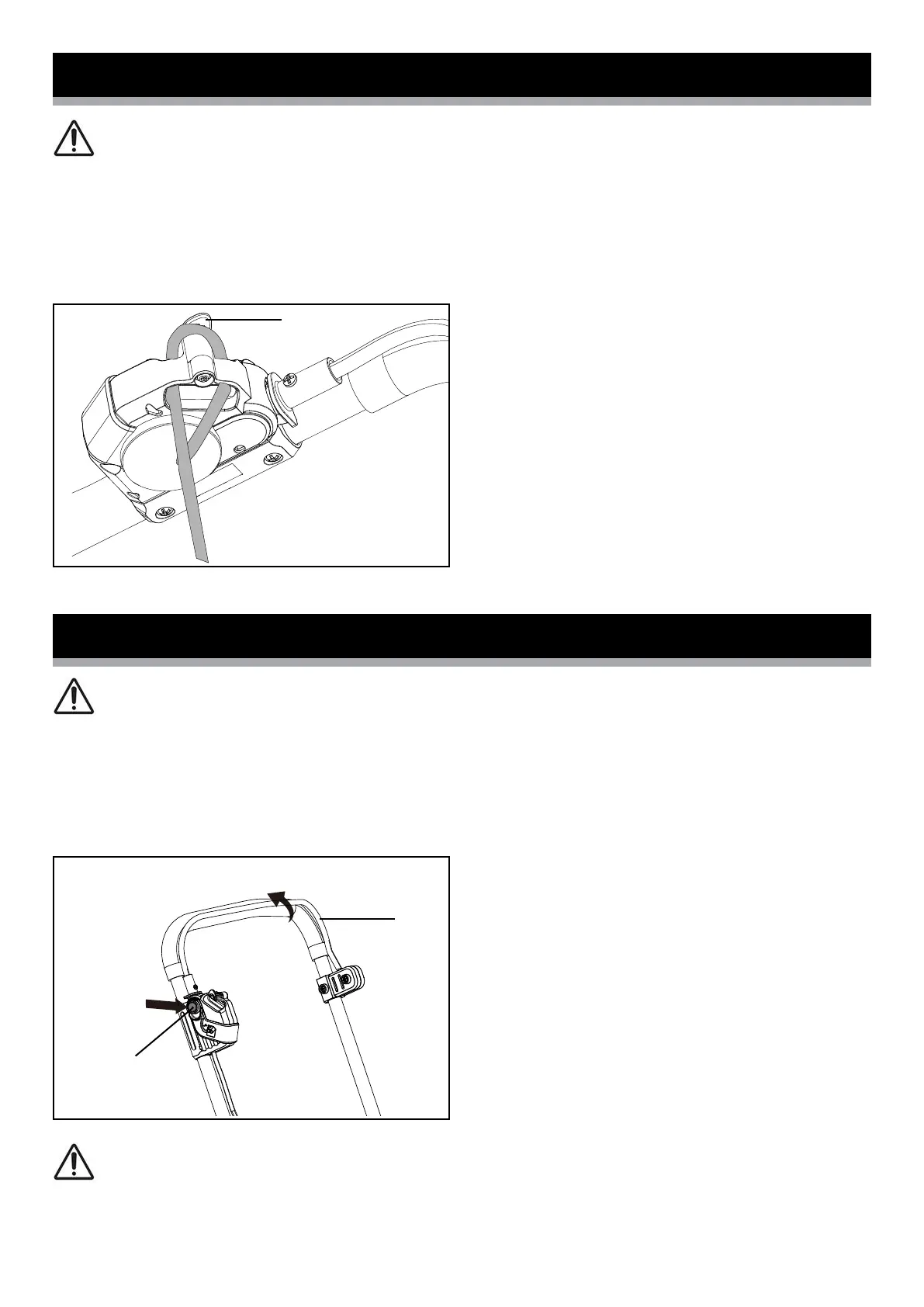
1. Hook the mains cable through the cable strain-relief (16) (Fig. 10).
2. Connect the mower to your power supply.
Connecting to the power supply
Switching on and off
WARNING: Before switching on, ensure that the mower is not in
contact with any foreign objects.
1. To switch on, press the safety button (17) on the handle, then activate
the switch lever (1) (Fig. 11). Release the safety button.
2. To switch off, release the switch lever.
WARNING! After switching off the equipment, the blade may
continue to turn for several seconds. Do not touch the moving blade.
There is a risk of serious injury.
Fig. 11
Fig. 10
CAUTION: Before you connect the equipment to the mains
supply, make sure that the data on the rating plate corresponds to your
mains supply.
16
1
17



 To Next Page