EasyManua.ls Logo

PowerBase 577179 - User Manual

PowerBase 577179
31 pages
Print Icon
To Next Page IconTo Next Page
Loading...
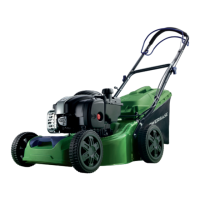
53cm Self Propelled Petrol
Rotary Lawn Mower
These instructions contain important information that will help you get the best
from your product, ensuring it is assembled correctly and safely. If you need help
or have damaged or missing parts, call the Customer Helpline on 01904 727 509.
IMPORTANT!
Please read these
instructions fully before
starting assembly.
Instruction
Manual
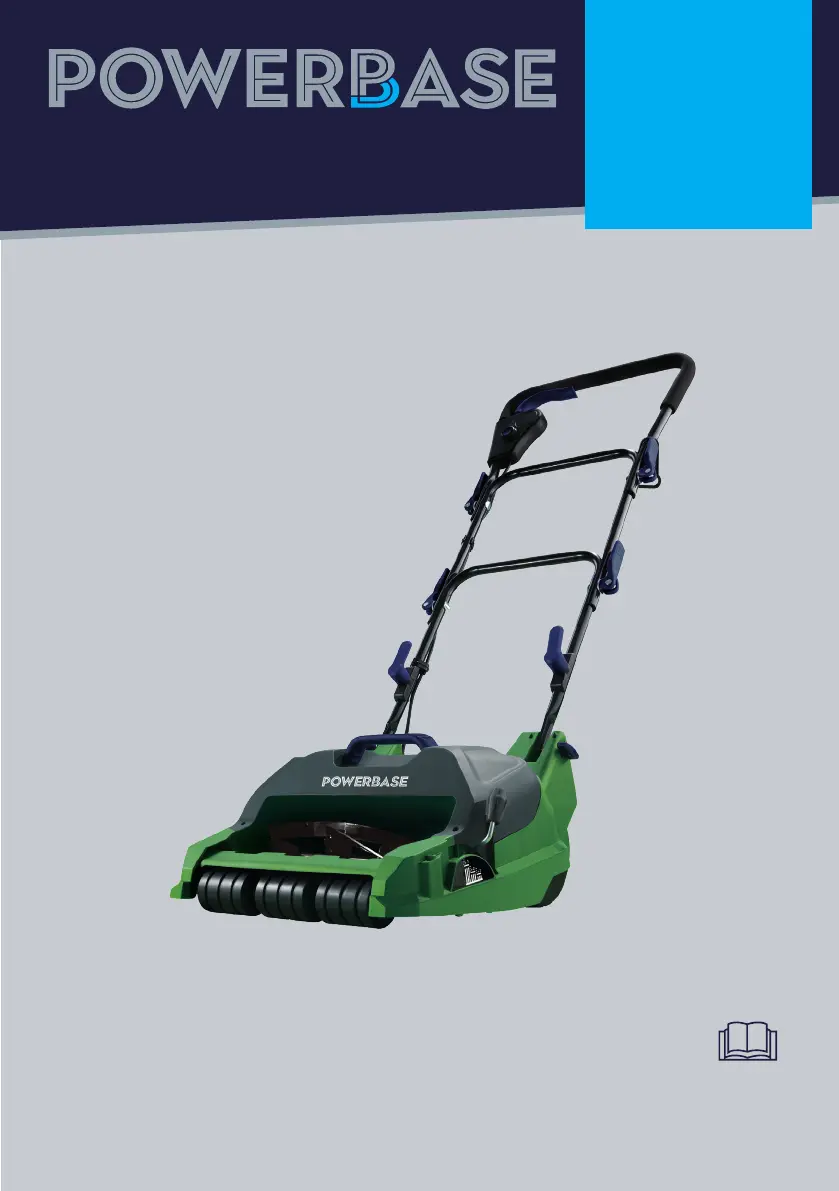
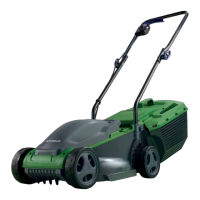
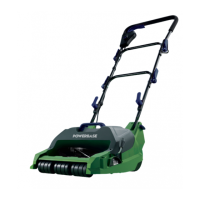
32cm 400W Electric Cylinder
Lawn Mower 577179

Questions and Answers

  • R
    Richard BlackwellAug 2, 2025
    Why my PowerBase Lawn Mower does not start?
    • M
      mcconnellderekAug 2, 2025
      If your PowerBase Lawn Mower isn't starting, it could be due to a few reasons. First, ensure it's properly connected to a power supply. A loose power connection can also prevent it from starting, so make sure the connection is secure. If these steps don't resolve the issue, there may be an electrical defect, which should be checked by a qualified electrician.
  • T
    Taylor MyersAug 5, 2025
    What to do if rollers do not rotate on PowerBase 577179?
    • R
      Robert CastilloAug 6, 2025
      If the rollers on your PowerBase Lawn Mower do not rotate, it is because the roller is blocked by debris. To resolve this, clean all roller slots.
  • R
    Rachel ReedAug 10, 2025
    What to do if PowerBase 577179 does not reach full power?
    • V
      vramseyAug 10, 2025
      If your PowerBase Lawn Mower isn't reaching full power, there are a few potential causes. First, check if the extension cord you're using is suitable for operating the product; if not, use a proper extension cord. Another reason may be that the power source, such as a generator, has too low voltage; in this case, connect to another power source. If the issue persists, the machine's internal wiring may be damaged.
  • J
    Jennifer BoydAug 14, 2025
    What to do if cutting blades not rotating on PowerBase Lawn Mower?
    • P
      Pamela SpencerAug 14, 2025
      If the cutting blades on your PowerBase Lawn Mower aren't rotating, it could be due to an obstruction. Clear any obstructions that may be preventing the blades from moving.
  • N
    Nicole MahoneyAug 19, 2025
    Why is my PowerBase 577179 Lawn Mower making excessive vibration/noise?
    • L
      Lindsay SantiagoAug 19, 2025
      Excessive vibration or noise in your PowerBase Lawn Mower can be caused by cutting blades that are not adjusted evenly. Ensure that blades require adjustment.
  • H
    Henry DelgadoAug 23, 2025
    How to fix a PowerBase Lawn Mower that is not cutting?
    • S
      Shannon JohnsonAug 23, 2025
      If your PowerBase Lawn Mower isn't cutting, it might be because the height of the cut is too low. Increase the height of cut. Another possible reason is that the blades gap is too big and blades require adjustment.
  • S
    Samantha HarrisAug 27, 2025
    How to fix a PowerBase 577179 that leaves a ragged finish?
    • E
      Emily WilsonAug 28, 2025
      If your PowerBase Lawn Mower is leaving a ragged finish, it's likely because the cutting blades are blunt and require adjustment.

Summary

Safety Information

Warning Symbols

Explains symbols for danger and protection.

General Safety

Key safety precautions for assembly and operation.

Personal Safety

Guidelines for user protection, PPE, and common sense.

Intended Use

Specifies the product's intended purpose and limitations.

Warning Symbols Explained

Details various safety symbols including CE and PPE requirements.

Further General Safety Guidelines

Additional safety rules for operation, user responsibility, and bystanders.

Detailed Personal Safety Advice

Advice on PPE, dress, alertness, and safe operation practices.

Operational Safety Checks

Checks for part tightness, plugs, and damaged components before operation.

Operational Safety Rules and Power

Rules for overloading, slopes, switch use, and power source connection.

Operation Safety

Safe Operating Practices

Guidelines for mowing conditions, slopes, and starting the motor.

Maintenance and Repair

Cleaning and Maintenance

Procedures for cleaning, maintaining, and lubricating the mower.

Authorized Service

Information on professional repair and contacting the service center.

In the Box

Parts Identification

Identification and illustration of all included parts.

Assembly

Preparation for Assembly

Steps to unpack and prepare for assembling the lawn mower.

Step 1: Lower Handles

Instructions for attaching the lower handles to the main unit.

Steps 2 & 3: Handles and Cord

Assembling middle/upper handles and securing the power cord.

Steps 4 & 5: Grass Box and Power Connection

Fitting the grass box and connecting to the power supply.

Preparing to Operate

Adjusting Cutting Height

How to set the mower to different cutting height positions.

Switching On and Off

Detailed steps for safely operating the dual-switch system.

Adjusting Blade Clearance

Procedure for adjusting the blade gap for optimal cutting.

Operating the Mower

Mowing Operations

Best practices for mowing, including grip, terrain, and motor load.

Maintenance and Storage

Cleaning and Maintenance

Procedures for cleaning, maintaining, and lubricating the mower.

Storage and Transportation

Guidelines for storing the mower and transporting it safely.

Plug Replacement

Replacing the Plug

Instructions for safely replacing the mower's plug and wiring.

Troubleshooting

General Troubleshooting Guide

Solutions for common problems like starting issues or poor cutting.

Technical Data

Specifications Table

Key technical specifications, measurements, and performance data.

Health and Environmental

Hand-Arm Vibration Syndrome (HAVS)

Information on potential vibration risks and preventative measures.

Product Disposal

Guidance on environmentally responsible disposal of the mower.

Getting Help

Customer Support and Resources

Contact information for customer service, help, and spare parts.

Warranty Information

Product Warranty Details

Terms and conditions of the product's 2-year warranty.

PowerBase 577179 Specifications

General IconGeneral
BrandPowerBase
Model577179
CategoryLawn Mower
LanguageEnglish

Related product manuals