EasyManua.ls Logo

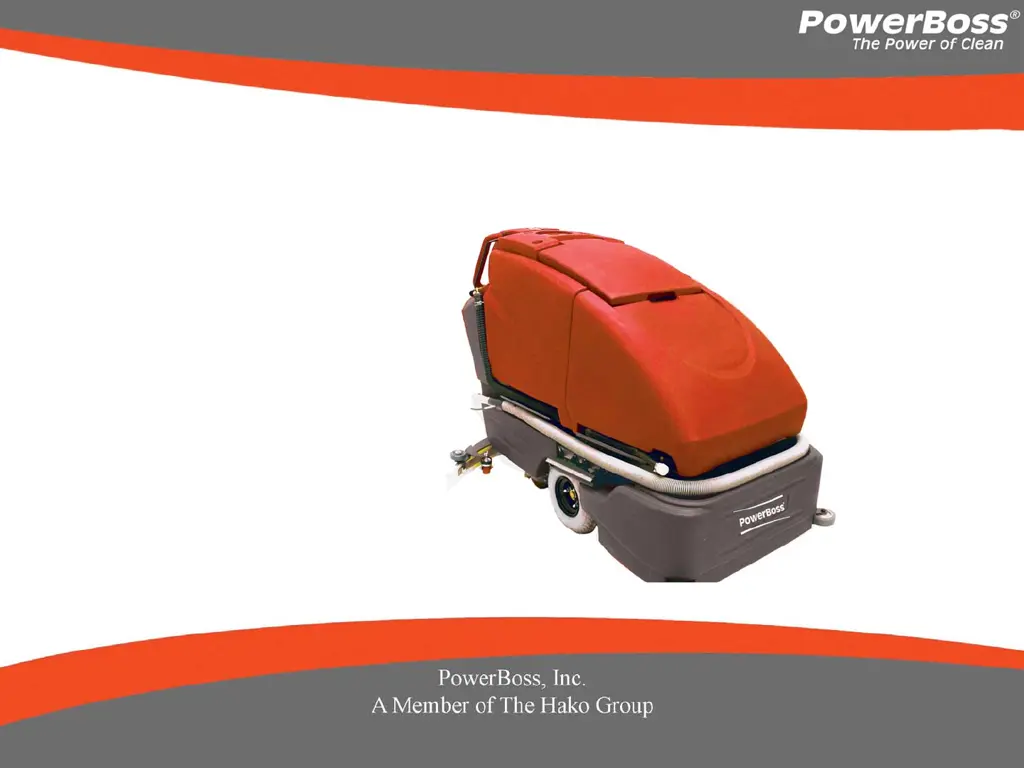
PowerBoss PHOENIX 30 - User Manual

Default Icon
18 pages
Print Icon
To Next Page IconTo Next Page
Loading...
WALK-BEHIND SCRUBBER
User Manual
PHOENIX 30/34

Questions and Answers

  • S
    Spencer ConleyAug 12, 2025
    Why is my PowerBoss PHOENIX 30 leaving water behind?
    • C
      cbrownAug 12, 2025
      If your PowerBoss Scrubber isn't picking up water effectively, several factors could be at play. Start by checking the squeegee blades for wear or tears; rotate or replace them if needed. Ensure the squeegee is properly adjusted to maintain even contact with the floor across its entire width. Also, empty the recovery tank if it's full. Inspect the recovery tank drain hose and lid gasket for leaks, securing the cap or replacing the hose or gasket as necessary. Clear any debris from the squeegee and vacuum hose, flushing the hose to remove blockages. Adjust the solution control valves to reduce excessive solution usage. Finally, ensure the vacuum hose is correctly connected to the squeegee and recovery tank, replacing it if damaged.
  • C
    Christina HughesAug 22, 2025
    How to improve the scrubbing performance of my PowerBoss PHOENIX 30 Scrubber?
    • S
      Scott PageAug 22, 2025
      If your PowerBoss Scrubber's performance is lacking, start by inspecting the brushes for wear and rotate or replace them if necessary. Remove any debris caught on the scrub brushes. Ensure you are using an adequate amount of solution by adjusting the solution flow setting. If the battery charge is low, recharge the batteries. Also, avoid moving the machine too fast.
  • J
    john30Sep 1, 2025
    What to do if 3 bars are flashing on the battery indicator of my PowerBoss Scrubber?
    • A
      Ann TrujilloSep 1, 2025
      If your PowerBoss Scrubber shows three bars flashing on the battery indicator, try reducing the scrub brush pressure. For cylindrical systems, inspect the brush drive belts and replace any broken ones. Check the power connection, reconnecting any loose plugs. As a last resort, reset the machine by turning the key switch off and then restarting it.

PowerBoss PHOENIX 30 Specifications

General IconGeneral
BrandPowerBoss
ModelPHOENIX 30
CategoryScrubber
LanguageEnglish

Related product manuals