15
When a stimulation is ongoing, click on the Multifunction Button
twice to turn off the device, as the first click will only stop the
stimulation. The second click will turn off PowerDot.
3. ACTIVATING POWERDOT
Before PowerDot can be used for muscle stimulation, it must be
activated from within your PowerDot Mobile Application.
When PowerDot is activated, it gets paired with your mobile
phone securely. Neither you nor anyone else will be able to
connect and use your PowerDot from any other mobile phone.
We will never allow strangers to connect to and control your
PowerDot from their phones!
Follow the Mobile Application’s onscreen advice to scan for
and activate your PowerDots. Make sure your PowerDot (or
PowerDots) is turned on before you start scanning.
Use the My Devices screen (found in the Main Menu) to activate
another or additional PowerDot devices, or to deactivate
previously activated ones. You can activate up to two PowerDots
at the same time.
Remember, you won’t be able to use your PowerDot
(or PowerDots) until you activate it with your
PowerDot Mobile Application on your smartphone!
4. PREPARING AND PLACING POWERDOT
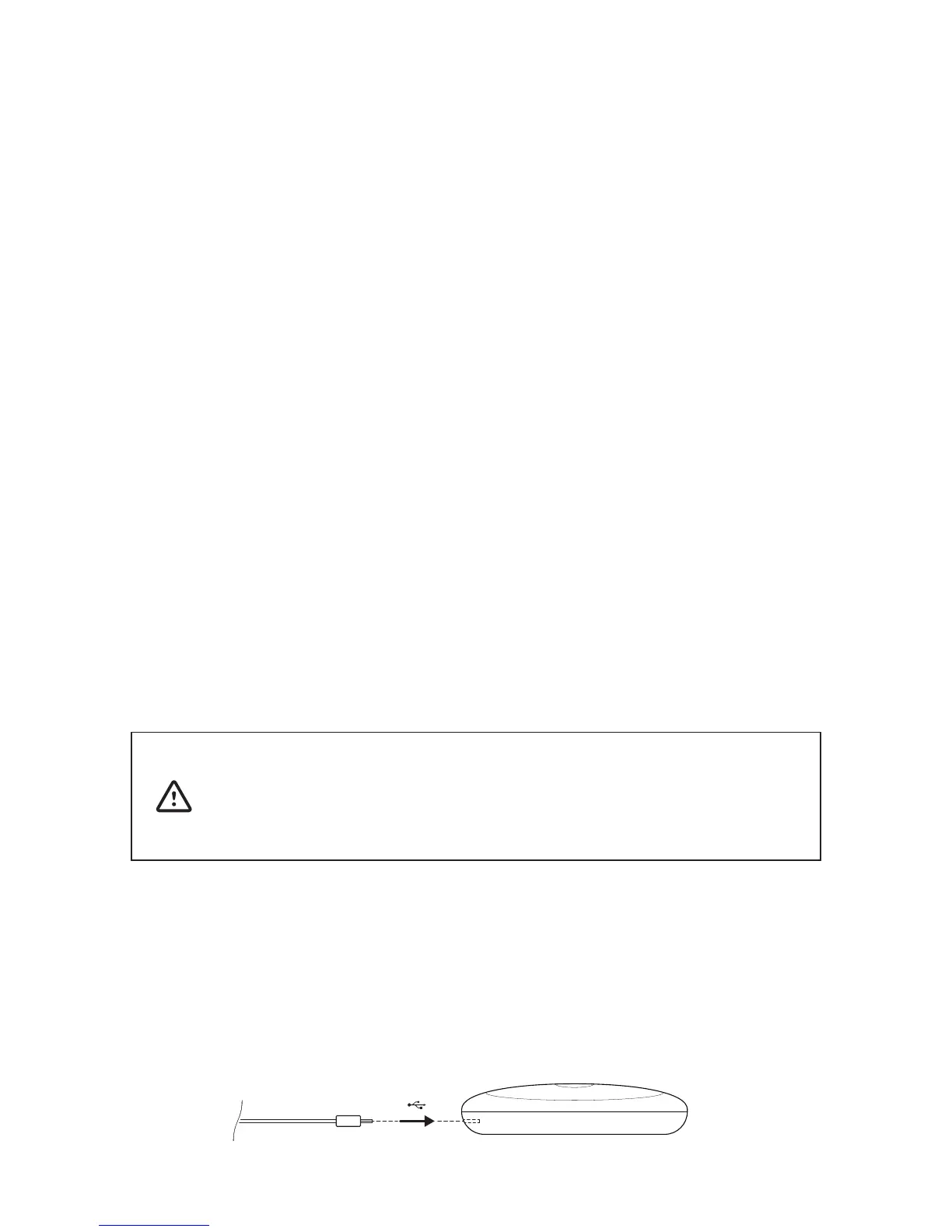
1) Plug the lead cable you intend to use (either the 10 cm
or 25 cm cable) into the micro-USB connector on your
PowerDot device.



 To Next Page