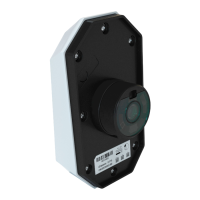
LV710 Freight Camera - Dry Van Swing Door Installation
Revised: 05/23/19 32
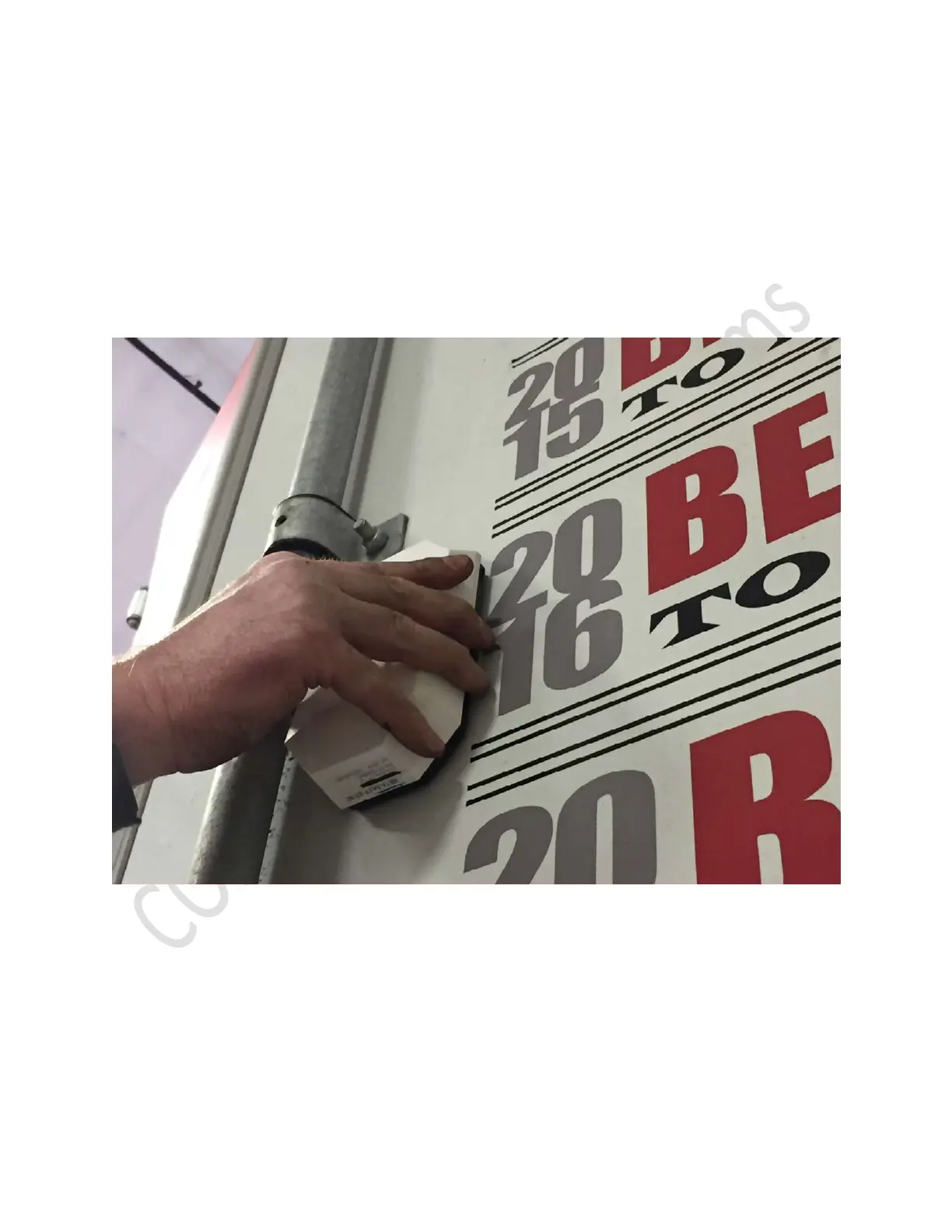
30. With trailer door open, install device into holes previously drilled in steps #8 and #9.
o. Carefully slide lens assembly and positioning dowel into holes
p. Hold device in place.
q. Ensure lens is centered in 2 5/8” hole.
r. Slide thin black rubber washer over lens assembly.
s. Install plastic nut onto lens assembly by turning clockwise.
t. Tighten nut by hand until snug.
u. Using 12” groove lock plier turn nut clockwise ¼ turn past hand tight.
v. Remove protective plastic film from lens.
Place device in mounting position and hold in place


 To Next Page
 Loading...