EasyManua.ls Logo

Powerhorse 53135 - User Manual

Powerhorse 53135
31 pages
Print Icon
To Next Page IconTo Next Page
Loading...
SAVE THESE INSTRUCTIONS
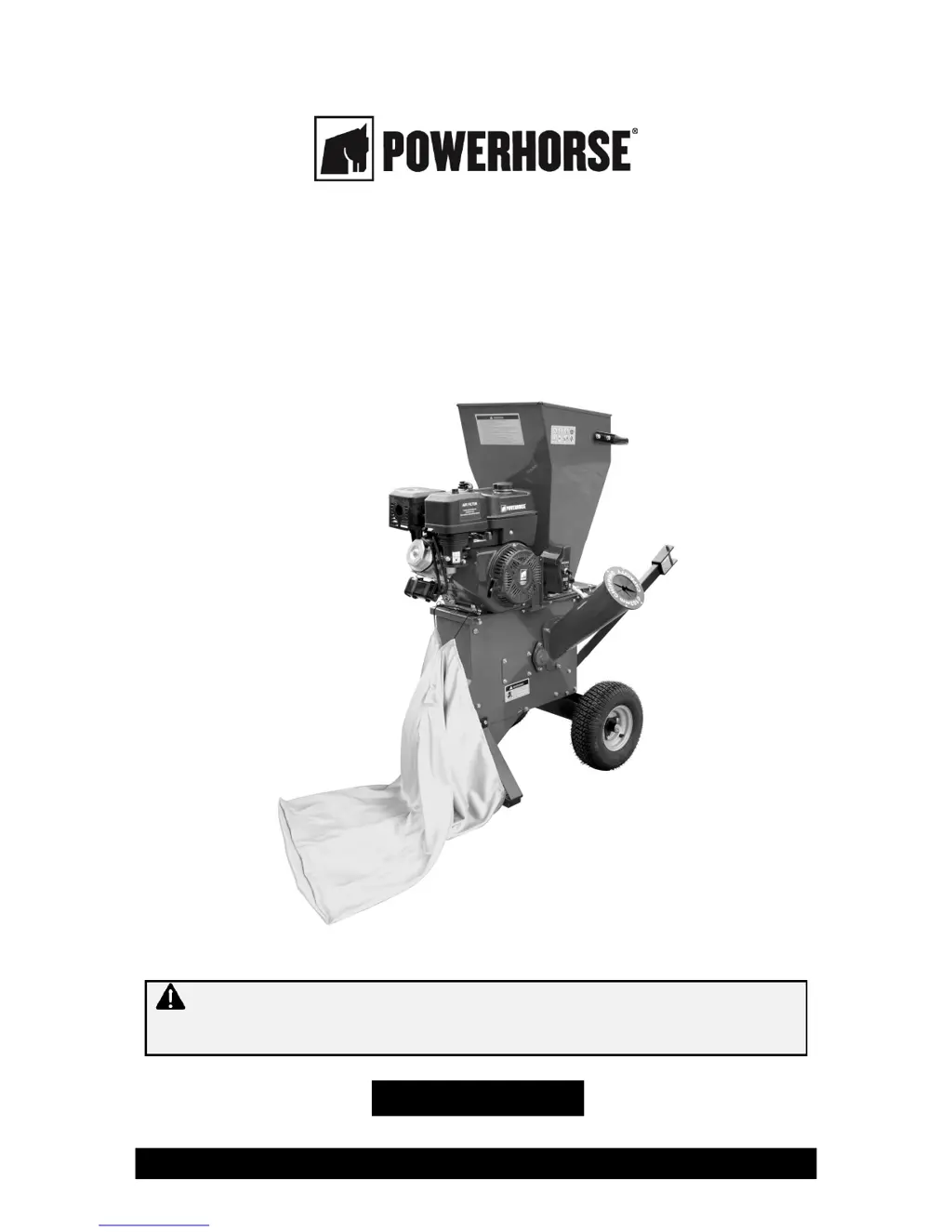
4" Chipper Shredder
Owner’s Manual
WARNING: Read carefully and understand all ASSEMBLY AND OPERATION
INSTRUCTIONS before operating. Failure to follow the safety rules and other basic safety
precautions may result in serious personal injury.
Item #53135

Questions and Answers

  • G
    gstoneAug 2, 2025
    How to fix Powerhorse Paper Shredder if engine will not start?
    • J
      John ShermanAug 2, 2025
      If your Powerhorse Paper Shredder's engine won't start, ensure the ON/OFF switch is ON, the fuel shut-off valve is open, and the choke and throttle controls are in the start position. Also, check that the spark plug wire is connected, or replace the spark plug if it's bad. Make sure there's fresh gas in the tank, the air filter is clean, the engine oil level is sufficient, and the fuel line isn't blocked. Add oil to the engine if the engine oil is low. Clean out the fuel line if it is blocked.
  • R
    Richard PriceAug 6, 2025
    What to do if chips do not come out of the discharge chute of Powerhorse 53135 Paper Shredder?
    • J
      Joshua SmithAug 7, 2025
      If chips aren't coming out of the discharge chute of your Powerhorse Paper Shredder, or are coming out slowly, first turn OFF the motor, disconnect the spark plug, and then clean out the machine if the discharge chute or hopper is clogged. Also, make sure the throttle is set to FAST to ensure sufficient motor RPMs.
  • J
    Janet GreenAug 12, 2025
    Why Powerhorse Paper Shredder engine does not run smoothly?
    • K
      Karen GibbsAug 12, 2025
      If your Powerhorse Paper Shredder engine isn't running smoothly, and it is warm, move the choke to the RUN position. Also, ensure the air filter is clean. If the fuel is stale or contains water or dirt, or if the fuel line is blocked, drain the fuel tank, clean out the fuel line, and refill with fresh gas.
  • C
    Christopher LewisAug 17, 2025
    What to do if Powerhorse 53135 vibrates or makes unusual noises?
    • A
      Amanda BaldwinAug 17, 2025
      If your Powerhorse Paper Shredder is vibrating or making unusual noises, inspect the blades, hammers, impeller, and all connections for loose or damaged parts. Tighten, repair, or replace any parts as needed. Also, clean the impeller and blades if they have woody residue or chunks stuck to them.
  • A
    Ashley CarterAug 21, 2025
    How to fix Powerhorse Paper Shredder that no longer chips or shreds well?
    • N
      nathan09Aug 21, 2025
      If your Powerhorse Paper Shredder is no longer chipping or shredding well, sharpen or replace the blades and check the hammers for damage. Also, inspect the V-belt for looseness, wear, or damage, and replace or tighten it as necessary.
  • S
    Sharon WarrenAug 27, 2025
    Why Powerhorse 53135 engine overheats?
    • M
      Michael BarnesAug 27, 2025
      If your Powerhorse Paper Shredder overheats, clean off any chips and sawdust around the motor. Also, clean out the air filter.

Summary

Safety and Operational Warnings

Important Safety Information

Essential safety guidelines and warnings for safe operation and to prevent injury.

Work Area and Personal Safety

Guidelines for safe work environments and operator protection, including clothing and alertness.

Operational and Specific Warnings

Precautions during machine operation and specific warnings for handling and use.

Machine Setup and Operation

Machine Parts and Site Considerations

Identifies machine components and provides guidance on selecting a suitable operating location.

Assembly Instructions

Step-by-step guide for assembling the chipper shredder after unboxing.

Pre-Operation Checks and Starting

Essential checks before use, including oil/gas, and detailed steps for starting the engine.

Operating and Shredding Procedures

Comprehensive guide on how to operate, chip branches, shred materials, and stop the machine.

Maintenance and Troubleshooting

After Each Use Procedures

Procedures to follow after completing the operation of the chipper shredder, including shutdown.

Routine Maintenance Tasks

Guidelines for visual inspection, cleaning, and specific component maintenance like oil and filters.

Troubleshooting Common Issues

Identifies common problems, their causes, and corrective actions for the chipper shredder.

Parts and Warranty Information

Parts Diagram and List

Visual illustration and detailed list of all components with reference numbers for identification.

Ordering Replacement Parts

Information on how to order replacement parts, including required details.

Product Limited Warranty

Details of the product warranty, including coverage, limitations, and the claims process.

Powerhorse 53135 Specifications

General IconGeneral
Auto Start/StopYes
Overload ProtectionYes
Shredding Capacity12 sheets
Sheet Capacity12 sheets
Shred Speed9.8 FPM