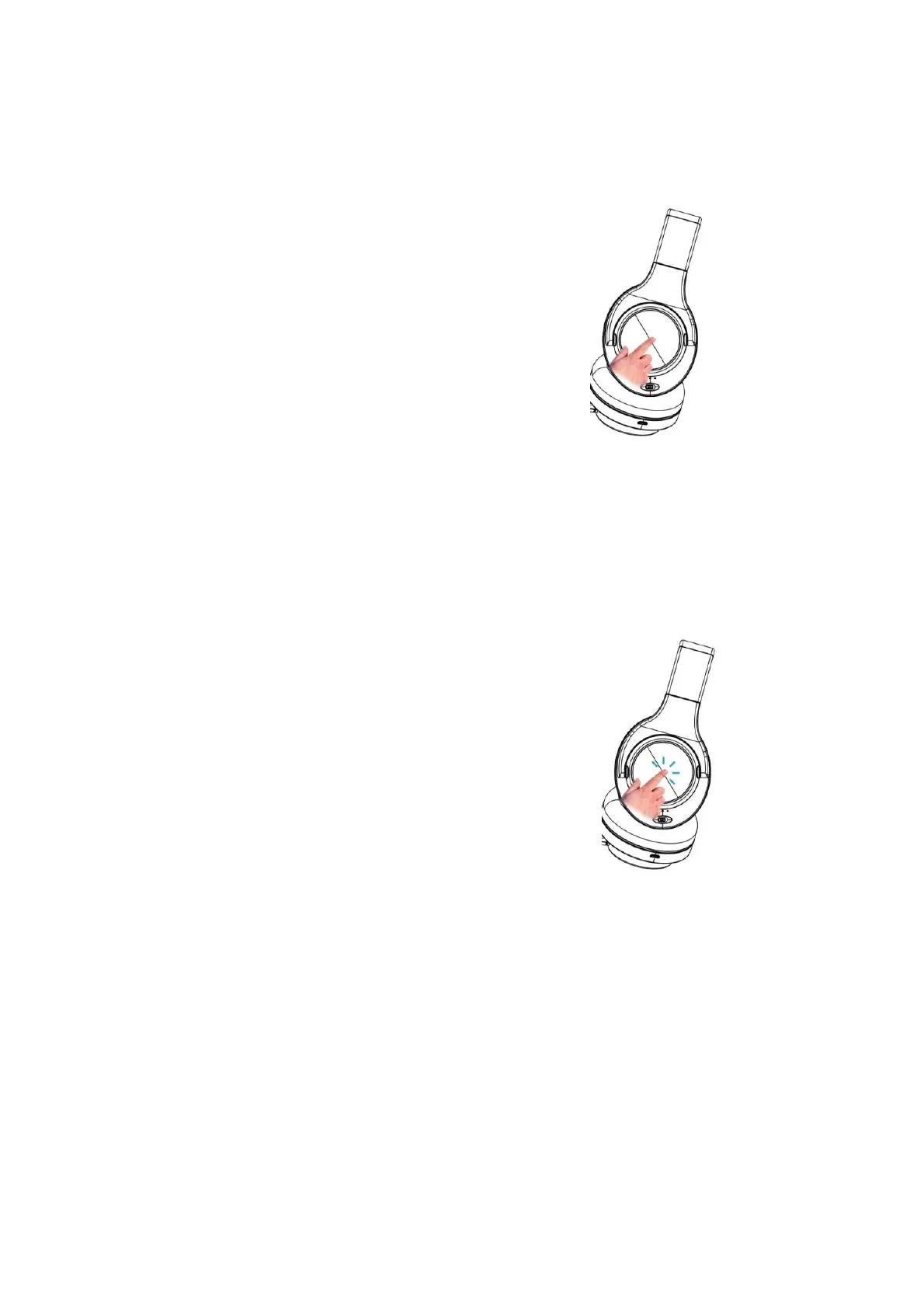
Siri/Voice AssistantActivation – To activate Siri/ Voice Assistant,
simply press the touch button for 5 seconds.
Please note: When the headphone is being used with AUX cable, the touch control will not be active.
You should regulate all functions from your connected device.
4. Hands-Free functions:
To answer an incoming call: Please tap the touch button twice to
answer the incoming call.



 To Next Page