EasyManua.ls Logo

Powermatic PM2200 - User Manual

Powermatic PM2200
20 pages
Print Icon
To Next Page IconTo Next Page
Loading...
Operating Instructions and Parts Manual
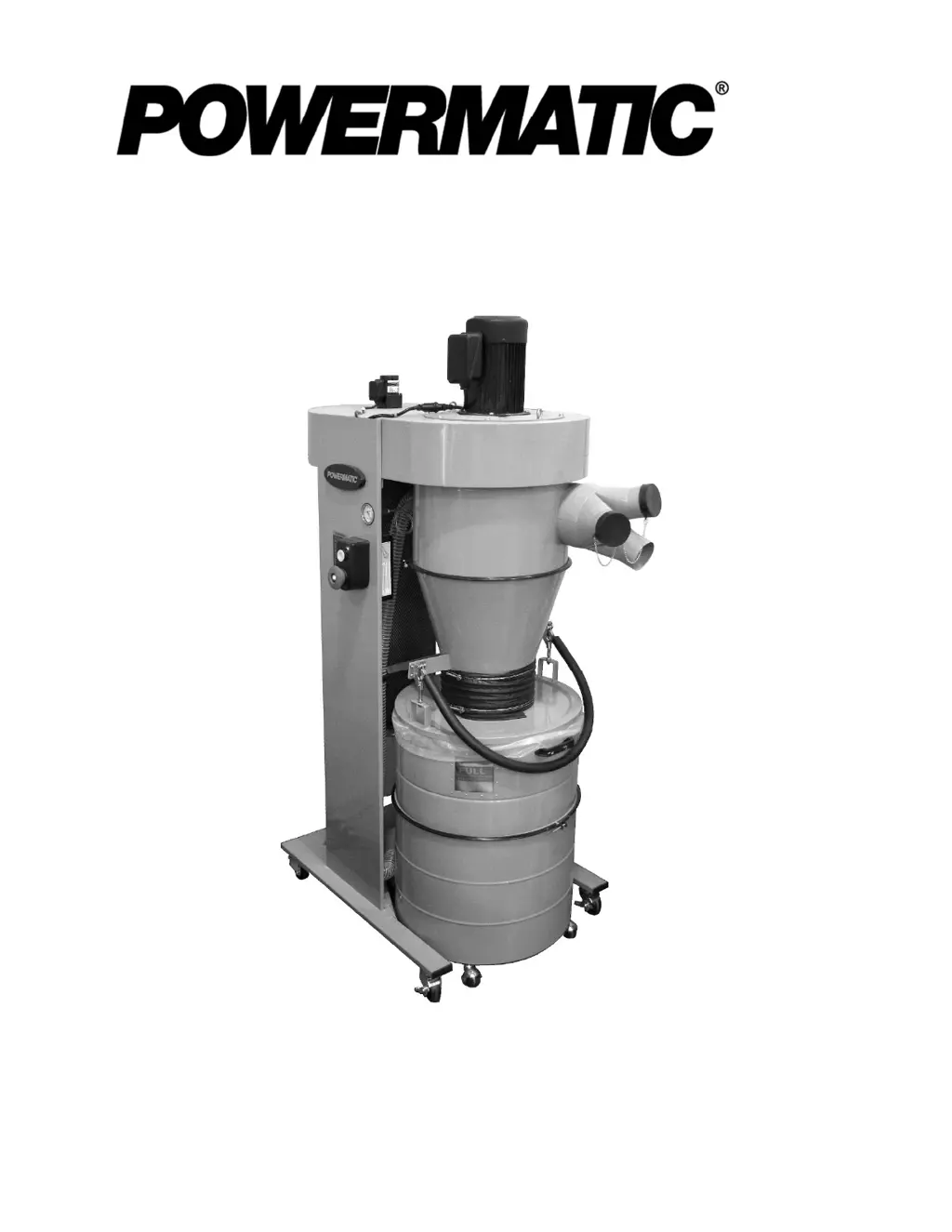
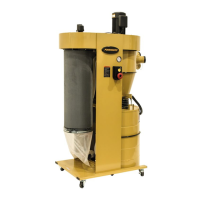
Mobile Cyclone Dust Collector
Model PM2200
Powermatic
427 New Sanford Road
LaVergne, Tennessee 37086 Part No. M-1792200B
Ph.: 800-274-6848 Edition 5 12/2018
www.powermatic.com Copyright © 2017 Powermatic
For serial # 17090036 and higher
This .pdf document is bookmarked

Questions and Answers

  • K
    Kayla AllenAug 14, 2025
    How to troubleshoot a Powermatic Dust Collector motor that won't start?
    • L
      Lori DiazAug 15, 2025
      If the motor of your Powermatic Dust Collector will not start, begin by checking the connections at the plug or circuit panel to ensure there is incoming current. Also, verify that the safety key is properly installed in the switch. If the motor has overheated, allow it to cool down, then press the reset button and try restarting it. Check the power line for proper voltage, and inspect all connections to the switch box and motor for any loose or open connections. If these steps don't resolve the issue, inspect the start switch and replace it if necessary, and also consider replacing the capacitor or motor if they are faulty.
  • O
    owhiteAug 18, 2025
    What to do if Powermatic PM2200 motor stalls, resulting in blown fuses or tripped circuit?
    • F
      faulknersamanthaAug 18, 2025
      If your Powermatic Dust Collector motor stalls and this results in blown fuses or a tripped circuit, try reducing the load on the motor. Inspect the motor connections for loose or shorted terminals, or worn insulation. Make sure to correct any low voltage conditions. Finally, install the correct fuse or circuit breaker.
  • K
    kimberlyjacobsonAug 21, 2025
    Why Powermatic PM2200 Dust Collector motor won't start: fuse blows or circuit breaker trips?
    • M
      Michael StewartAug 21, 2025
      If the motor of your Powermatic Dust Collector won't start and the fuse blows or the circuit breaker trips, it could be due to several reasons. First, ensure that the dust collector is connected to a dedicated circuit to avoid overloading a shared circuit. Inspect the line cord or plug for damaged insulation and shorted wires. Also, check all motor connections for loose or shorted terminals, or worn insulation. Finally, make sure the power line has the correct fuse or circuit breaker installed.
  • F
    fclarkAug 25, 2025
    How to fix loud noise or vibrations coming from Powermatic PM2200 Dust Collector?
    • J
      Jeffrey AyalaAug 26, 2025
      If you notice loud noises or vibrations coming from your Powermatic Dust Collector, start by inspecting the machine and tightening all fasteners. If the motor fan is hitting the cover, try tightening the fan or shimming the cover, and replace the fan cover if it's damaged. If the noise persists, the impeller might be damaged and require replacement.
  • A
    Anna McdonaldAug 28, 2025
    What to do if remote controller fails to activate Powermatic Dust Collector?
    • J
      James WellsAug 28, 2025
      If the remote controller fails to activate your Powermatic Dust Collector, first check if the stop button is still engaged and disengage it. If that's not the issue, replace the batteries in the remote. If problems persist, try resetting the remote following the provided instructions for clearing and resetting.
  • B
    bbradleyAug 31, 2025
    Why Powermatic PM2200 Dust Collector motor will not start?
    • B
      Bradley FieldsAug 31, 2025
      Several factors can prevent the motor of your Powermatic Dust Collector from starting. First, ensure the unit is receiving power by checking connections at the plug or circuit panel. Verify that the safety key is properly installed in the switch. If the motor has overheated, allow it to cool down, then press the reset button before restarting. Also, check the power line for proper voltage and inspect all connections to the switch box and motor for any loose or open connections. Finally, inspect the start switch and capacitor, replacing them if necessary. If these steps don't resolve the issue, the motor itself may be faulty and require inspection or replacement.
  • G
    gquinnSep 4, 2025
    Why does my Powermatic PM2200 motor overheat?
    • B
      baguirreSep 4, 2025
      If your Powermatic Dust Collector motor overheats, it could be due to the motor being overloaded. Try reducing the load on the motor. Another potential cause is restricted air circulation. Clean the motor fan with compressed air to restore normal air circulation.
  • J
    jessica68Sep 6, 2025
    What to do if Powermatic PM2200 motor will not start: fuse blows or circuit breaker trips?
    • L
      Lisa RiveraSep 7, 2025
      If the motor of your Powermatic Dust Collector won't start and the fuse blows or the circuit breaker trips, it could be due to a few reasons. Too many machines might be on a shared circuit, so connect the dust collector to a dedicated circuit. Inspect the line cord or plug for damaged insulation and shorted wires. Also, check all motor connections for loose or shorted terminals, or worn insulation. Finally, ensure the correct fuse or circuit breaker is installed at the power source.
  • T
    tsalasSep 12, 2025
    What to do if Powermatic PM2200 Dust Collector remote controller fails to activate machine?
    • S
      shannon64Sep 12, 2025
      If the remote controller fails to activate your Powermatic Dust Collector, first ensure that the stop button is not engaged. If it is, disengage it. If that's not the issue, replace the batteries in the remote. Finally, the remote itself may need resetting; follow the instructions for clearing and resetting it.

Powermatic PM2200 Specifications

General IconGeneral
Motor Power3 HP
Inlet Diameter8"
Voltage230 V
Impeller Diameter14"
Phase1 Phase

Related product manuals