Setting the Functions
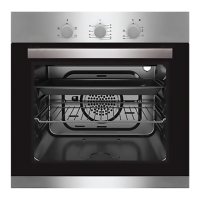
Turn the knob to function required. Turn the temperature
knob to the required temperature. The oven will automatically operate once
function, time and temperature are set. If the oven is not in use, always set all
the knobs to "0".
Setting the Timer
To set the cooking time, turn the timer knob clockwise to the time required.
When the setting cooking time is reached, the timer will return to "0"
automatically, you will hear a bleep and the oven will power off.
Cleaning the Oven
Do not clean oven using caustic creams, abrasive cleaning powders,
wire wool or hard tools to clean any parts of this cooker
Enamelled parts of the oven can be damaged if excess cleaning liquids
are not immediately removed
Always turn the appliance off before cleaning and disconnect from
your mains supply
Clean the interior parts of the oven with a soapy cloth, rinse and dry
thoroughly with a soft cloth
Clean the glass surfaces with glass cleaning agents
Never use flammable agents when cleaning your oven
Do not clean your oven with a steam cleaner
Do not wash any part of your oven in a dishwasher
Clean spillages immediately


 To Next Page