EasyManua.ls Logo

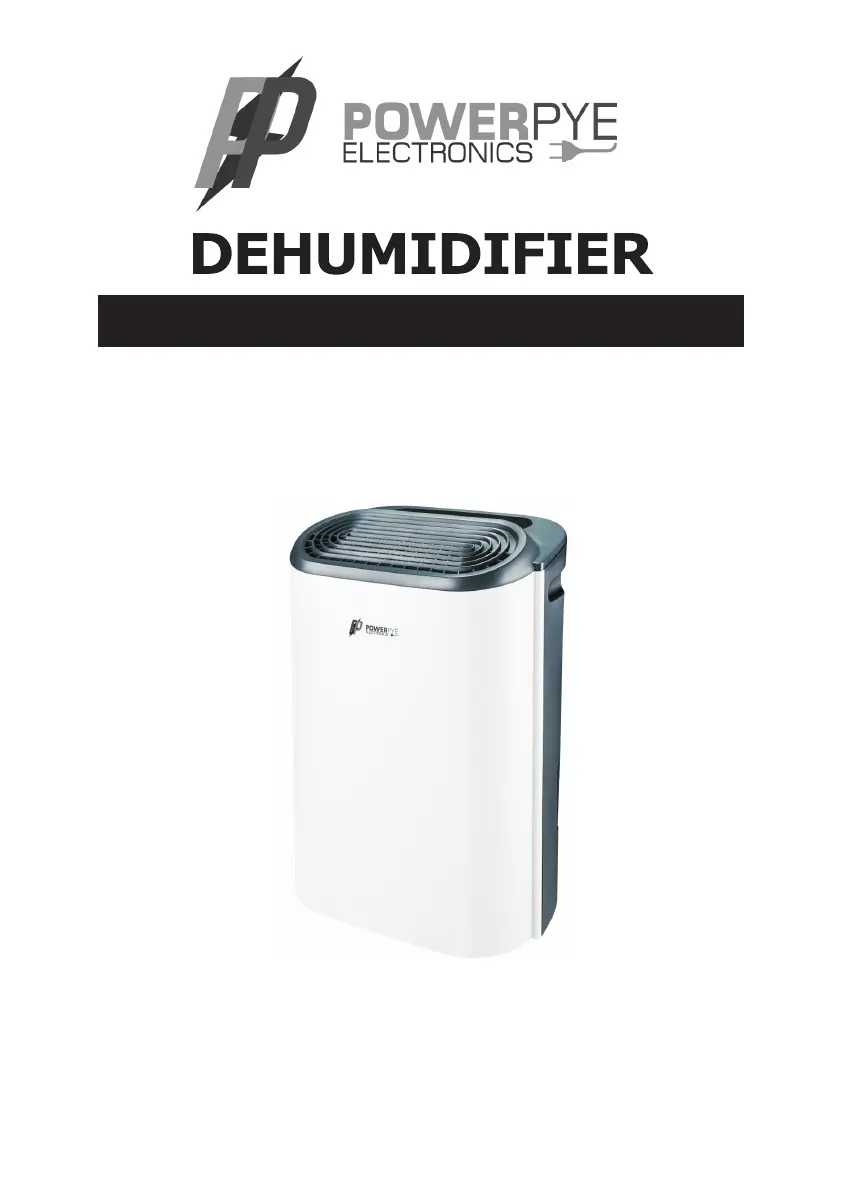
POWERPYE ELECTRONICS PPYPDZ12A WIFI - User Manual

POWERPYE ELECTRONICS PPYPDZ12A WIFI
22 pages
Print Icon
To Next Page IconTo Next Page
Loading...
Thank you for choosing this product.
Please read this instruction manual before using it.
INSTRUCTION MANUAL AND WARRANTY CARD
MODEL: PPYPDZ12A WIFI / PPYPD30 WIFI

Questions and Answers

  • K
    Kyle MartinezAug 8, 2025
    What to do if my POWERPYE ELECTRONICS PPYPDZ12A WIFI does not work?
    • J
      jennifer46Aug 8, 2025
      If your POWERPYE ELECTRONICS Dehumidifier isn't working, there could be a few reasons. First, ensure the power plug is properly inserted into the wall outlet. Secondly, check if the water tank is full and needs emptying. Finally, make sure the tank has been correctly replaced after emptying.
  • C
    Christopher AndersonAug 12, 2025
    Why is my POWERPYE ELECTRONICS PPYPDZ12A WIFI not reducing humidity enough?
    • A
      anthonyspencerAug 12, 2025
      If your POWERPYE ELECTRONICS Dehumidifier is running but not reducing humidity enough, it might be due to several factors. The room could be too large for the unit's capacity, in which case a dehumidifier with a greater capacity is recommended. Excessive ventilation, like open windows, can also hinder performance, so reduce ventilation by closing windows and doors. Additionally, a clogged air filter can impede its effectiveness, so ensure you clean the air filter. Finally, verify that the set humidity is lower than the ambient humidity.
  • E
    eric66Aug 16, 2025
    How to fix a noisy POWERPYE ELECTRONICS PPYPDZ12A WIFI Dehumidifier?
    • J
      Jessica KlineAug 16, 2025
      If your POWERPYE ELECTRONICS Dehumidifier is making excessive noise, it could be due to a blocked air filter or the device being placed on an uneven surface. Try cleaning the filter or placing the dehumidifier on a flat, even surface.
  • D
    darryl04Aug 20, 2025
    Why is the water removal capacity of my POWERPYE ELECTRONICS PPYPDZ12A WIFI too low?
    • J
      John SwansonAug 20, 2025
      If your POWERPYE ELECTRONICS Dehumidifier's water removal capacity seems low, consider the runtime. Sometimes, it simply requires more time to dehumidify the space effectively, so be patient and wait. Also, very low ambient temperature or humidity can impact the dehumidifier's performance; it's normal for the device not to dehumidify well under these conditions.
  • D
    David HarrisAug 25, 2025
    Why is my POWERPYE ELECTRONICS Dehumidifier blowing out warm air?
    • Z
      zramirezAug 25, 2025
      It's normal for the POWERPYE ELECTRONICS Dehumidifier to blow out warm air. The dehumidifying process involves passing dried air over heating coils before it's released back into the room. Remember, a dehumidifier is not designed to be an air cooler.
  • W
    William CarterAug 28, 2025
    What to do if the display on my POWERPYE ELECTRONICS PPYPDZ12A WIFI is not showing the humidity set point?
    • C
      Cassie MartinAug 29, 2025
      If the display on your POWERPYE ELECTRONICS Dehumidifier isn't showing the humidity set point, it's likely displaying the room's relative humidity instead. To view the target relative humidity, press the humidity control button once.
  • T
    Theresa JordanSep 2, 2025
    Why is there water on the floor near my POWERPYE ELECTRONICS PPYPDZ12A WIFI?
    • M
      Matthew GreenSep 2, 2025
      If you find water on the floor near your POWERPYE ELECTRONICS Dehumidifier, it may be due to residual water in the tank splashing out during movement. Be careful when moving the tank to avoid spillage.

POWERPYE ELECTRONICS PPYPDZ12A WIFI Specifications

General IconGeneral
BrandPOWERPYE ELECTRONICS
ModelPPYPDZ12A WIFI
CategoryDehumidifier
LanguageEnglish