Need help?
Do you have a question about the PowerTraveller EXTREME and is the answer not in the manual?
Press and hold the power button to activate or deactivate the device, enabling permanent-on mode for low-power devices.
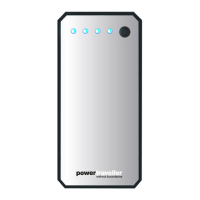
Tap the power button to illuminate LEDs indicating charge level in 25% increments. Solid LEDs mean fully charged; flashing first LED indicates recharge needed.
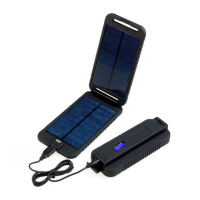
Connect the solar panel to the Extreme's USB-C port using the supplied cable and expose panels to direct sunlight. LED indicates charge strength.
Connect the Extreme to a power source using a USB to USB-C cable via the USB-C port.
Connect your device using a USB-C cable to charge it from the Extreme's USB-C port.
Connect your device using a supplied or own cable to the USB output port. Simultaneous charging of Extreme and devices is possible.
Connect your device directly or via its car charger to the DC output port after pressing the power button.
Details include 12000mAh capacity, bi-directional USB-C, DC output, multiple USB outputs, LED indicators, and rugged waterproof casing.
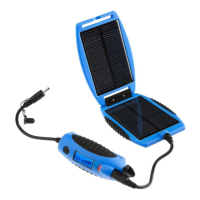
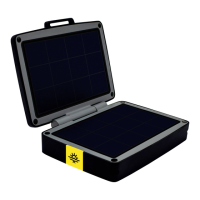
Features a 5W clamshell solar charger, 2-colour LED indicator, MPPT technology, and a design that opens to 220 degrees.
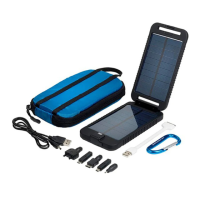
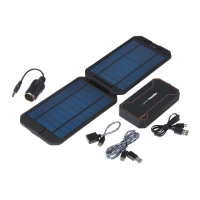
Lists components included in the kit: Power Pack, Solar panel, connection cables, female USB cable, 12V car charger socket, and tactical pouch.
 General
| Brand | PowerTraveller |
|---|---|
| Model | EXTREME |
| Category | Battery Charger |
| Language | English |

 To Next Page