User Guide
- 20 -
en
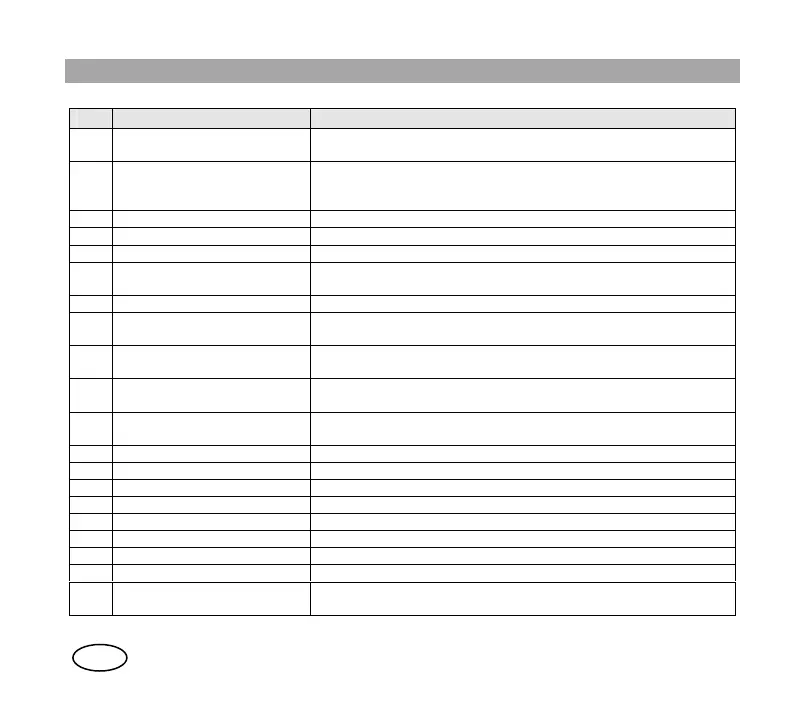
No. Description Observations
1 Audio accessory connector Side connector to connect micro speakers, earphones, hands-
free, etc.
2 Rotary knob This allows you to set the audio volume to the desired level.
Programmed changes between ranges and groups after pulse
Auxiliary button 1.
3 Screen Colour display.
4 Indicator light Bicolour LED with various associated functions. See section 6.2.
5 On / off button Hold it down for a few seconds to turn the terminal on / off.
6 Up / down arrows (2) These help you navigate through the different menus and lists of
options.
7 Alphanumeric keys Keys 0 - 9, *, #.
8 Emergency button Hold it down for a few seconds to make a priority call to the
preset destination.
9 Soft keys (2) Press these to select the option that appears on the lower left or
right of the screen.
10 Green call key Press this to make or answer a call. In standby mode, this allows
you to access the list of calls made.
11 Red hang-up key Its main function is to end a call. When you are not calling,
pressing this key will take you to the main screen.
12 PTT Press to talk button.
13 Auxiliary button 1 Quick access to the special function programmed on this button.
14 Auxiliary button 2 Quick access to the special function programmed on this button.
15 Speaker 1 Speaker for half-duplex calls.
16 Speaker 2 Speaker for duplex calls.
17 Microphone 1 Microphone for half-duplex calls.
18 Microphone 2 Microphone for duplex calls.
19 Auxiliary connector Auxiliary connector for programming, charger, car kit, etc.
20 Vehicular antenna connector It allows to connect the HTT-500 terminal to a car kit (it is only
available in equipments with “Vehicular antenna” option).



 To Next Page