User Guide
- 47 -
en
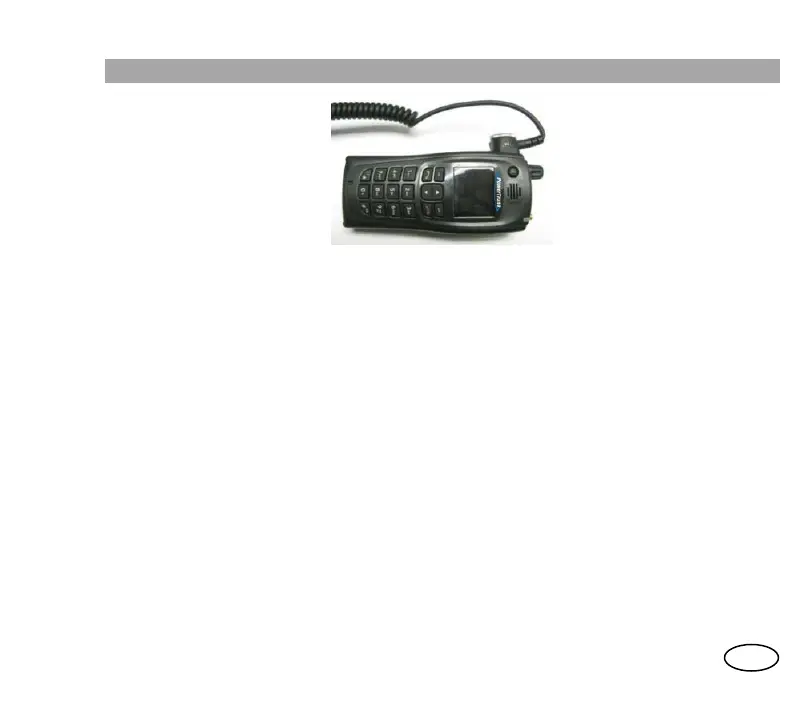
Microspeaker
This accessory allows you to wear the terminal comfortably on your waist while you
make/receive voice calls.
• It has a keypad with PTT, emergency button, and + and - keys which, by default,
allow you to increase/decrease the volume.
• The audio is directed through the microphone and speaker of the accessory. You
may also connect an earphone to the microspeaker.
• It also has a vibration function, which you can program to activate when you receive
each type of call.
• You can make half-duplex calls (pressing either of the PTTs; on the terminal or on
the microspeaker), and duplex calls (when you wish to speak, you must press the
PTT).
Hands-free kit
This accessory allows you to listen to the communications confidentially or in noisy
environments and, in addition, communicate in a duplex call with the hands-free.
• The audio is directed through the microphone and speaker of the accessory.
• You can make half-duplex calls (pressing either of the PTTs; on the terminal or on
the hands-free kit), and duplex calls (without pressing any PTT).



 To Next Page