--------------------------------------------------------------------------------------- -------------------------------------
RECEIVING CALLS
Direct calls (individual or group)
You hear a tone and the LED turns green. Press PTT to
speak.
Hook calls (private or telephone) (*)
You hear a tone and the LED turns orange.
To accept the call, press PTT or the green OK key.
To reject the call press the red hang-up key.
QUICK ACCESS KEYS
From the main screen, you can quickly access a
number of basic functions:
MENU: Press soft key 1 to access the main menu
screens
CONTACTS: Press soft key 2 to access the contacts
list directly.
GROUPS: On the main screen, use the arrows to
change group.
RECALL: Pressing the green key takes you
directly to the calls list sub-menu, where you can select
calls made, received or missed.
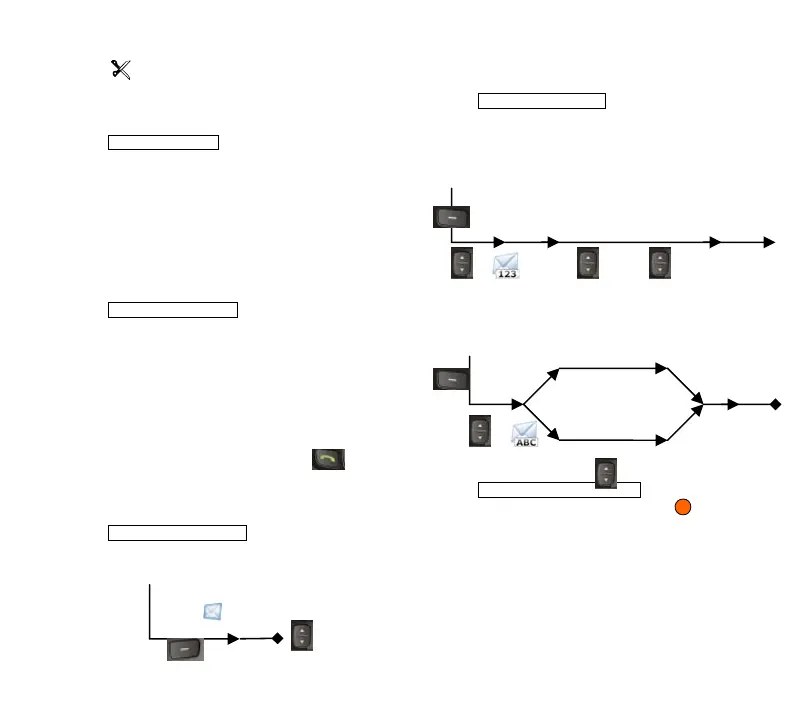
RECEIVING MESSAGES
Status / text messages
SENDING MESSAGES
Status messages
Text messages
Emergency call (V+D / DMO)
Keep the orange emergency button pressed for a
few seconds. The call automatically retries until it
connects. If you wish to cancel it during the connection
stage, press the button again.
Soft Key 2
Main screen
Beep
Select the status or text to
read
Main screen
Soft Key 1:
Menu
'OK'
Send
Select
destination
Outbox
Select status
Send
Write message
Options
'OK'
New
message
Outbox
Select and edit
messages
Soft Key 1:
Menu
Main screen
Select
destination



 To Next Page