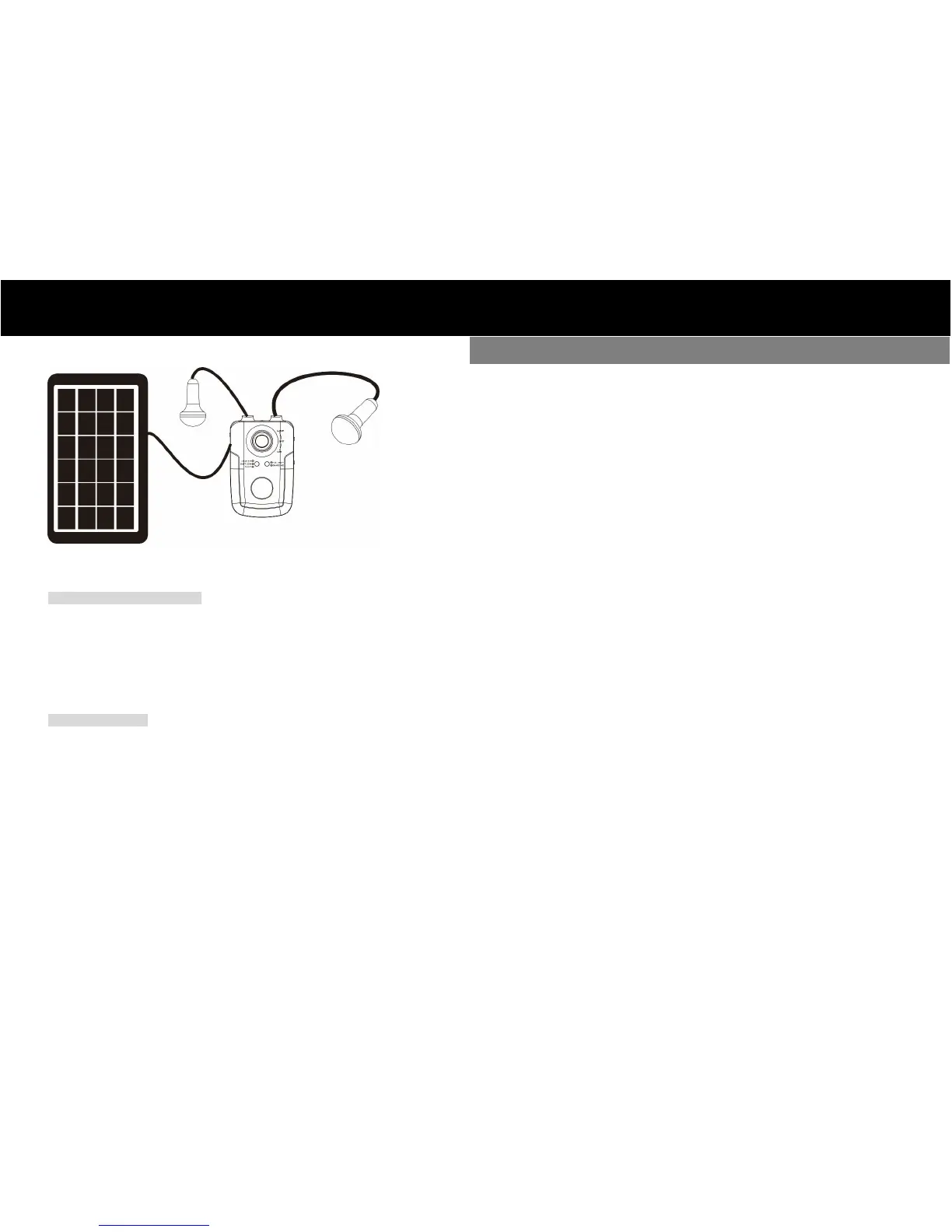
Complete lighting system diagram
4. Operation
Lamps/Built-in LED Operation
If pressing main power switch to “l” position to turn on the unit, both connected lamps will
be lighting. There are two control buttons on the two sides of power pack, one to control
on/off for right lamp and the other to control on/off for left lamp.
If pressing main power switch to “ll” position, lamps and built-in LED will light up at the
same time.
USB OUT Operation
No matter main power switch is on “l” or “ll” position, USB output port will be default off.
Simply press “USB On/Off” button to turn on USB output power.
Please do not expose the lighting system under the blazing sun for a long time when
the solar panel is charging it.
Before first use or after prolonged storage, please turn off the switches and fully
charge the battery.
This lighting system should be charged at least once a month and each time it should
be fully charged at least 6 hours. Be sure to put solar panel under direct sunlight.
The power pack and the lamps should always be placed in a dry and shady place.
Please keep it away from fire or any corrosives.
Please always keep the surface of solar panel clean and in good condition.
Any actions such as throw, drop, fall, knock are all prohibited.



 To Previous Page
 Loading...