INSTRUCTIONS
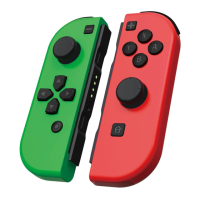
SWITCH
WIRELESS
CONTROLLER
Clear Single Turbo Setting:
Press and hold T button and press another button a third time to clear turbo settings
from that button.
Clear All Turbo Settings:
Press and hold T button for 5 seconds and then press the - button to clear all Turbo functions.
7.RGB Dazzling Light
When the controller is turned on, the dazzling light will be set by default and the 8 colours
of dark blue, red, green, yellow, light blue, orange, purple and pink will be set circularly.
Press T Button 3 times to turn the RGB dazzling lights off or on.
8.Motor Vibration Speed Adjustment (for Nintendo Switch™ Only)
When the controller is connected, press and hold L, R, ZL and ZR buttons simultaneously to
adjust the motor intensity (the controller will vibrate once each time you adjust it). e
motor vibration can be adjusted to three levels; ‘Strong’, ‘Medium’ and ‘Weak’. Each time the
controller is connected to a device for the first time ‘Medium’ will be the default level;
followed by ‘Strong’ and ‘Weak’.
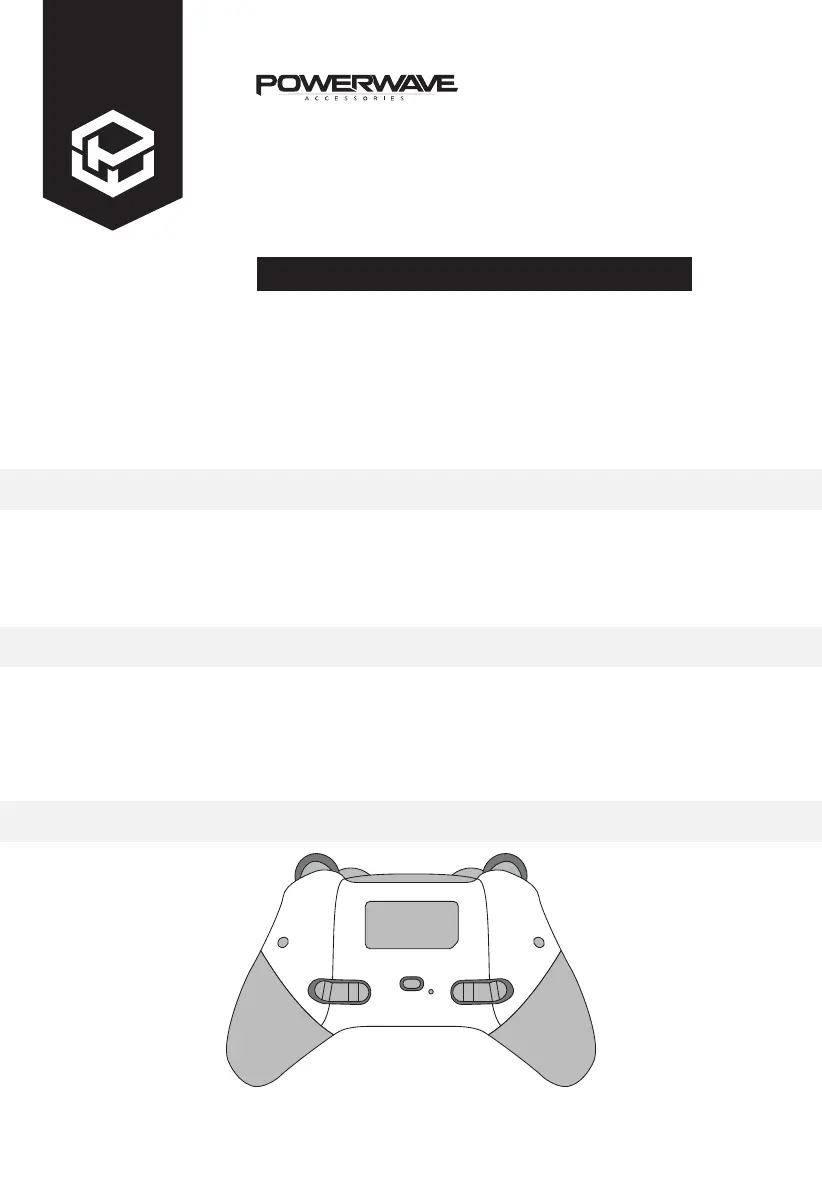
9.M Button Function Programming
M button =
M1 M2 M3 M4
Buttons that can be programmed include
!/"/
#
/
$
/ A / B / X / Y / L / R / ZL / ZR / L3 / R3
M1
M2 M3
M4



 To Next Page