36
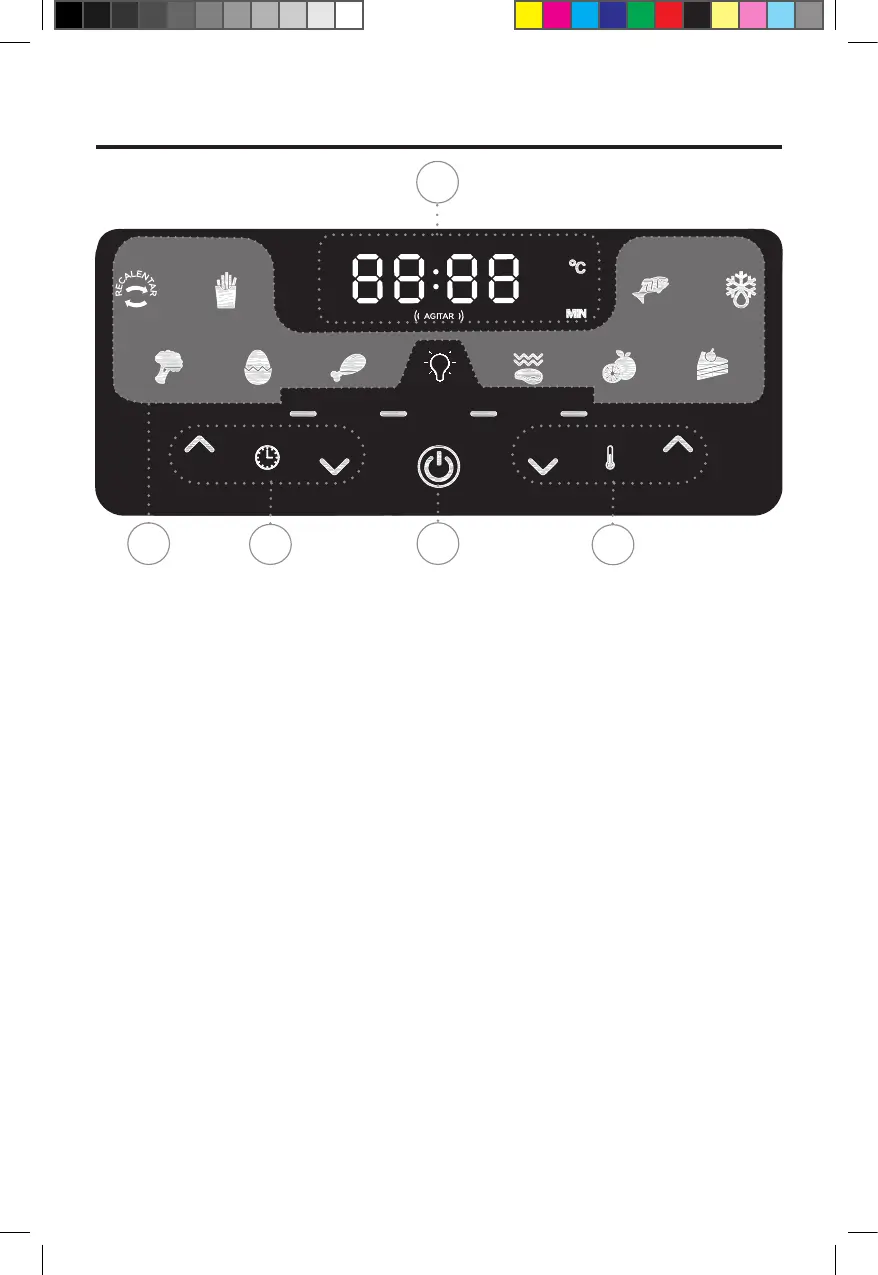
1. Power Button: Once the Basket and
Fry Tray are properly placed in the Main Unit
Housing, the Control Panel will be illuminated.
Pressing the Power Button once will set the
appliance to a default cooking temperature
of 190° C and time of 15 minutes. Pressing
the Power Button a second time will start
the cooking process. Pressing the Power
Button during the cooking cycle will turn the
appliance off.
2. Cooking Presets: Press the cooking
preset buttons to choose from up to ten
cooking presets (presets vary by model).
See the Preset Chart for the cooking times
and temperatures associated with each
preset. The running lights on the Control
Panel will illuminate when the cooking cycle
begins and will stay illuminated for up to 20
seconds after the cooking cycle is complete.
3. Timer Control Buttons: The + and
− symbols enable you to increase or decrease
cooking time 1minute at a time (30minutes
at a time for Dehydrate). Keeping the Button
held down will rapidly change the time.
Time control range: 1– 60 minutes (Dehydrate
time control range: 2–24 hours).
4. Temperature Control Buttons:
The + and −
symbols enable you to increase or decrease
cooking temperature 10° C at a time. Keeping
a button held down will rapidly change the
temperature. Temperature control range: 80°
C – 220° C (Dehydrate temperature control
range:30° C–80° C).
5. Time and Temperature
Display:
This display will keep track of the temperature
and remaining cook time.
Agitar Indicator: The agitar Indicator will
illuminate when the cooking cycle has reached
its halfway point. This halfway timer gives you
the opportunity to shake or ip your food
in the appliance, which helps ensure even
cooking (see the “Shaking” section).
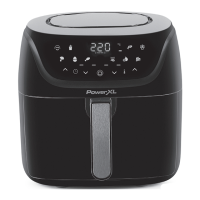
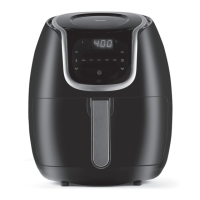
Model: AF-E6001-WA-LA (6-Qt.)
Display Panel
TO START: Plug the Power Cord into the electrical outlet. TheDigital LED Display will illuminate
and a series of dashes (running lights)will display.
Using The Control Panel
2
3
4
5
1
AF-E6001-LA_29513_IB_SE_B.indd 36AF-E6001-LA_29513_IB_SE_B.indd 36 10/19/22 1:49 PM10/19/22 1:49 PM




 To Next Page