User Manual
ScanLog 96 Pen Drive Version
2
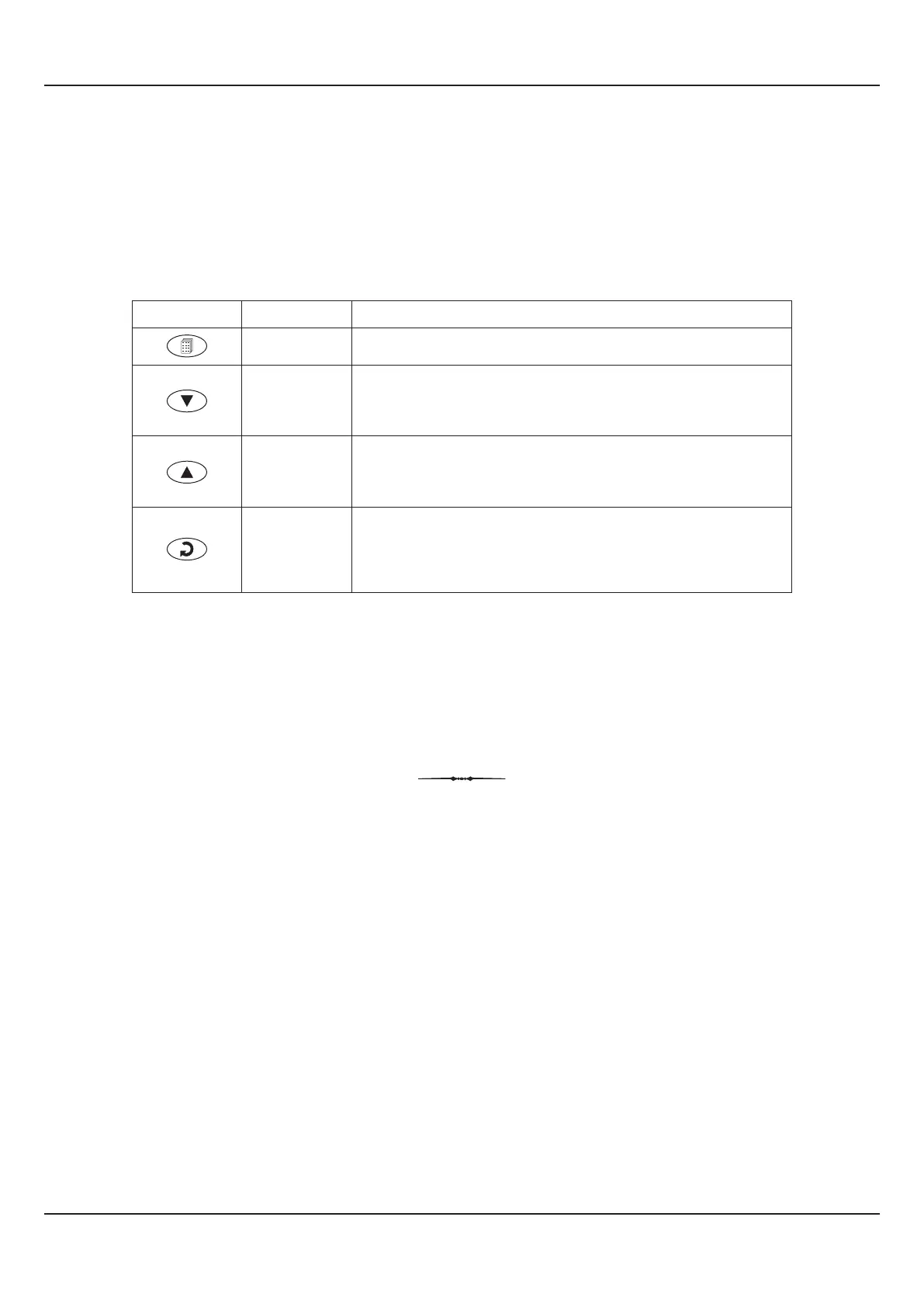
KEYS
There are four tactile keys provided on the front panel for setting-up the parameter values and for other functions &
commands. The Table 1.2 below lists each key and the associated function.
Table 1.2
PEN-DRIVE SLOT
A rectangular slot with USB connector type A is provided for Pen-Drive operation.
ENTER /
Alarm ACK
Symbol
Key
Function
DOWN
UP
SET-UP
Press to enter / exit Set-up Mode.
Press to decrease the parameter value. Pressing once
decreases the value by one count; holding the key pressed
speeds up the change.
Press to increase the parameter value. Pressing once
increases the value by one count; holding the key pressed
speeds up the change.
Press to store the set parameter value and to scroll to the next
parameter in Set-up Mode.
Press to acknowledge / mute alarm output (if active).



 To Next Page