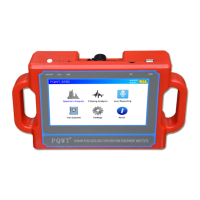
PQWT-S500
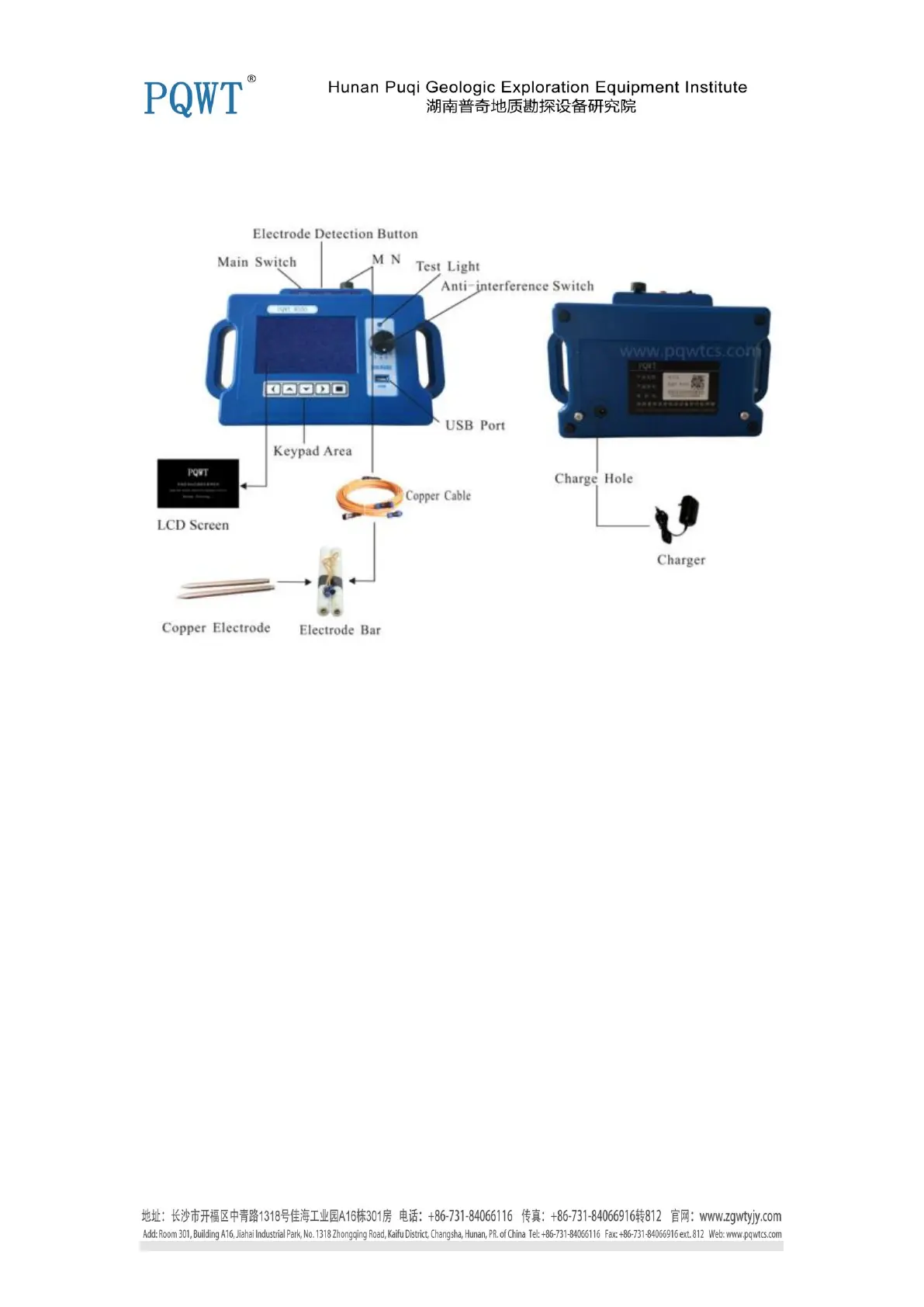
Instrument Host Panel
1. LCD Screen
Display data and curves and the various operating states and measurement results during the
operation.
2. M N
Input terminal, insert M, N electrode connector.
3. -2 -1 0 1 2 Switch
Special anti-jamming design: 0 for the basic interference set , -2 -1 for the strong signal jamming
design, 1 2 for the weak signal jamming design. (Special note: the same cross-sectional profile can
only use the same anti-interference option, can not be converted repeatedly in the same
cross-section, otherwise the data is not accurate, affect judgment. )
4. Main Switch
On / off the instrument power
5. Electrode Detection Button
Check M, N electrode loop if communicated, press the TEST Light up that is normal.
6. "←", "→", "↓", "↑", "□" Button
Used for operating the instrument, press "←", "→", "↓", "↑" button, can move to select option.
Press the "□" is used to confirm the selection and move to the next menu.
7. USB Port
External U disk for data transmission


 To Next Page
 Loading...