14 4801 V100-UK
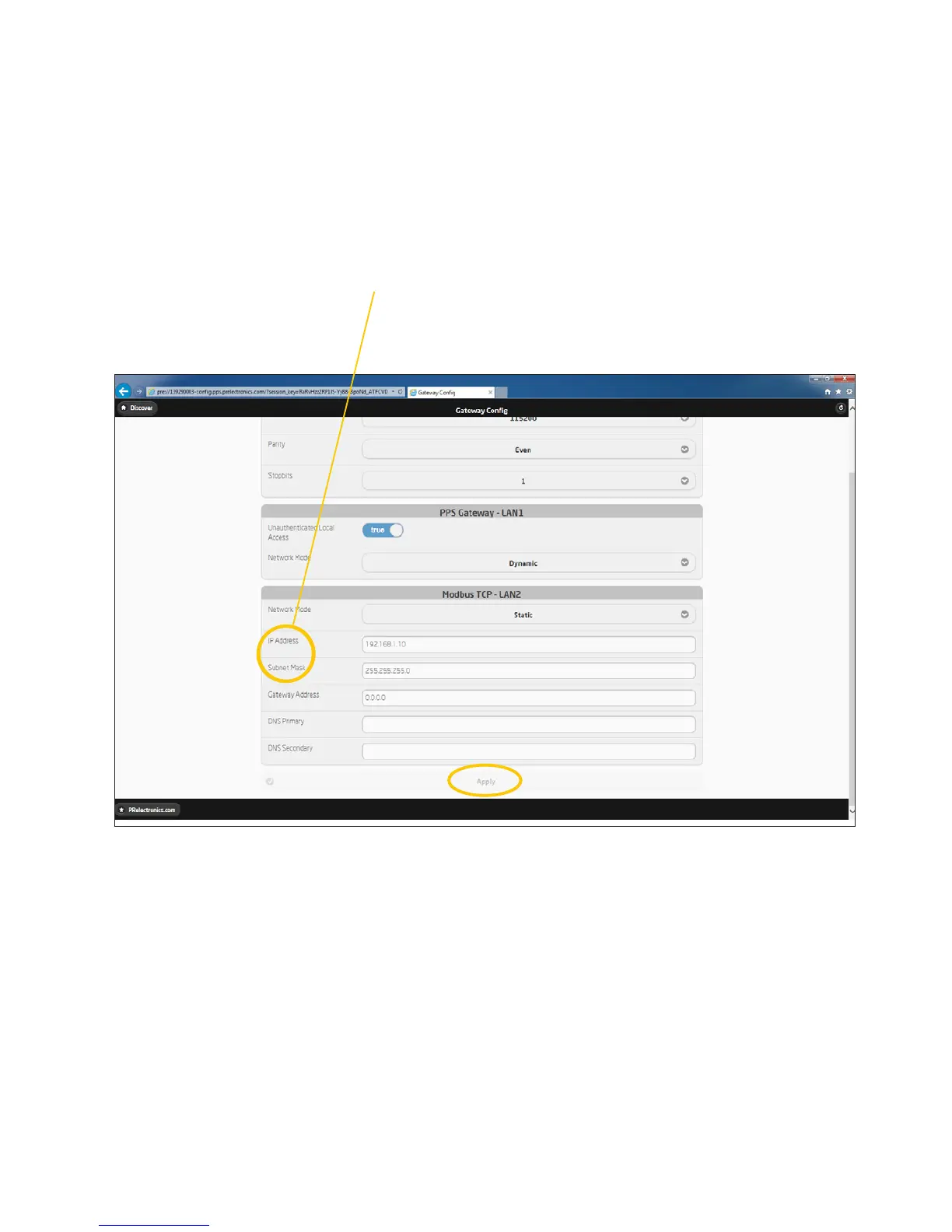
Change the IP settings - of the 4801 gateway -
back to default settings, which are:
IP: 169.254.0.10 and Subnet mask: 255.255.0.0
Press “apply” - to accept the changes.
Change LAN communication setup
back to point to point communication



 To Next Page