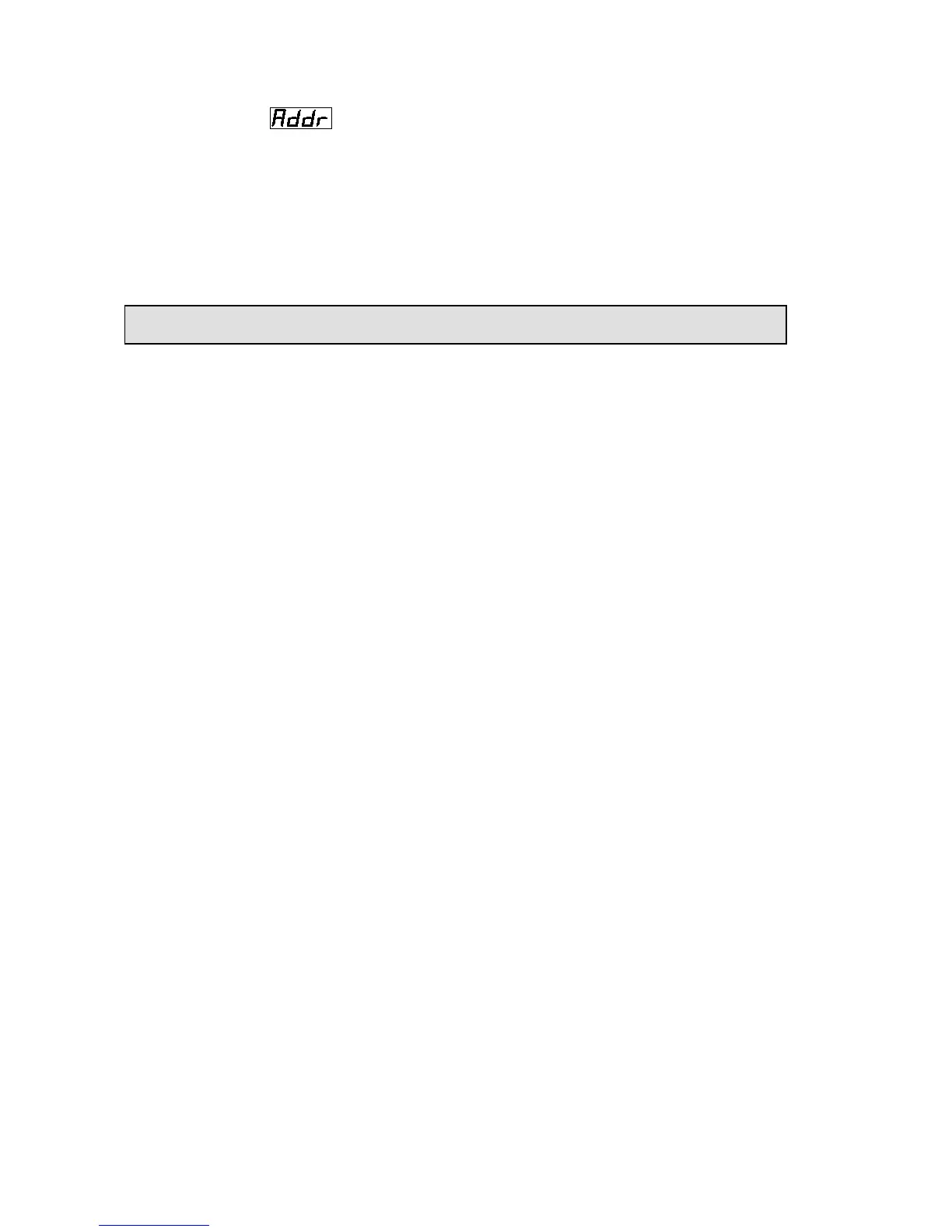
Launch the projector. Press button ENTER more than 5 seconds to unlock panel.
Press button FUNC to ;
Press button ENTER, it will display address;
Press button UP and DOWN, you can set the address;
Press button ENTER to confirm;
Press button FUNC, it will return to the upper menu one by one.
Solo 575 Manual_en.doc



 To Next Page