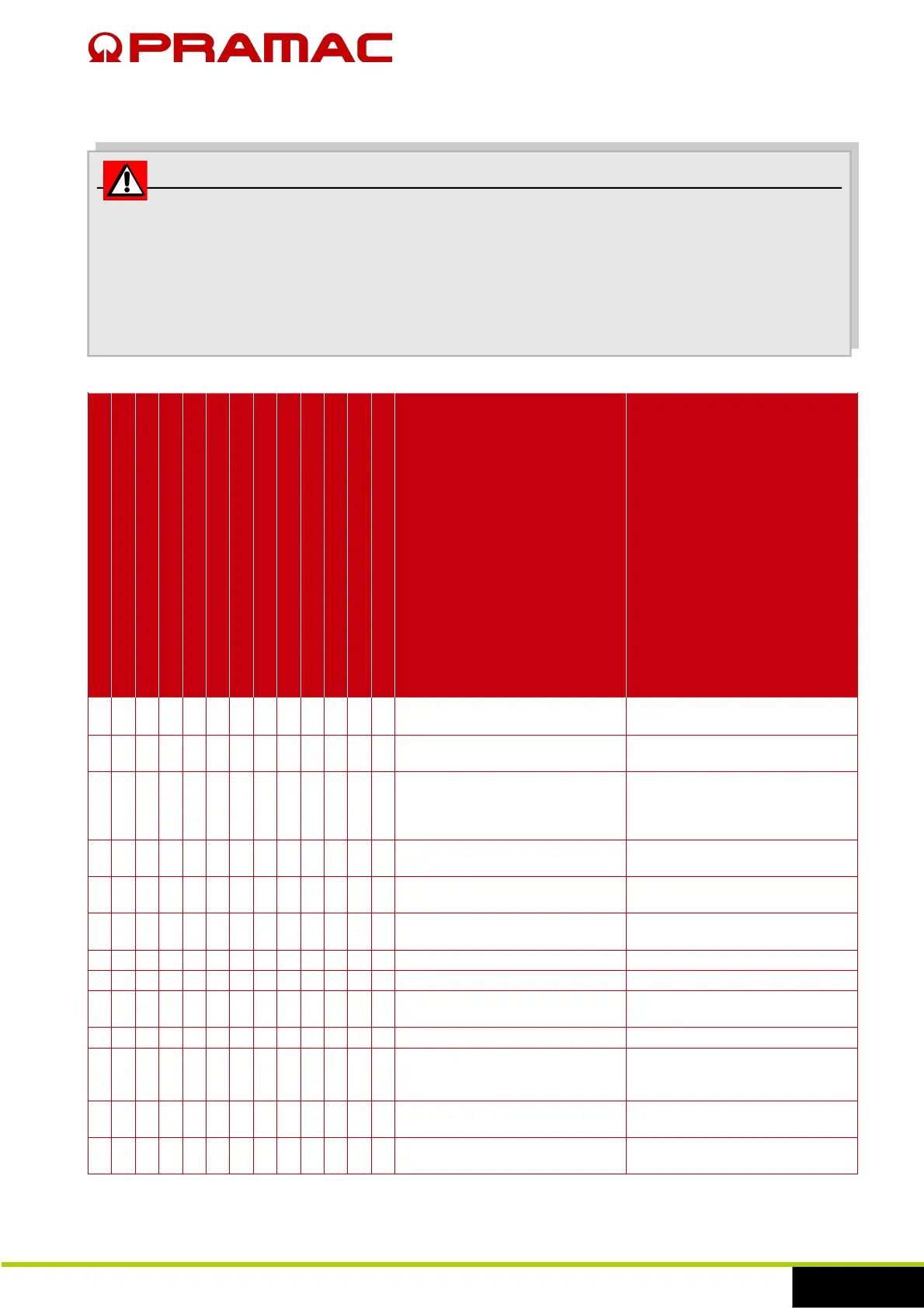
7.1 Problems, causes and solutions
WARNING
Perform the troubleshooting operations according to the safety information
provided in this manual.
Do not try to resolve problems whose possible causes are not described in this
paragraph so as to safeguard the persons exposed and prevent the generator
from being damaged. Contact the qualified personnel of the manufacturer.
It does not start
The engine is running but it does not start
It does not reach the correct operating speed
VOLTAGE AND/OR FREQUENCY low or zero
The auxiliary services do not work
The generator does not produce voltage
Low oil pressure
High water temperatures
Excessive speed
Low fuel level
Discharged battery
Black smoke
Noisy engine
Possible cause Solution
●
The generator is blocked following a
malfunction.
Find the problem and contact the
after-sales centre if necessary.
● ●
Discharged batteries. Check and recharge the batteries.
Replace them, if necessary.
● ●
Corroded or loose battery
connections.
Check the cables and terminals. If
the terminals and bolts are
corroded, replace them. Fix them in
safe conditions.
● ●
Inefficient connections, damaged
batteries or battery charger.
Check the connections to the battery
charger and the batteries.
●
Faulty starter motor. Contact the after-sales assistance
centre to request assistance.
● ●
No fuel. Check the fuel tank and add fuel if
there is no leakage.
● ● Air in fuel line. Empty air from fuel line.
● Blocked fuel filter. Replace the filter.
● ● ●
Malfunction in the fuel system. Contact the after-sales assistance
centre to request assistance.
● ● ● ● ● Blocked air filter. Replace the filter.
● ●
Cold weather conditions. Check the viscosity of the specific
SAE lube oil and the fuel
characteristics.
●
Faulty speed regulator. Contact the after-sales assistance
centre to request assistance.
● ● ● ●
Faulty voltage regulator. Contact the after-sales assistance
centre to request assistance.


 To Next Page