3
OVERLOAD INDICATION
Scale overload. (Max. weight capacity is indicated on the scale).
Please step off to avoid damage.
LOW BATTERY INDICATION
Battery power is low. Please install new battery.
RE-TEST
Display “C” when you step off the scale, means an error has
occurred with the weight reading. Please re-weigh.
TROUBLESHOOTING
ADVICE FOR USE & CARE
1. The glass platform will be slippery when it is wet. Keep dry.
2. Keep standing still during the course of weighing.
3. Treat the scale with care as it is a precise instrument.
4. Clean the scale with a damp cloth and avoid water getting inside the scale. DO NOT use
chemical/abrasive cleaning agents.
5. Keep the scale in cool place with dry air.
6. If scale fails to turn on, check whether battery is installed properly, or battery power is low. Insert or
replace new battery.
7. If there is error on display or the scale will not turn off for a long period of time,
please take out the battery for about 3 seconds, then install it again to correct error. If you cannot resolve the
problem, please contact Precision One Customer Service for consultation.
8. Do not use for commercial purposes.
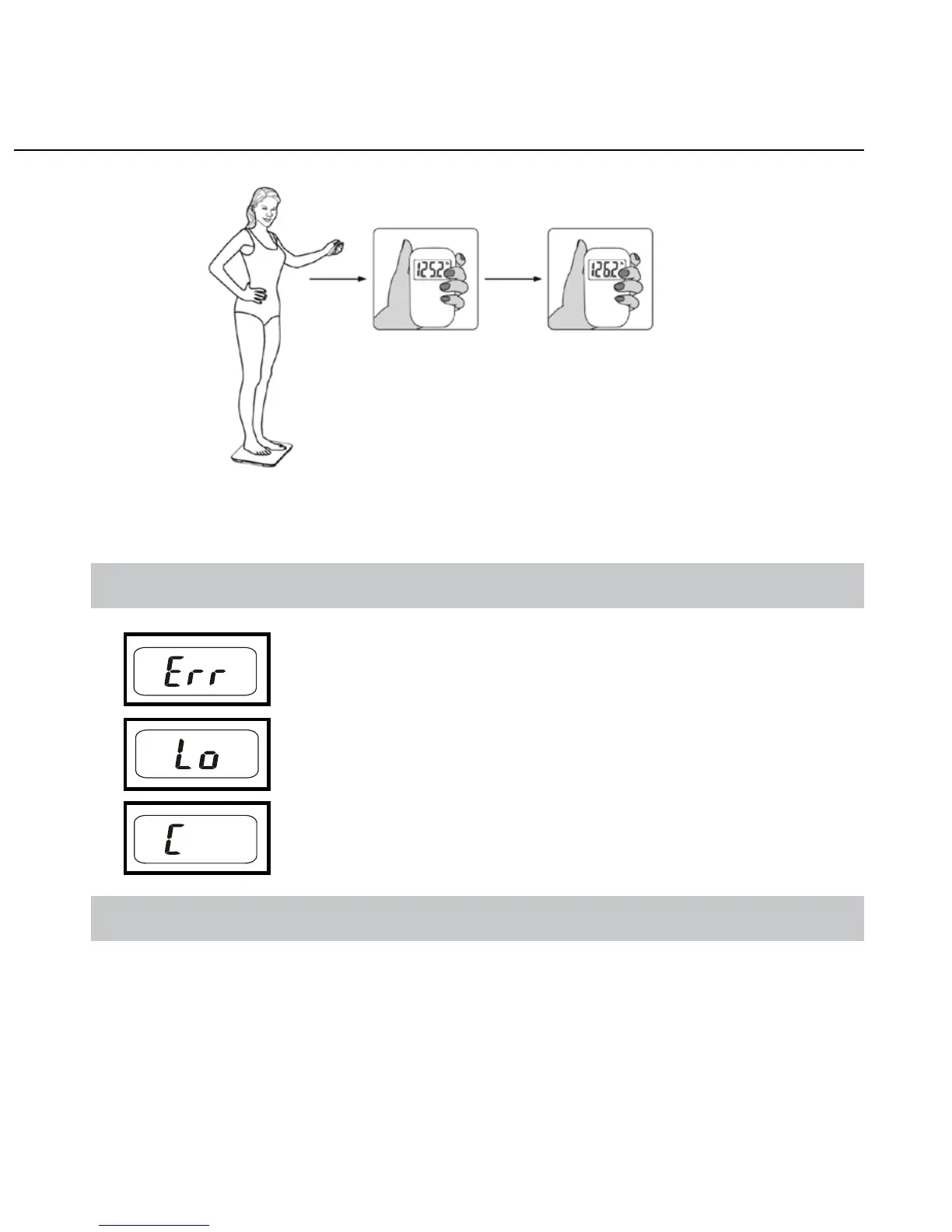
2. Wireless transmission mode (you are holding the remote, as shown below)
AUTOMATIC SWITCH OFF
Auto shut-off occurs if display shows “0.0” for 8 seconds, or shows the same
weight reading for 8 seconds.
Step onto the scale platform directly
(DO NOT cover the infrared receiver.)
Weight reading stabilized
and flashes 3 times.



 To Next Page