955205_01 11/11 26
Miscellaneous
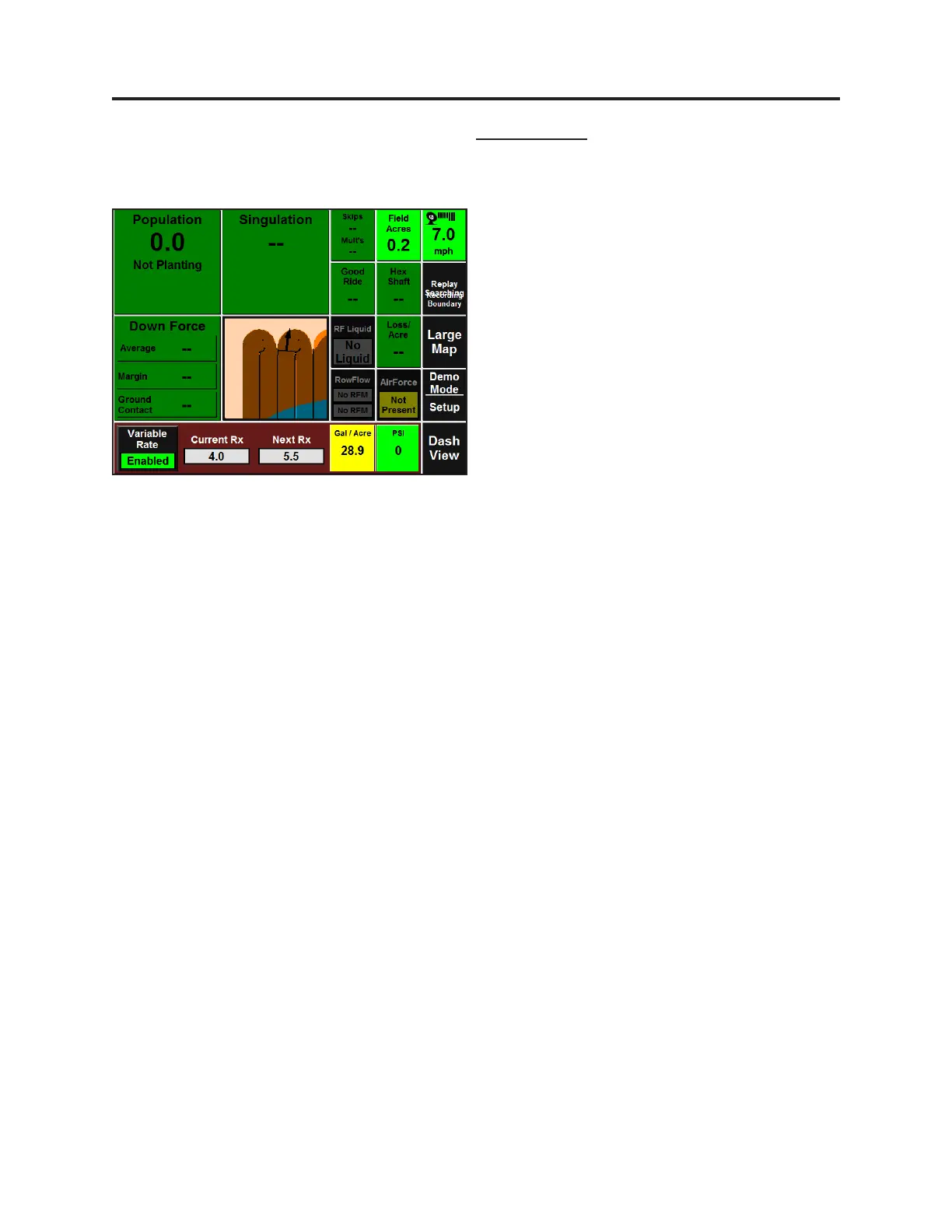
The coverage map on the home screen will be
based on the rate being applied according to
the Flow Sensor. Be aware that there may be a
one to four second lag me when starng and
stopping.
Post applicaon maps will be available showing
Applied Rate, Measured Pressure, and
Commanded Rate, as well as some base data
such as Tractor Speed. When data is exported,
all data (planng and Sidedress) will be
exported.
User adjustable alerts for sound and colors can
be congured by going to Setup-Alerts. From
this screen you can set the Pressure Sensor
Upper Limit, Pressure Sensor Lower Limit, and
Flow Sensor Limit from this screen. This aects
both Dashboard Minichart and the RF Liquid
Control Page.
Setup and Operaon (Sidedress)



 To Previous Page