1
English
Quick Start Guide
This guide outlines the operating procedures and safety precautions.
Please read it carefully to make sure you are using your product
properly and keep it for future reference.
Specifications
• Switchable optical key switch
• N-Key Rollover
• RGB Per-Key backlit keyboard
• Cable Length: 1800mm
• Dimensions (L x W x H):
With Wrist Rest: 450 x 250.5 x 53.5 mm
Without Wrist Rest: 450 x 161.5 x 53.5 mm
• Weight:
With Wrist Rest: 1653g ± 30g
Without Wrist Rest: 1455g ± 30g
Getting started
1. Plug and Play connectivity (no drivers required)
2. You can download the software from
http://go.acer.com/predator-quartermaster
3. Backlight mode, color and Marco can be adjusted after installation
completes. (Drag and select the single or multiple keys to configure
the lighting effect for the keyboard.)
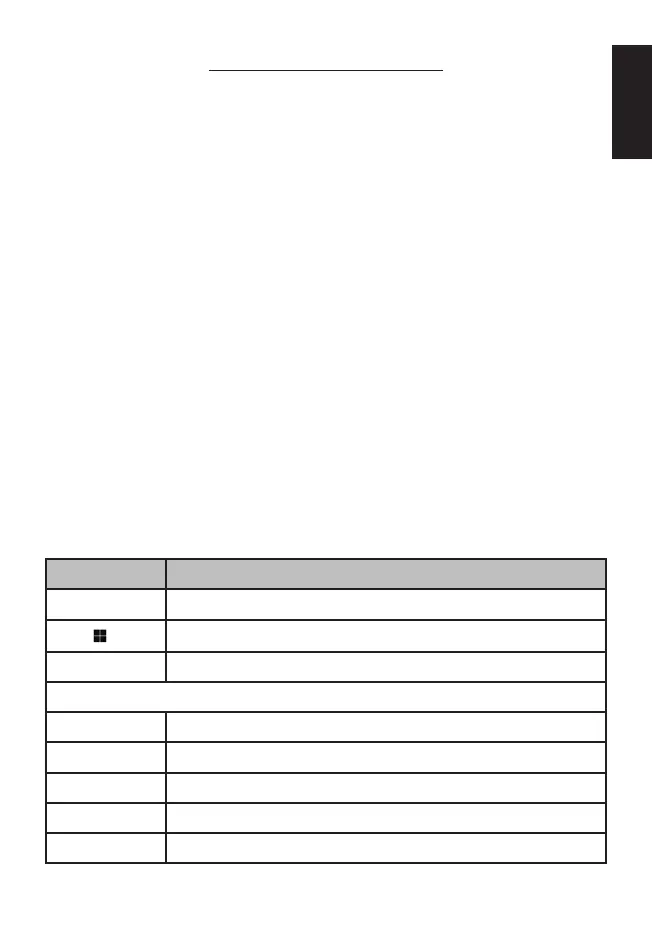
Keyboard function
Hotkey Description
Fn + ▲ ▼ Adjust brightness levels. (4 levels)
Fn +
Turn on/off the Windows key lock
Fn + W Switch the W, A, S, D keys to Up, Left, Down, Right.
Backlight mode:
Fn + PrtSc Lightened
FN + Ins Breathing
FN + Del Reactive
FN + Home Radar
FN + End Wave



 To Next Page