Disassembly Procedures 1-5
Pre-disassembly Instructions 0
Do the following prior to starting any maintenance procedures:
1. Place the system on a stable work surface.
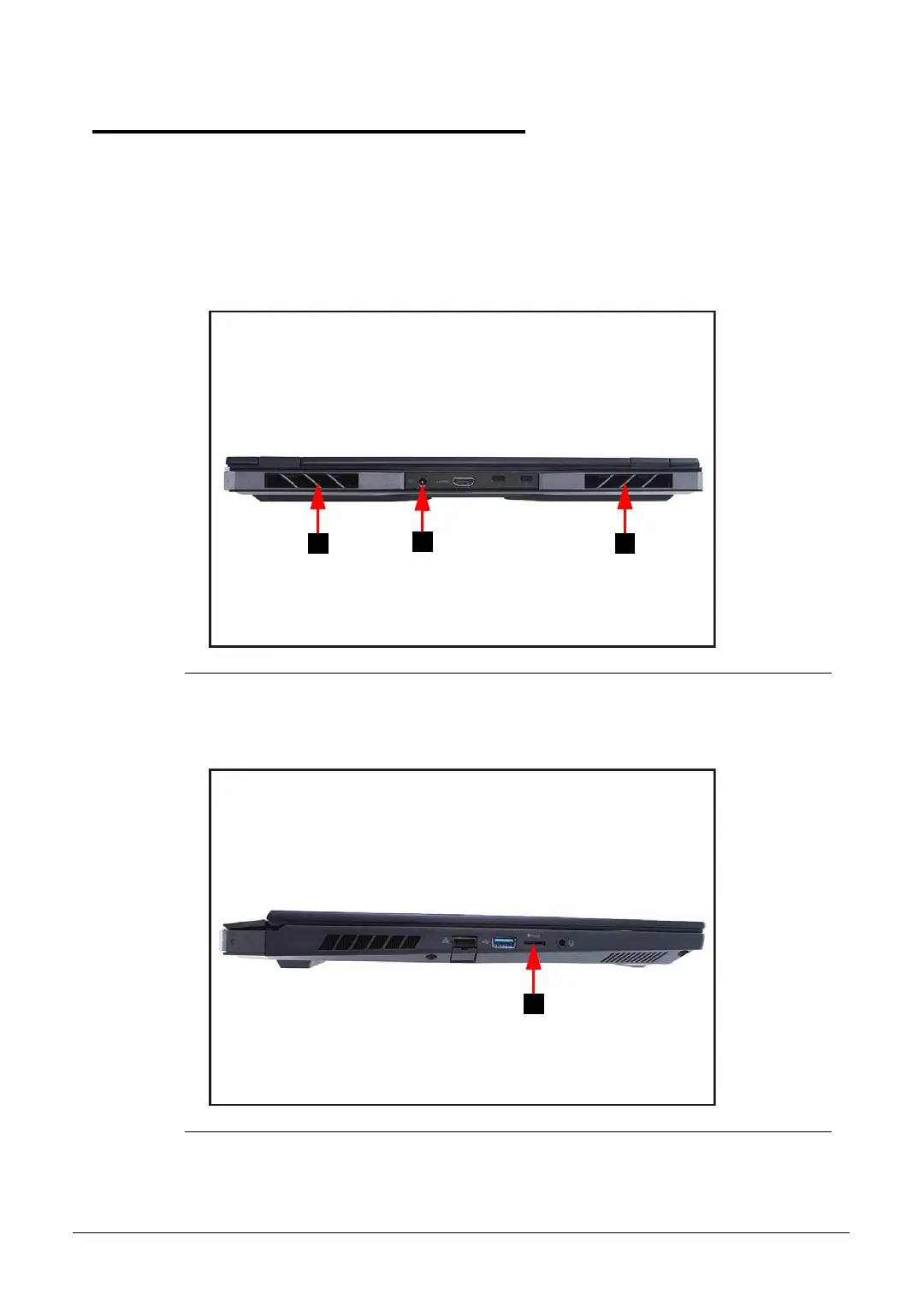
2. Remove the power adapter (A) from the system and peripherals (Figure 1-1).
3. Remove all cables from system.
4. Remove two (2) thermal deco (B) from their respective slots (Figure 1-1).
Figure 1-1. AC Adapter Outlet and Thermal Deco Removal
5. Remove the microSD card from the microSD card slot (C) (Figure 1-2).
Figure 1-2. MicroSD Card Removal



 To Next Page