5
User Manual
All the pictures in this manual are for reference only, subject to our available products.
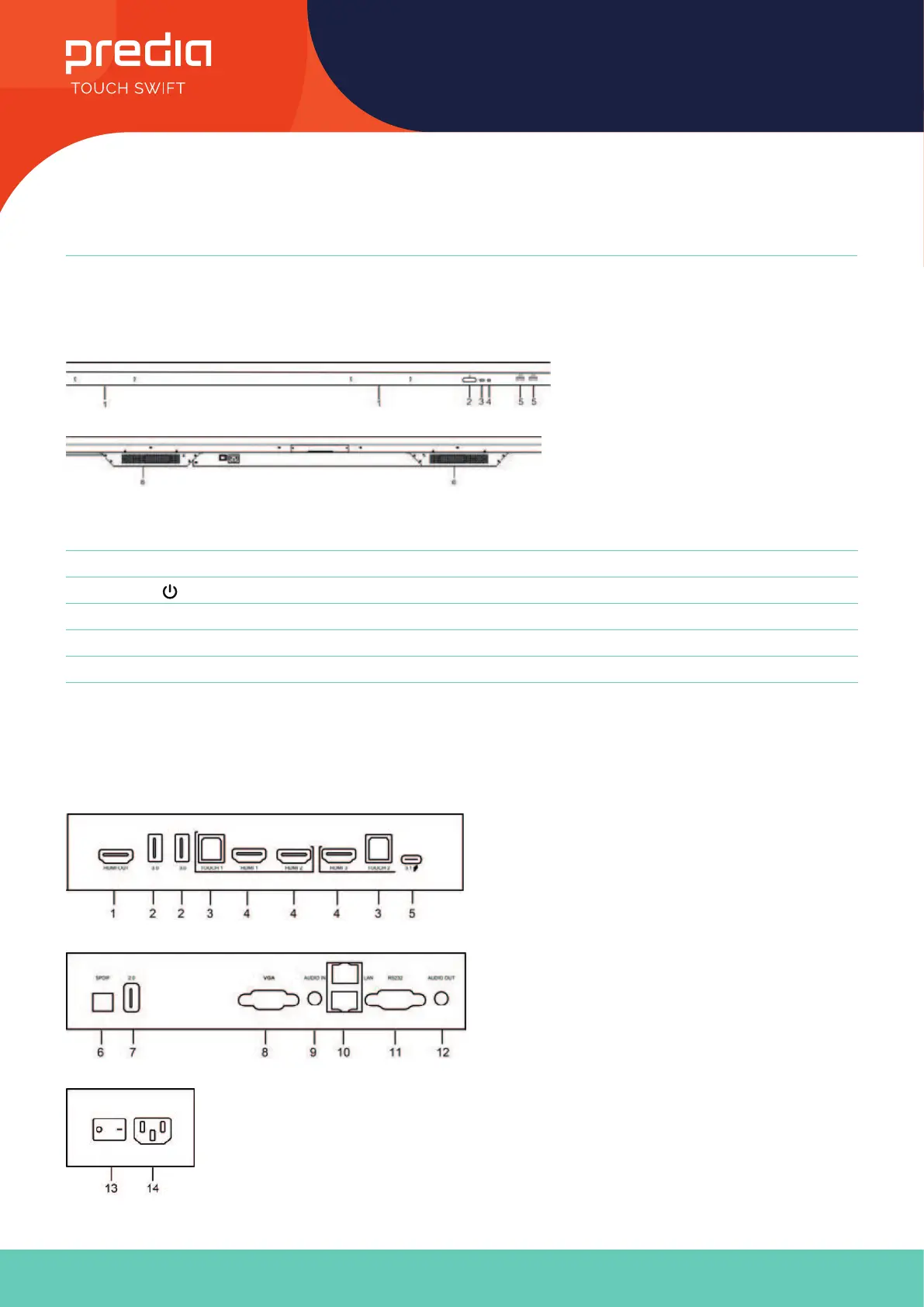
Control Panel
Prepare to Install
Terminal Interface
Nr. Items
1 Magnetic zone: Area for placing the absorptive magnetic pen
2
: Tap to enter energy-saving,press at least 2seconds to enter standby mode
3 Remote control signal receiver
4 Identify the brightness of ambient light
5 USB: connect USB device
6 Bottom loudspeaker



 To Next Page